
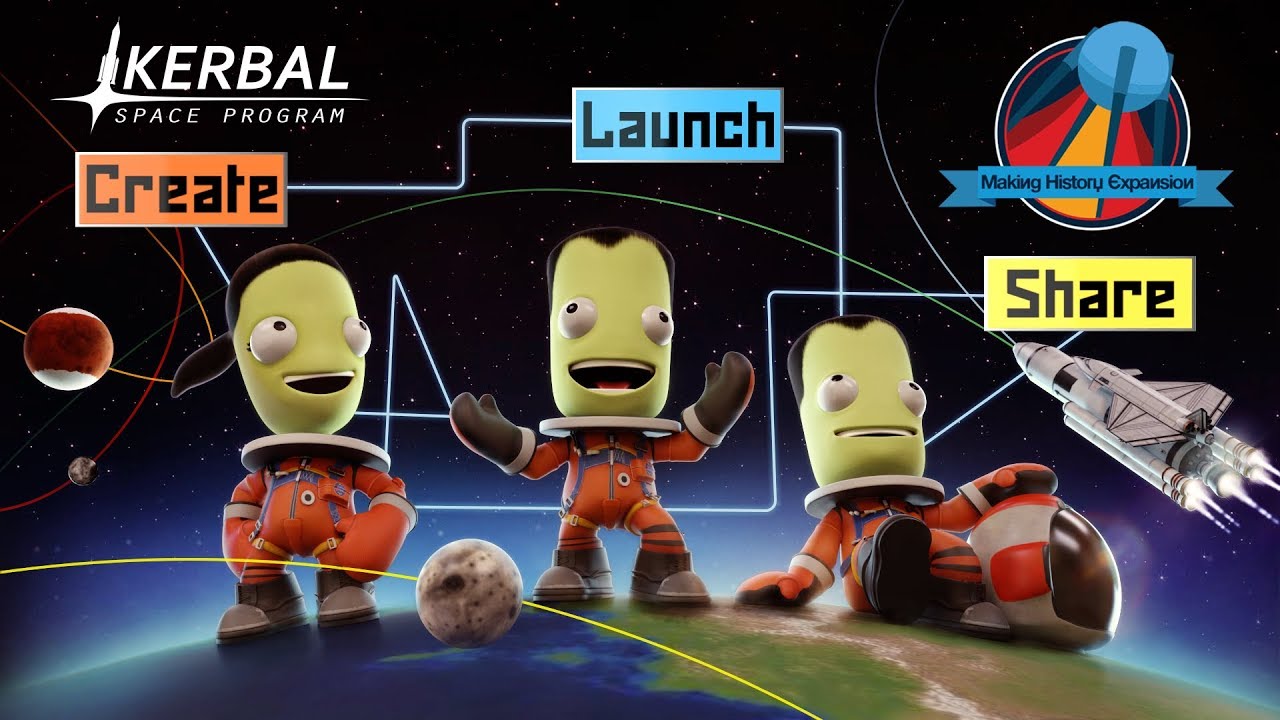
Kerbal Space Program: Making History Expansion PC Steam CD Key
Kerbal Space Program: Making History Expansion PC Steam CD Key is a digital key for Steam, not region-locked. Delivered instantly after payment. Price: $5.02, 66% below the Steam MSRP of $14.99.
⭐ 153,000+ orders delivered since 2018
 Pago Móvil
 Binance Pay
About this game
Expand your Kerbal experience like never before with Kerbal Space Program: Making History Expansion. The first expansion pack for the critically acclaimed space simulation game adds new content to Kerbal Space Program, including an immersive Mission Builder, a History Pack featuring missions inspired by historical events, and a wealth of new parts for players to use across their KSP experience. Create, launch, and share like never before with Kerbal Space Program: Making History Expansion.
Features
Mission Builder: This robust new feature puts the process of creating and editing missions in players’ hands with endless possibilities. Players can customize their own missions to include launches, landings, rescues, malfunctions, explosions, repairs, and much more. Unique victory conditions, exciting challenges, and unexpected obstacles provide an array of complexity in these missions. Challenge others by sharing your created missions with the KSP community.
History Pack: Play a variety of pre-made missions inspired by humankind’s own space exploration. From spacewalking to crash landing and everything in between, players can attempt to recreate moments inspired by historic events, but with a unique Kerbal twist. New Parts: This expansion also includes dozens of new parts along with new astronaut suits, all inspired by the historic Space Race. Players can use these parts and suits throughout Kerbal Space Program.
System Requirements
- Windows: OS: Windows Vista SP1 Processor: Core 2 Duo Memory: 3GB RAM Graphics: DX10 (SM 4.0) capable, 512MB VRAM Hard Drive: 4 GB HD spac
- Mac: OS: macOS Mavericks (10.9) Processor:Intel Memory:3 GB RAM Graphics:SM 4.0 512MB VRAM Hard Drive:4 GB HD space
- Linux: OS: Ubuntu 14.04 LTS Processor: Core 2 Duo Memory: 3 GB RAM Hard Disk Space: 4 GB HD space Video Card: SM 4.0 512MB VRAM
How to activate
- Launch the Steam desktop client and log in to your account, or visit store.steampowered.com/account/registerkey in your browser.
- Click the "Games" menu at the top of the client (or click "+ Add a Game" at the bottom-left) and select "Activate a Product on Steam...".
- Follow the on-screen prompts, accept the Steam Subscriber Agreement, and enter your CD-Key in the "Product Code" field.
- Click "Next" and "Finish" to register the game. It will now appear permanently in your Steam Library ready to install.
Customer Reviews
Frequently asked questions
Which region is this for?
This is the Global version: it is not region-locked.
How do I activate Kerbal Space Program: Making History Expansion PC Steam CD Key on Steam?
1. Launch the Steam desktop client and log in to your account, or visit store.steampowered.com/account/registerkey in your browser. 2. Click the "Games" menu at the top of the client (or click "+ Add a Game" at the bottom-left) and select "Activate a Product on Steam...". 3. Follow the on-screen prompts, accept the Steam Subscriber Agreement, and enter your CD-Key in the "Product Code" field. 4. Click "Next" and "Finish" to register the game. It will now appear permanently in your Steam Library ready to install.
How fast is delivery?
Your key appears in your account and is emailed to you right after payment.