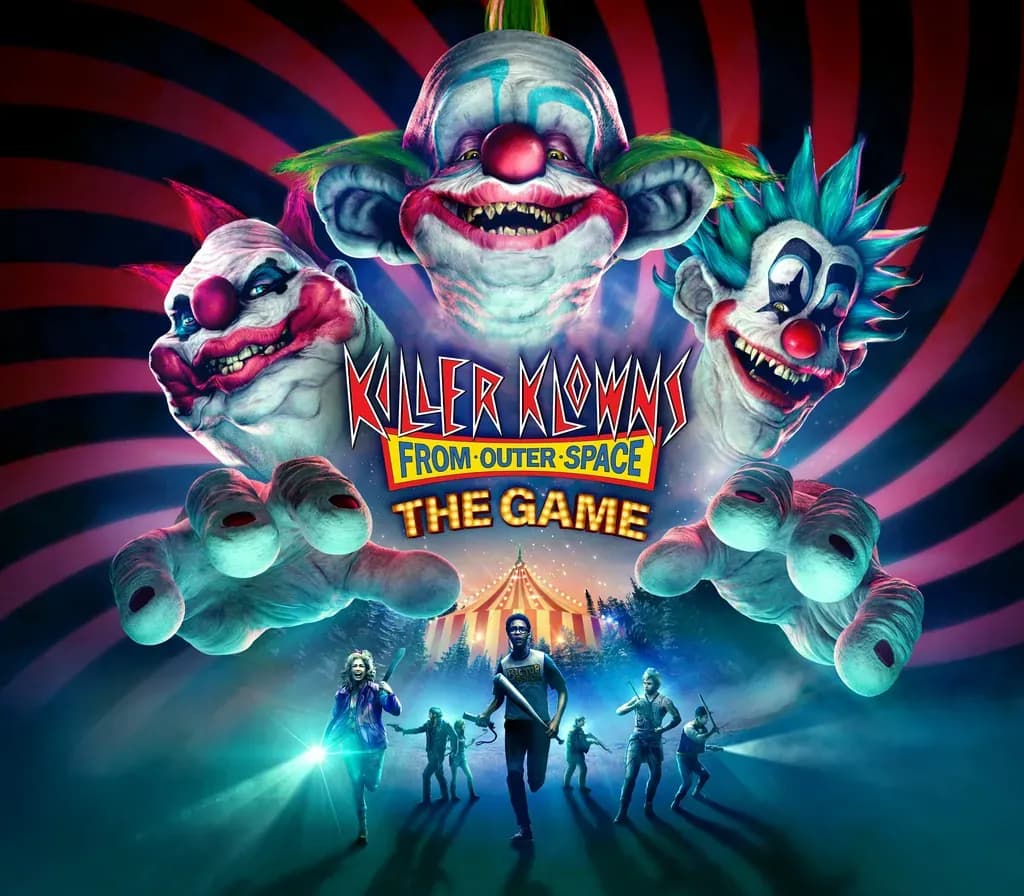
Killer Klowns from Outer Space: The Game PC Steam CD Key
Killer Klowns from Outer Space: The Game PC Steam CD Key is a digital key for Steam, not region-locked. Delivered instantly after payment.
⭐ 153,000+ orders delivered since 2018
 Pago Móvil
 Binance Pay
About this game
Dive into the heart-stopping action of Killer Klowns from Outer Space: The Game, a thrilling asymmetric multiplayer game based on the iconic horror film. Choose your side in this deadly game of cat and mouse – become one of the nightmarish Killer Klowns or a brave human fighting for survival against the alien horror.
Features
Choose Your Nightmare: Take on the role of one of the eerie Killer Klowns with their own terrifying abilities, or be a plucky human using stealth and guile to avoid their clutches and fight back against the invasion. Thrilling Asymmetric Gameplay: Dive into high-stakes 3v7 matches that blend horror and mayhem. Whether you're hunting as a Klown or outsmarting the alien foes as a human, expect heart-racing moments in every game.
Iconic Settings Brought to Life: Explore chilling environments inspired by the movie. Tools of Terror vs. Human Resourcefulness: Armed with bizarre alien gadgets, the Klowns are a frightening force; meanwhile, the team of humans must cleverly use what they find to evade and resist them.
How to activate
- Launch the Steam desktop client and log in to your account, or visit store.steampowered.com/account/registerkey in your browser.
- Click the "Games" menu at the top of the client (or click "+ Add a Game" at the bottom-left) and select "Activate a Product on Steam...".
- Follow the on-screen prompts, accept the Steam Subscriber Agreement, and enter your CD-Key in the "Product Code" field.
- Click "Next" and "Finish" to register the game. It will now appear permanently in your Steam Library ready to install.
Customer Reviews
Frequently asked questions
Which region is this for?
This is the Global version: it is not region-locked.
How do I activate Killer Klowns from Outer Space: The Game PC Steam CD Key on Steam?
1. Launch the Steam desktop client and log in to your account, or visit store.steampowered.com/account/registerkey in your browser. 2. Click the "Games" menu at the top of the client (or click "+ Add a Game" at the bottom-left) and select "Activate a Product on Steam...". 3. Follow the on-screen prompts, accept the Steam Subscriber Agreement, and enter your CD-Key in the "Product Code" field. 4. Click "Next" and "Finish" to register the game. It will now appear permanently in your Steam Library ready to install.
How fast is delivery?
Your key appears in your account and is emailed to you right after payment.