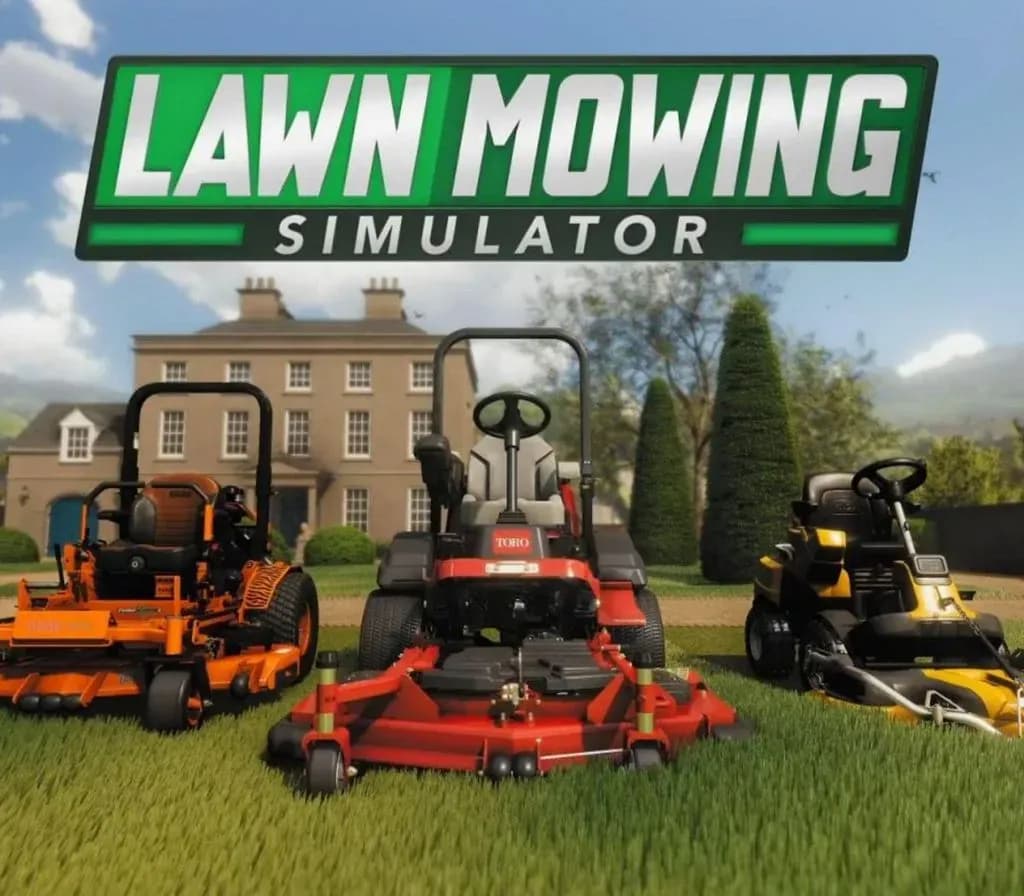
Lawn Mowing Simulator PC Steam CD Key
Lawn Mowing Simulator PC Steam CD Key is a digital key for Steam, not region-locked. Your key arrives as soon as payment clears. Price: $3.17, 84% below the Steam MSRP of $19.99.
Choose your version
How to buy it
- Steam
- Global
- Product code
154,000+ sales in our store and on marketplaces
 Pago Móvil
 Binance Pay
About this game
Experience the beauty and detail of mowing the Great British countryside in Lawn Mowing Simulator, the only simulator that allows you to ride an authentic and expansive roster of real-world licensed lawn mowers from prestigious manufacturers; Toro, SCAG and STIGA as you manage your mowing business.
- PHYSICALLY AUTHENTIC LAWN MOWING EXPERIENCE Execute ground checks, set your blade height, and measure your engine load as you complete a variety of contracts across Career Mode, Free Mode or Challenge Mode. Take your mowing further with several attachments from stripe rollers, mulching kits, grass collectors, recyclers, flail decks and more.
- BEAUTIFUL RURAL BRITISH COUNTRYSIDE Lawn Mowing Simulator is set in a beautiful British countryside town. Busy residential streets, vast castle grounds, quaint cottage greens, and large equestrian fields are just some of the locations that await your mowing blades.
- REAL WORLD LICENSED MOWER MANUFACTURERS Toro, SCAG and STIGA front line Lawn Mowing Simulator with their real-world machines painstakingly re-created visually and physically. 12 Mowers are available in the base game, each with their own challenges, attachments and upgrades to pursue.
- ACCURATE AND ATTENTIVE BUSINESS MANAGEMENT Build your own lawncare business from the ground up. Purchase and upgrade your headquarters, hire employees, purchase advertising and balance the books as you grow and expand your business.
System Requirements
Minimum
- OS: Windows 10 x64
- Processor: AMD FX-8350 (4 * 4000) or equivalent // Intel Core i3-8350K (4 * 4000) or equivalent
- Memory: 8 GB RAM
- Graphics: Radeon R9 390X (8192 VRAM) or equivalent // GeForce GTX 960 (4096 VRAM) or equivalent
- DirectX: Version 11
- Storage: 20 GB available space
- Additional Notes: 30 FPS+ @ Low 1080p
Recommended
- OS: Windows 10 x64
- Processor: AMD Ryzen 7 2700X (8 * 3200) or equivalent // Intel Core i7-6950X (10 * 3000) or equivalent
- Memory: 8 GB RAM
- Graphics: Radeon RX Vega 64 (8192 VRAM) or equivalent // GeForce GTX 1080 (8192 VRAM) or equivalent
- DirectX: Version 12
- Storage: 20 GB available space
- Additional Notes: 60 FPS+ @ High 1080p
How to activate
- Launch the Steam desktop client and log in to your account, or visit store.steampowered.com/account/registerkey in your browser.
- Click the "Games" menu at the top of the client (or click "+ Add a Game" at the bottom-left) and select "Activate a Product on Steam...".
- Follow the on-screen prompts, accept the Steam Subscriber Agreement, and enter your CD-Key in the "Product Code" field.
- Click "Next" and "Finish" to register the game. It will now appear permanently in your Steam Library ready to install.
About this game
Experience the beauty and detail of mowing the Great British countryside in Lawn Mowing Simulator, the only simulator that allows you to ride an authentic and expansive roster of real-world licensed lawn mowers from prestigious manufacturers; Toro, SCAG and STIGA as you manage your mowing business.
- PHYSICALLY AUTHENTIC LAWN MOWING EXPERIENCE Execute ground checks, set your blade height, and measure your engine load as you complete a variety of contracts across Career Mode, Free Mode or Challenge Mode. Take your mowing further with several attachments from stripe rollers, mulching kits, grass collectors, recyclers, flail decks and more.
- BEAUTIFUL RURAL BRITISH COUNTRYSIDE Lawn Mowing Simulator is set in a beautiful British countryside town. Busy residential streets, vast castle grounds, quaint cottage greens, and large equestrian fields are just some of the locations that await your mowing blades.
- REAL WORLD LICENSED MOWER MANUFACTURERS Toro, SCAG and STIGA front line Lawn Mowing Simulator with their real-world machines painstakingly re-created visually and physically. 12 Mowers are available in the base game, each with their own challenges, attachments and upgrades to pursue.
- ACCURATE AND ATTENTIVE BUSINESS MANAGEMENT Build your own lawncare business from the ground up. Purchase and upgrade your headquarters, hire employees, purchase advertising and balance the books as you grow and expand your business.
System Requirements
Minimum
- OS: Windows 10 x64
- Processor: AMD FX-8350 (4 * 4000) or equivalent // Intel Core i3-8350K (4 * 4000) or equivalent
- Memory: 8 GB RAM
- Graphics: Radeon R9 390X (8192 VRAM) or equivalent // GeForce GTX 960 (4096 VRAM) or equivalent
- DirectX: Version 11
- Storage: 20 GB available space
- Additional Notes: 30 FPS+ @ Low 1080p
Recommended
- OS: Windows 10 x64
- Processor: AMD Ryzen 7 2700X (8 * 3200) or equivalent // Intel Core i7-6950X (10 * 3000) or equivalent
- Memory: 8 GB RAM
- Graphics: Radeon RX Vega 64 (8192 VRAM) or equivalent // GeForce GTX 1080 (8192 VRAM) or equivalent
- DirectX: Version 12
- Storage: 20 GB available space
- Additional Notes: 60 FPS+ @ High 1080p
Customer Reviews
Nobody has reviewed this game yet. If you buy it, tell us how it went.
Frequently asked questions
Which region is this for?
This is the Global version: it is not region-locked.
How do I activate Lawn Mowing Simulator PC Steam CD Key on Steam?
1. Launch the Steam desktop client and log in to your account, or visit store.steampowered.com/account/registerkey in your browser. 2. Click the "Games" menu at the top of the client (or click "+ Add a Game" at the bottom-left) and select "Activate a Product on Steam...". 3. Follow the on-screen prompts, accept the Steam Subscriber Agreement, and enter your CD-Key in the "Product Code" field. 4. Click "Next" and "Finish" to register the game. It will now appear permanently in your Steam Library ready to install.
How fast is delivery?
Your key appears in your account and is emailed to you right after payment.