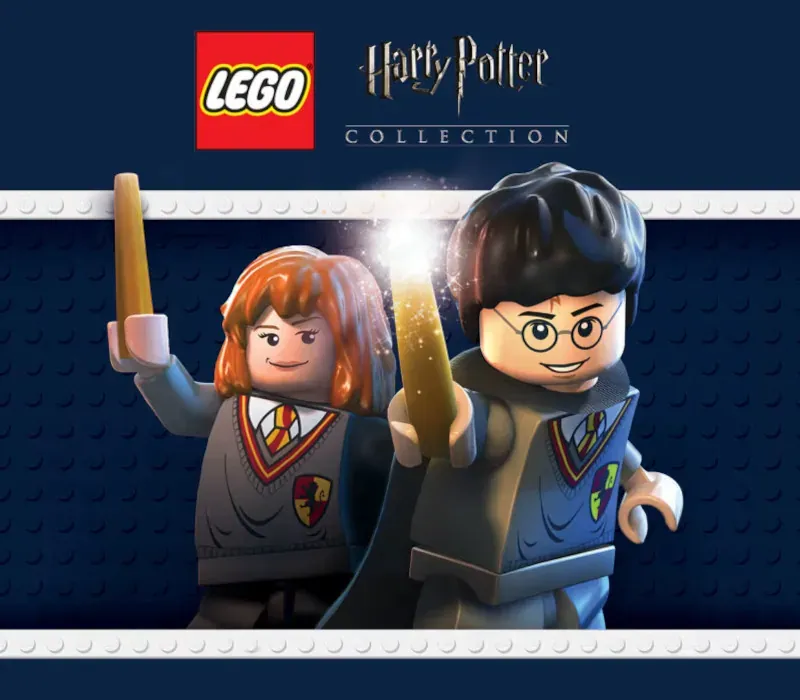
LEGO Harry Potter Collection PC Steam CD Key
LEGO Harry Potter Collection PC Steam CD Key is a digital key for Steam, not region-locked. Delivered instantly after payment. Price: $6.28, 84% below the Steam MSRP of $39.99.
⭐ 153,000+ orders delivered since 2018
 Pago Móvil
 Binance Pay
About this game
Includes
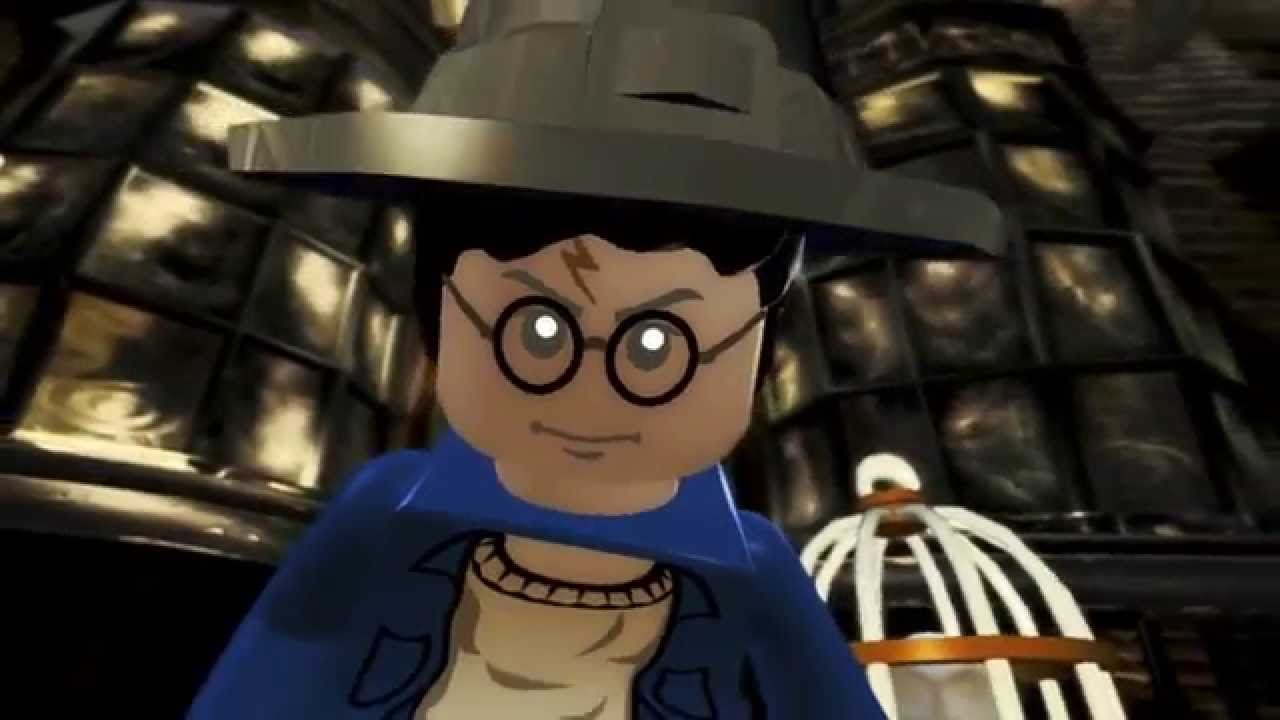
LEGO Harry Potter: Years 1-4 LEGO Harry Potter: Years 5-7 LEGO Harry Potter: Years 1-4 Build the adventure from Privet Drive to the Triwizard Tournament and experience the magic of the first four Harry Potter stories – LEGO style! Explore Hogwarts School of Witchcraft and Wizardry, learn spells, brew potions and relive the adventures like never before with tongue-in-cheek humor and creative customization that is unique to LEGO videogames!
LEGO Harry Potter: Years 5-7 Based on the last three Harry Potter books and final four films, LEGO Harry Potter: Years 5-7 takes players through Harry Potter's heroic adventures in the Muggle and wizarding worlds. From Privet Drive in Little Whinging to Diagon Alley, Hogsmeade and Hogwarts, players will encounter new faces, new challenges and new magic, preparing them for the ultimate face-off against Lord Voldemort
System Requirements
- Windows: Minimum Requirements: OS *: Windows XP SP3 Vista or Windows 7 Processor: Dual Core CPU @ 2GHz (Pentium D or better) Memory: 1GB RAM Hard Disk Space: 8.5 GB free HDD space Video Card: Shader Model 3 graphics card (NVIDIA GeForce 6800, 7800, 8xxx or better; ATI X1950 or better)
How to activate
- Launch the Steam desktop client and log in to your account, or visit store.steampowered.com/account/registerkey in your browser.
- Click the "Games" menu at the top of the client (or click "+ Add a Game" at the bottom-left) and select "Activate a Product on Steam...".
- Follow the on-screen prompts, accept the Steam Subscriber Agreement, and enter your CD-Key in the "Product Code" field.
- Click "Next" and "Finish" to register the game. It will now appear permanently in your Steam Library ready to install.
Customer Reviews
Frequently asked questions
Which region is this for?
This is the Global version: it is not region-locked.
How do I activate LEGO Harry Potter Collection PC Steam CD Key on Steam?
1. Launch the Steam desktop client and log in to your account, or visit store.steampowered.com/account/registerkey in your browser. 2. Click the "Games" menu at the top of the client (or click "+ Add a Game" at the bottom-left) and select "Activate a Product on Steam...". 3. Follow the on-screen prompts, accept the Steam Subscriber Agreement, and enter your CD-Key in the "Product Code" field. 4. Click "Next" and "Finish" to register the game. It will now appear permanently in your Steam Library ready to install.
How fast is delivery?
Your key appears in your account and is emailed to you right after payment.