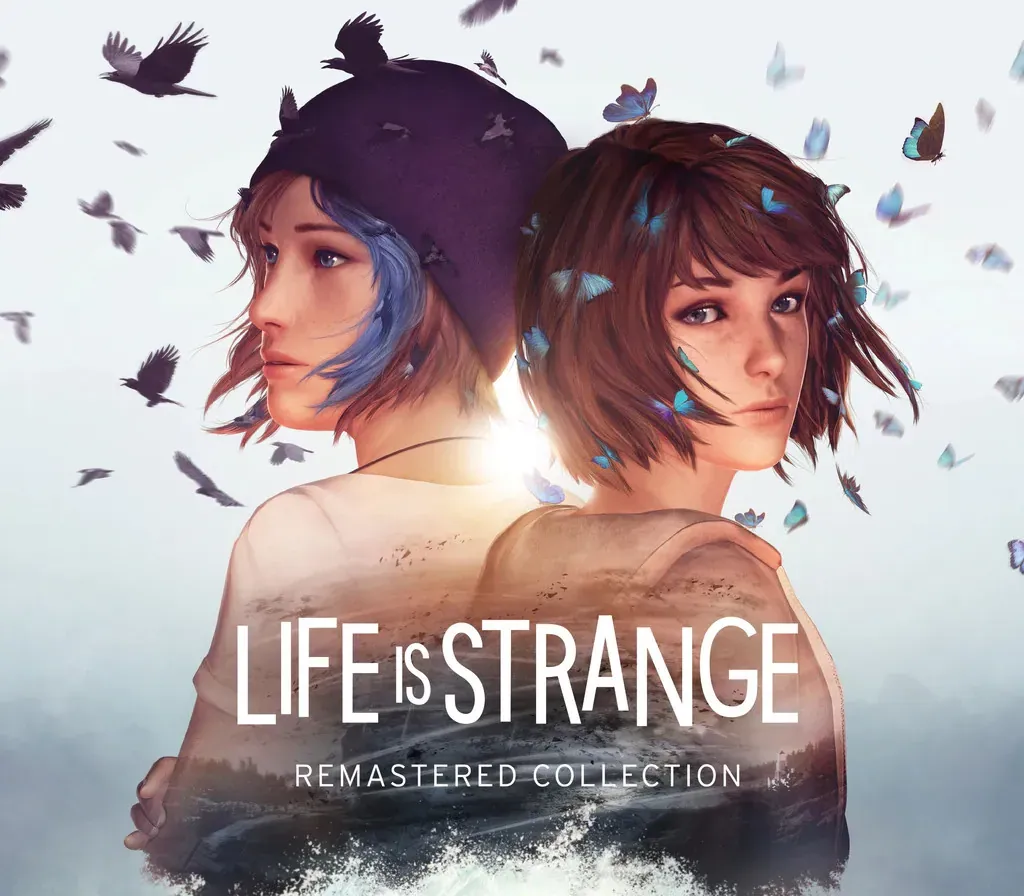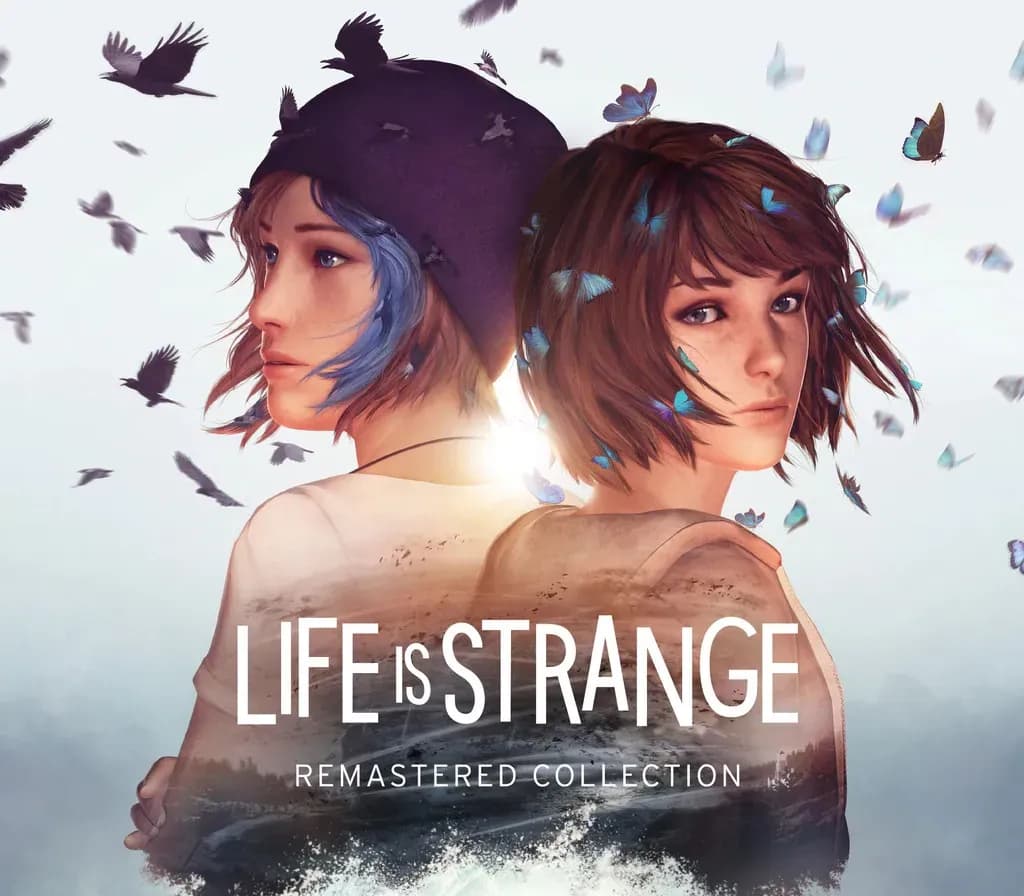

Life is Strange Remastered Collection PC Steam CD Key
Life is Strange Remastered Collection PC Steam CD Key is a digital key for Steam, not region-locked. Delivered instantly after payment. Price: $10.98, 72% below the Steam MSRP of $39.99.
⭐ 153,000+ orders delivered since 2018
 Pago Móvil
 Binance Pay
About this game
Includes
Life is Strange Remastered Life is Strange: Before the Storm Remastered Return to Arcadia Bay and experience two award-winning Life is Strange games like never before! Remastered visuals and animation breathe new life into the great cast of characters and gripping stories.
The Life is Strange Remastered Collection includes ‘Life is Strange Remastered’ and ‘Life is Strange: Before the Storm Remastered’.
Features
Remastered visuals across characters and environments Vastly improved character animation using full facial mocap performance (Life is Strange Remastered only) Updated and refined gameplay puzzles Engine and lighting upgrades Includes previously released Deluxe Content: Chloe Outfits & ‘Farewell’ Bonus Episode Choice and consequence driven stories with multiple endings Harness the power of Max’s rewind ability or Chloe’s quick-witted attitude to change the course of events Distinct licensed soundtrack & original scores
System Requirements
- Windows: Minimum: Requires a 64-bit processor and operating system OS: tbc
How to activate
- Launch the Steam desktop client and log in to your account, or visit store.steampowered.com/account/registerkey in your browser.
- Click the "Games" menu at the top of the client (or click "+ Add a Game" at the bottom-left) and select "Activate a Product on Steam...".
- Follow the on-screen prompts, accept the Steam Subscriber Agreement, and enter your CD-Key in the "Product Code" field.
- Click "Next" and "Finish" to register the game. It will now appear permanently in your Steam Library ready to install.
Customer Reviews
Frequently asked questions
Which region is this for?
This is the Global version: it is not region-locked.
How do I activate Life is Strange Remastered Collection PC Steam CD Key on Steam?
1. Launch the Steam desktop client and log in to your account, or visit store.steampowered.com/account/registerkey in your browser. 2. Click the "Games" menu at the top of the client (or click "+ Add a Game" at the bottom-left) and select "Activate a Product on Steam...". 3. Follow the on-screen prompts, accept the Steam Subscriber Agreement, and enter your CD-Key in the "Product Code" field. 4. Click "Next" and "Finish" to register the game. It will now appear permanently in your Steam Library ready to install.
How fast is delivery?
Your key appears in your account and is emailed to you right after payment.