
Little Nightmares II Deluxe Edition PC Steam CD Key
Little Nightmares II Deluxe Edition PC Steam CD Key is a digital key for Steam, not region-locked. Delivered instantly after payment. Price: $8.45, 71% below the Steam MSRP of $29.99.
⭐ 153,000+ orders delivered since 2018
 Pago Móvil
 Binance Pay
About this game
Includes
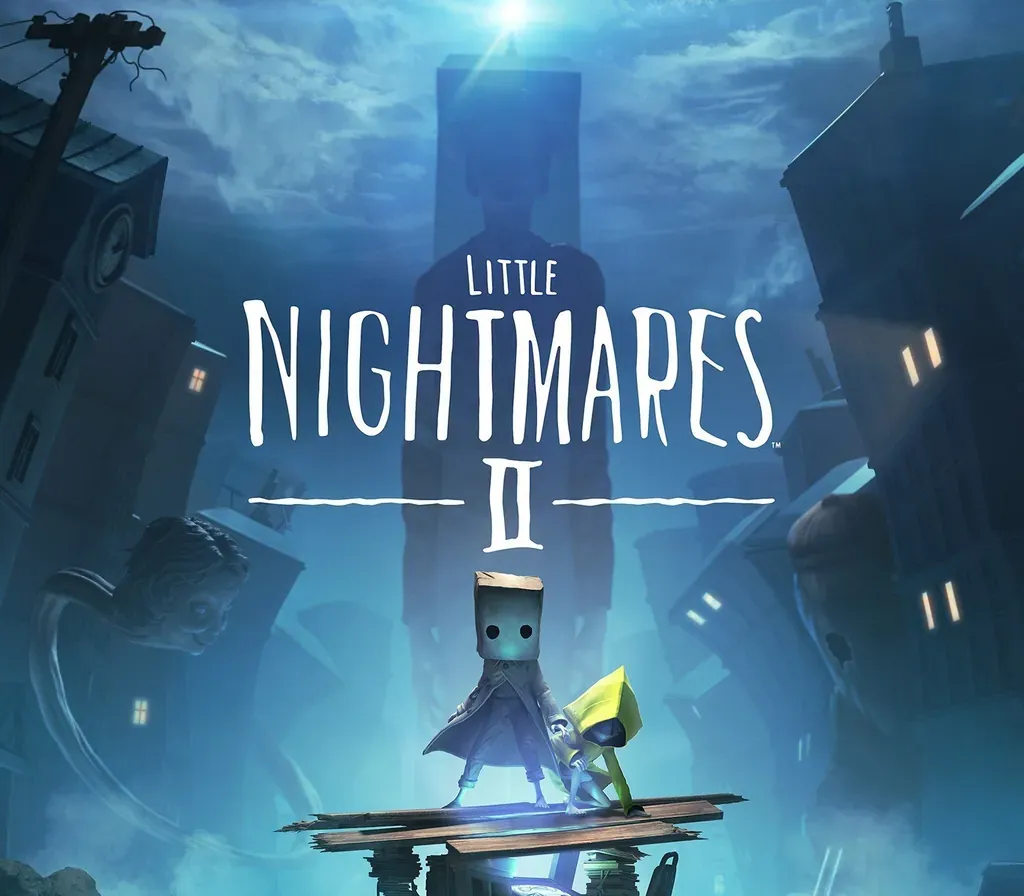
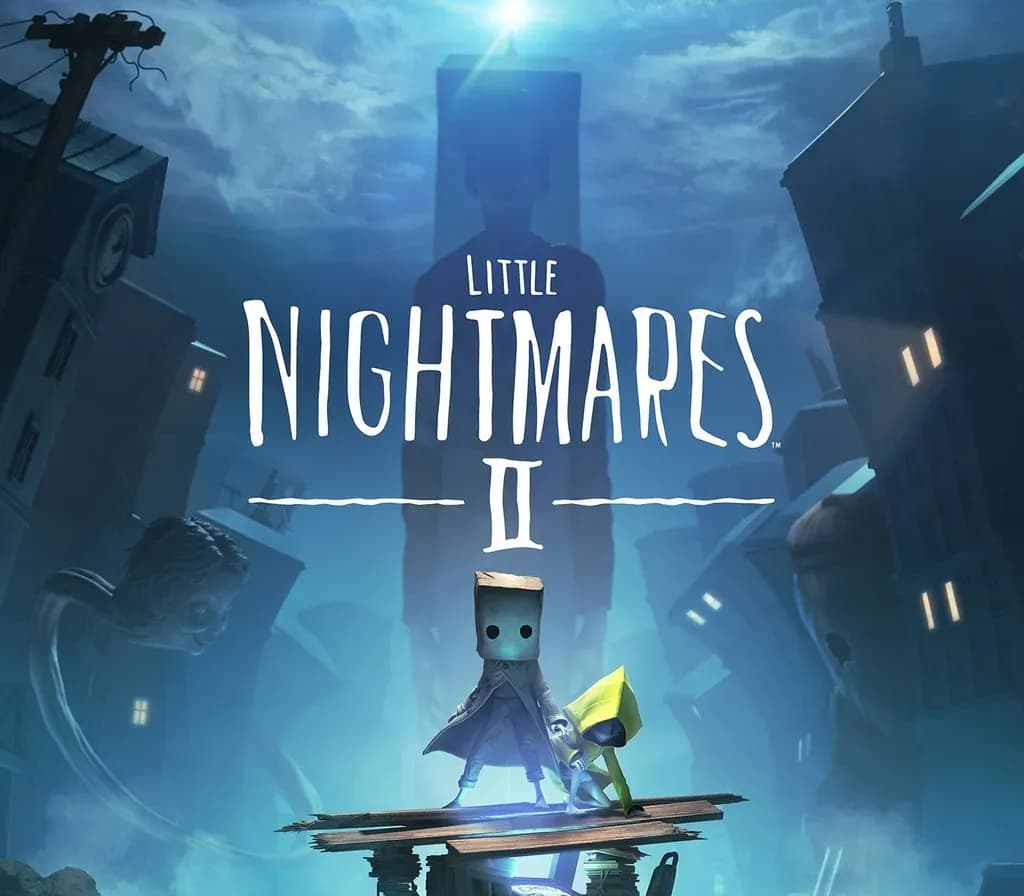
Little Nightmares II The Nomes’ Attic DLC Full Digital Soundtrack "The Art of Little Nightmares II” Digital Artbook A Wallpaper Set Return to a world of charming horror in Little Nightmares II, a suspense adventure game in which you play as Mono, a young boy trapped in a world that has been distorted by the humming transmission of a distant tower.
With Six, the girl in the yellow raincoat, as his guide, Mono sets out to discover the dark secrets of The Signal Tower. Their journey won't be easy; Mono and Six will face a host of new threats from the terrible residents of this world.
Will you dare to face this collection of new, little nightmares?
System Requirements
- Windows: Requires a 64-bit processor and operating system OS: Windows 10 Processor: Intel Core i5-2300 | AMD FX-4350 Memory: 4 GB RAM Graphics: Nvidia GeForce GTX 570, 1 GB | AMD Radeon HD 7850, 2 GB DirectX: Version 11
How to activate
- Launch the Steam desktop client and log in to your account, or visit store.steampowered.com/account/registerkey in your browser.
- Click the "Games" menu at the top of the client (or click "+ Add a Game" at the bottom-left) and select "Activate a Product on Steam...".
- Follow the on-screen prompts, accept the Steam Subscriber Agreement, and enter your CD-Key in the "Product Code" field.
- Click "Next" and "Finish" to register the game. It will now appear permanently in your Steam Library ready to install.
Customer Reviews
Frequently asked questions
Which region is this for?
This is the Global version: it is not region-locked.
How do I activate Little Nightmares II Deluxe Edition PC Steam CD Key on Steam?
1. Launch the Steam desktop client and log in to your account, or visit store.steampowered.com/account/registerkey in your browser. 2. Click the "Games" menu at the top of the client (or click "+ Add a Game" at the bottom-left) and select "Activate a Product on Steam...". 3. Follow the on-screen prompts, accept the Steam Subscriber Agreement, and enter your CD-Key in the "Product Code" field. 4. Click "Next" and "Finish" to register the game. It will now appear permanently in your Steam Library ready to install.
How fast is delivery?
Your key appears in your account and is emailed to you right after payment.