 1 of 8
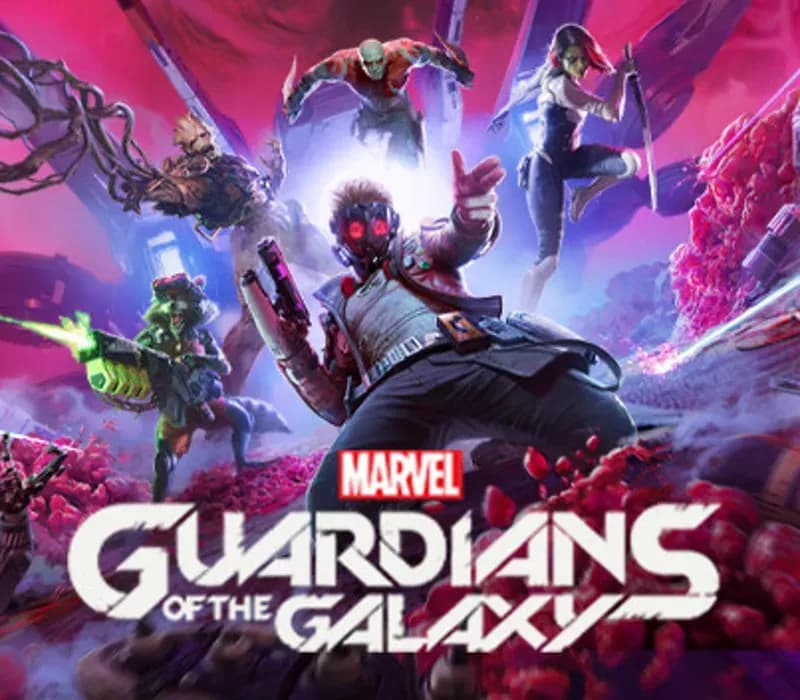
Marvel's Guardians of the Galaxy PS4/PS5 Account
Release: Oct 26, 2021 · Developer: Eidos-Montréal · Publisher: Eidos Interactive Corp.
Marvel's Guardians of the Galaxy — PSN account for PS4/PS5, Global. Not a code — read the account-ban notice before buying.
- Pay securelyInstant
- Key revealed in your account~60s
- Redeem on PlayStationDirect activation
 Pago Móvil
 Binance Pay
 Crypto
 Wallet
154,000+ sales in our store and on marketplaces · Latest order delivered: 24 minutes ago
How to activate
- 1Turn on your PlayStation console, select "Add User", and choose "Get Started" (do not select "Play as a One-Time Guest").
- 2Sign in to PlayStation Network with the delivered account email and password, entering the 2FA code provided if prompted.
- 3Enable console sharing: on PS5 go to Settings -> Users and Accounts -> Other -> "Console Sharing and Offline Play" -> Enable (on PS4: Settings -> Account Management -> "Activate as Your Primary PS4").
- 4Open Game Library -> "Your Collection", start downloading the purchased game, and switch back to your main personal profile to play and earn trophies.
About this game
Marvel's Guardians of the Galaxy PS4/PS5 Account is a game account for PlayStation, not region-locked.
Important — please read before buying: This is a PlayStation account created and supplied by a third-party seller, not a code for your own account. Sony's Terms of Service do not allow buying or selling PSN accounts, so a ban of the account (or restrictions on the console) is a likely possibility, though not a certainty, and we cannot guarantee the account will not be restricted. Do not change the account's country/region or add a payment method; play on your own profile via Console Sharing and Offline Play.
Fire up Star-Lord’s jet boots for a wild ride across the cosmos in this third-person action-adventure game, a fresh take on Marvel’s Guardians of the Galaxy. With the unpredictable Guardians at your side, blast your way from one explosive situation to another, with original and iconic Marvel characters caught in a struggle for the fate of the universe. You got this. Probably.
LEAD THE GUARDIANS OF THE GALAXY
You play as Star-Lord, so nothing’s off-limits with your bold combat style, from Element Blasters and jet boot-powered dropkicks to tag-team beat-downs. With the Guardians fighting at your side, call the shots and overwhelm your opponents with signature attacks. Meanwhile, the consequences of your decisions will range from light-hearted to downright unexpected as your journey unfolds.
ALL-NEW STORY
Your newly-formed band of legendary misfits is set to save the universe in this fresh but faithful take on the Guardians of the Galaxy. Somehow, you set off a chain of catastrophic events, leading to a wild ride through mind-blowing worlds inhabited by iconic and original Marvel characters. Turn up the all-star ‘80s mixtape and get ready to kick it.
FROM MISFITS TO SUPER HEROES
You’re the only thing holding the unpredictable Guardians together, so you’ll have to get better at this leadership thing fast. With this offbeat approximation of a family at your side, there will be tears and laughter as you set about tearing into the cosmos together. Whatever’s waiting around the next corner, you know it’s going to be a blast.
Frequently asked questions
Which region is this for?
This is the Global version: it is not region-locked.
How do I activate Marvel's Guardians of the Galaxy PS4/PS5 Account on PlayStation?
1. Turn on your PlayStation console, select "Add User", and choose "Get Started" (do not select "Play as a One-Time Guest"). 2. Sign in to PlayStation Network with the delivered account email and password, entering the 2FA code provided if prompted. 3. Enable console sharing: on PS5 go to Settings -> Users and Accounts -> Other -> "Console Sharing and Offline Play" -> Enable (on PS4: Settings -> Account Management -> "Activate as Your Primary PS4"). 4. Open Game Library -> "Your Collection", start downloading the purchased game, and switch back to your main personal profile to play and earn trophies.
What does “account” mean?
You receive login details for a PlayStation account that already owns the game.
Customer Reviews
See all reviews and write yours
Customer Reviews
Nobody has reviewed this game yet. If you buy it, tell us how it went.