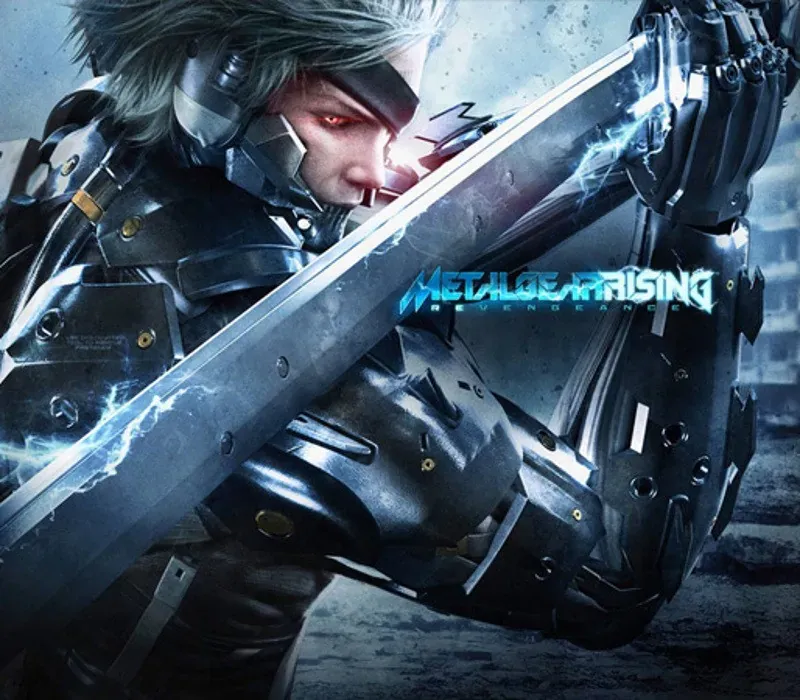

Metal Gear Rising: Revengeance PC Steam CD Key
Metal Gear Rising: Revengeance PC Steam CD Key is a digital key for Steam, not region-locked. Delivered instantly after payment. Price: $20.41, 31% below the Steam MSRP of $29.99.
⭐ 153,000+ orders delivered since 2018
 Pago Móvil
 Binance Pay
About this game
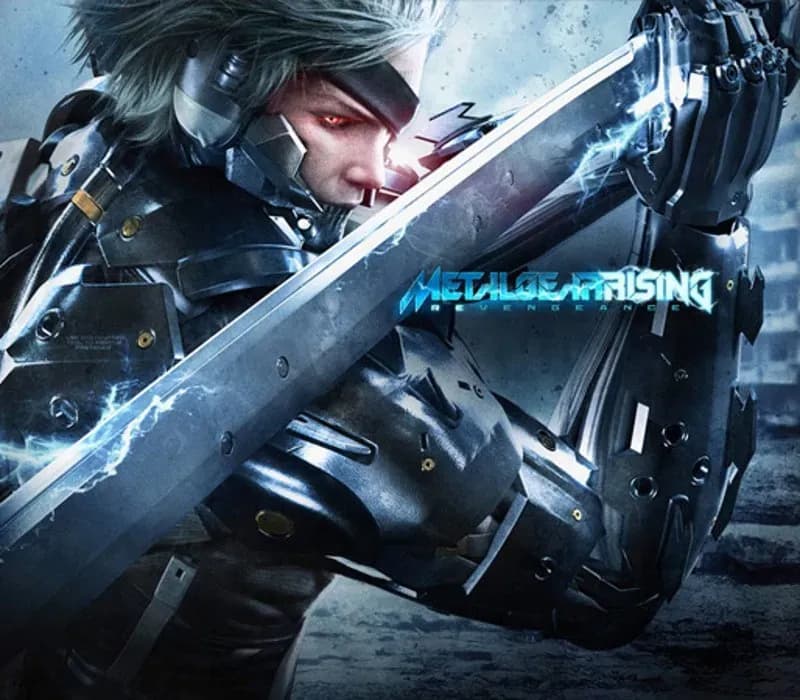
Developed by Kojima Productions and PlatinumGames, METAL GEAR RISING: REVENGEANCE takes the renowned METAL GEAR franchise into exciting new territory with an all-new action experience. The game seamlessly melds pure action and epic story-telling that surrounds Raiden – a child soldier transformed into a half-human, half-cyborg ninja who uses his High Frequency katana blade to cut through any thing that stands in his vengeful path!
A huge success on both Xbox 360 and PlayStation3, METAL GEAR RISING: REVENGEANCE comes to PC with all the famed moves and action running within a beautifully-realised HD environment.
Features
"CUTSCENES" option added to the Main Menu. Play any and all cutscenes. "CODECS" option added to the Main Menu. Play all and any codec conversation scenes.
Menu option added to the CHAPTER Menu enabling user to play only the Boss battles. "GRAPHIC OPTIONS" added to the OPTIONS Menu. Modify resolution, anti-aliasing, etc.
There is an option reading "ZANGEKI" that will modify the amount of cuts you can make.
System Requirements
- Windows: Minimum: OS: XP or Vista or 7 or 8 Processor: Intel Core i5 2400 Memory: 2 GB RAM Graphics: Nvidia Geforce GTS 450 DirectX: Version 9.0c Storage: 25 GB available space Sound Card: DirectX compatible sound card
- Mac: Minimum: OS: Mac OS X Mavericks 10.9.2 or higher Processor: Intel Core i series processor Memory: 4 GB RAM Graphics: AMD HD4870 / NVIDIA 650M / Intel Iris Graphics or better Storage: 27 GB available space
How to activate
- Launch the Steam desktop client and log in to your account, or visit store.steampowered.com/account/registerkey in your browser.
- Click the "Games" menu at the top of the client (or click "+ Add a Game" at the bottom-left) and select "Activate a Product on Steam...".
- Follow the on-screen prompts, accept the Steam Subscriber Agreement, and enter your CD-Key in the "Product Code" field.
- Click "Next" and "Finish" to register the game. It will now appear permanently in your Steam Library ready to install.
Customer Reviews
Frequently asked questions
Which region is this for?
This is the Global version: it is not region-locked.
How do I activate Metal Gear Rising: Revengeance PC Steam CD Key on Steam?
1. Launch the Steam desktop client and log in to your account, or visit store.steampowered.com/account/registerkey in your browser. 2. Click the "Games" menu at the top of the client (or click "+ Add a Game" at the bottom-left) and select "Activate a Product on Steam...". 3. Follow the on-screen prompts, accept the Steam Subscriber Agreement, and enter your CD-Key in the "Product Code" field. 4. Click "Next" and "Finish" to register the game. It will now appear permanently in your Steam Library ready to install.
How fast is delivery?
Your key appears in your account and is emailed to you right after payment.