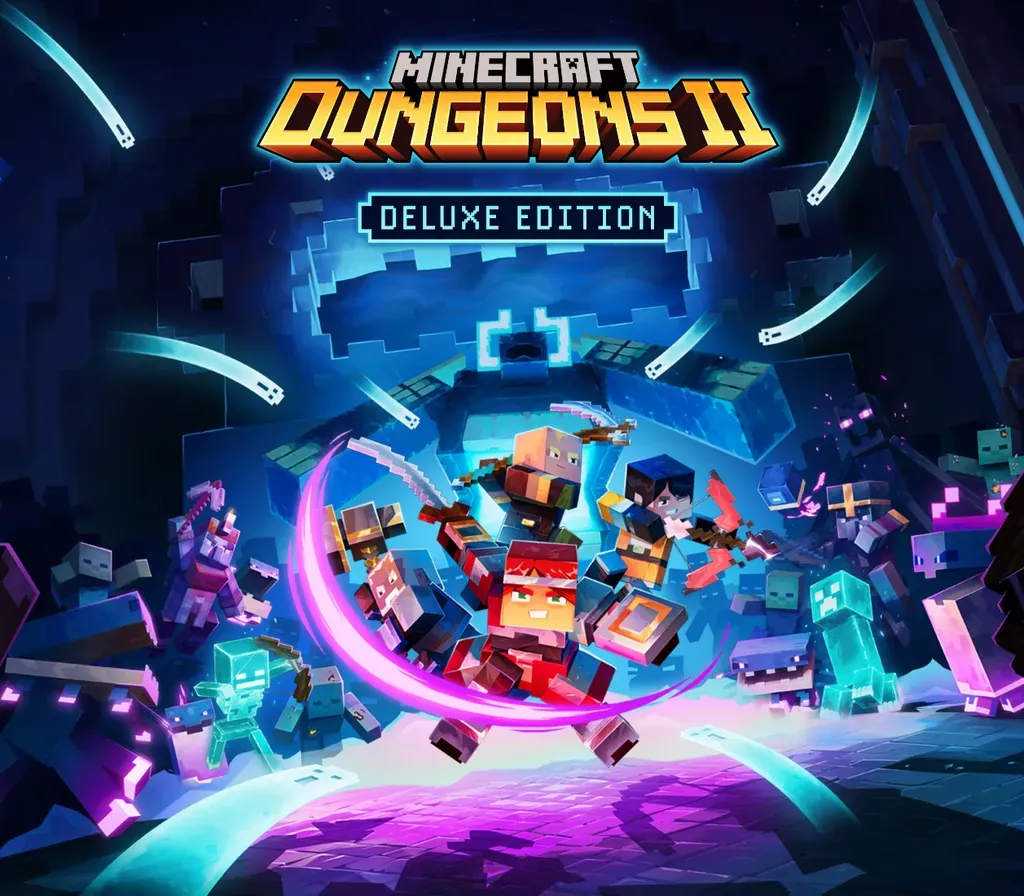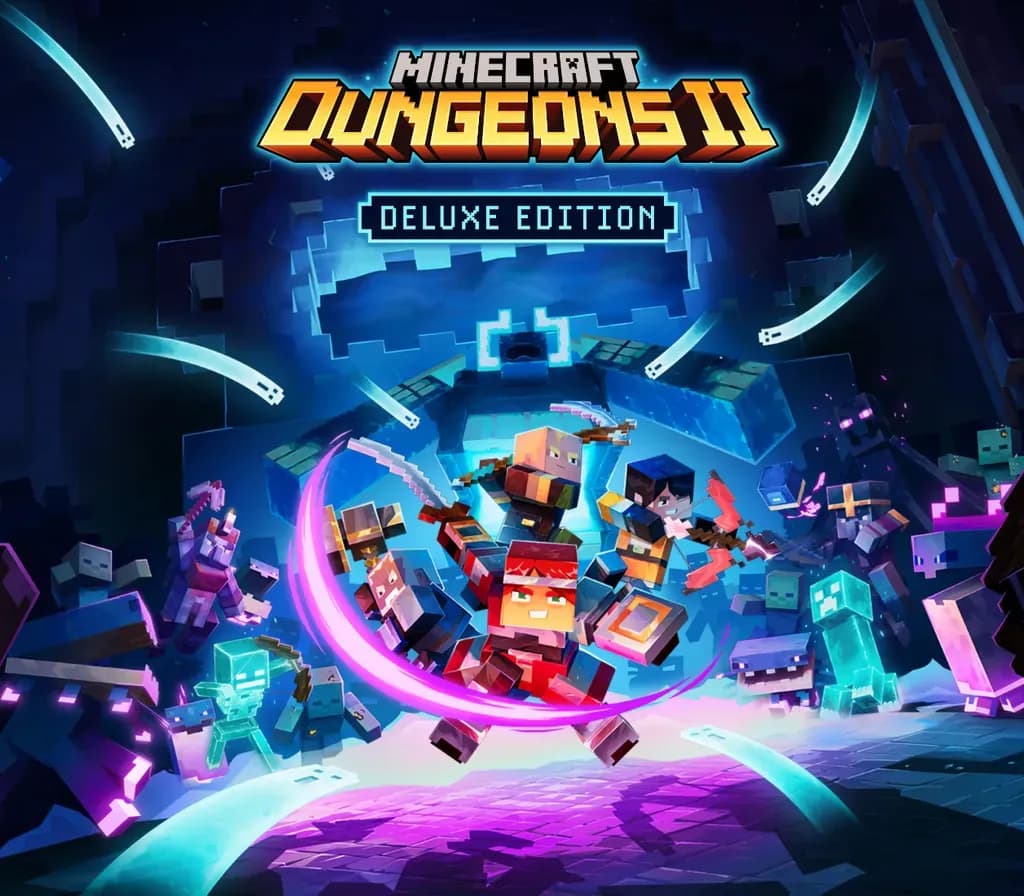
Minecraft Dungeons II Deluxe Edition PC Steam Account
Minecraft Dungeons II Deluxe Edition PC Steam Account is a game account for Steam, not region-locked. Price: $43.68, 12% below the Steam MSRP of $49.99.
⭐ 153,000+ orders delivered since 2018
 Pago Móvil
 Binance Pay
About this game
Minecraft Dungeons II is here with more action, more loot, and more adventure. Step through the rift and fight where no hero has been before: the Sift, an uncharted dimension teeming with threats, mysteries, and breathtaking beauty. Gear up and customize your playstyle to face your toughest enemies yet in explosive battles. Brave the unknown as a lone hero, team up with friends in couch, online and mixed co-op, or find allies through matchmaking. The illagers’ plot is already underway, and their cruelty is only matched by their power. Stop them – or lose the Overworld to their corruption. Fight against a new, challenging threat that puts your combat skills to the test like never before Explore the Sift, a new dimension in the Minecraft universe, for the first time Experience an all-new chapter in the Minecraft Dungeons saga that takes you across the Overworld... and beyond Craft the perfect hero with legendary gear, including a wide range of weapons, armour, and artifacts Team up with new and old friends in a party of up to four players and smash your foes with the power of teamwork
How to activate
- Log out of your personal Steam account in the client or browser.
- Log in using the provided Steam username and password delivered with your order.
- Enter the Steam Guard security verification code sent to the temporary email access included in your purchase.
- Go to Steam -> Settings -> Account, and update both the contact email address and the account password to your own credentials.
- Install the game from the Library, or configure Family Library Sharing under Settings to play from your main account.
Customer Reviews
Frequently asked questions
Which region is this for?
This is the Global version: it is not region-locked.
How do I activate Minecraft Dungeons II Deluxe Edition PC Steam Account on Steam?
1. Log out of your personal Steam account in the client or browser. 2. Log in using the provided Steam username and password delivered with your order. 3. Enter the Steam Guard security verification code sent to the temporary email access included in your purchase. 4. Go to Steam -> Settings -> Account, and update both the contact email address and the account password to your own credentials. 5. Install the game from the Library, or configure Family Library Sharing under Settings to play from your main account.
What does “account” mean?
You receive login details for a Steam account that already owns the game.