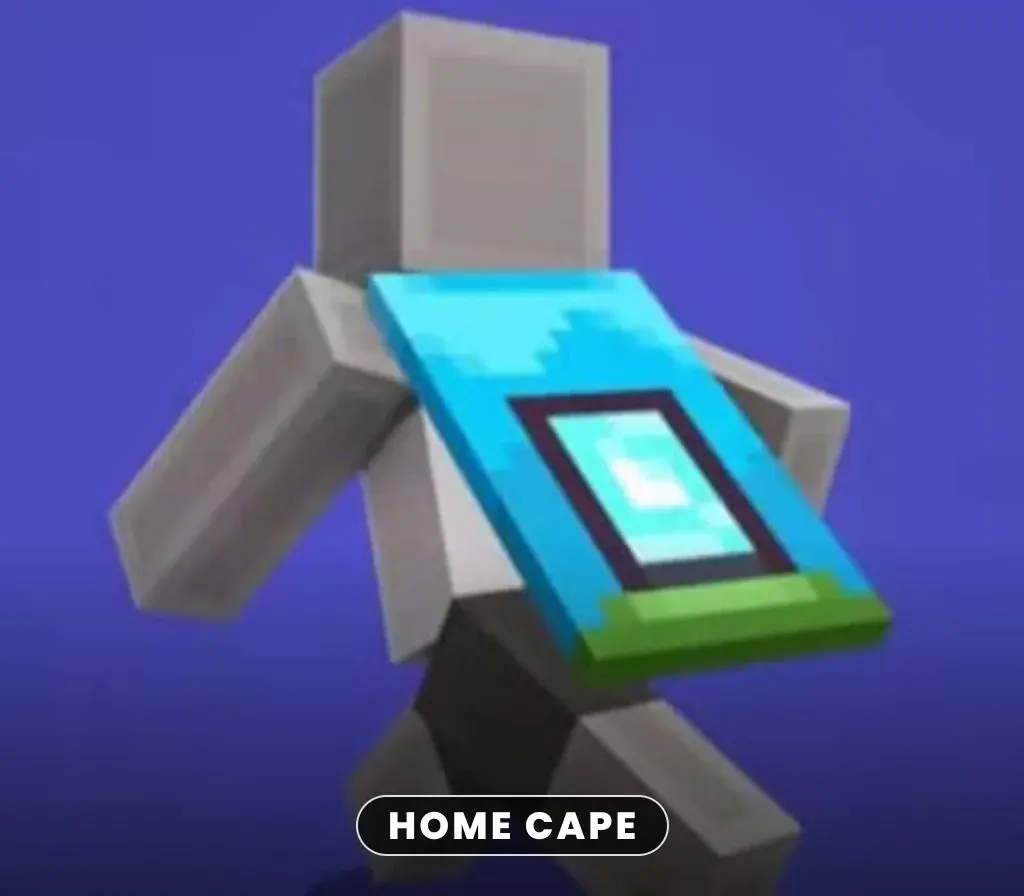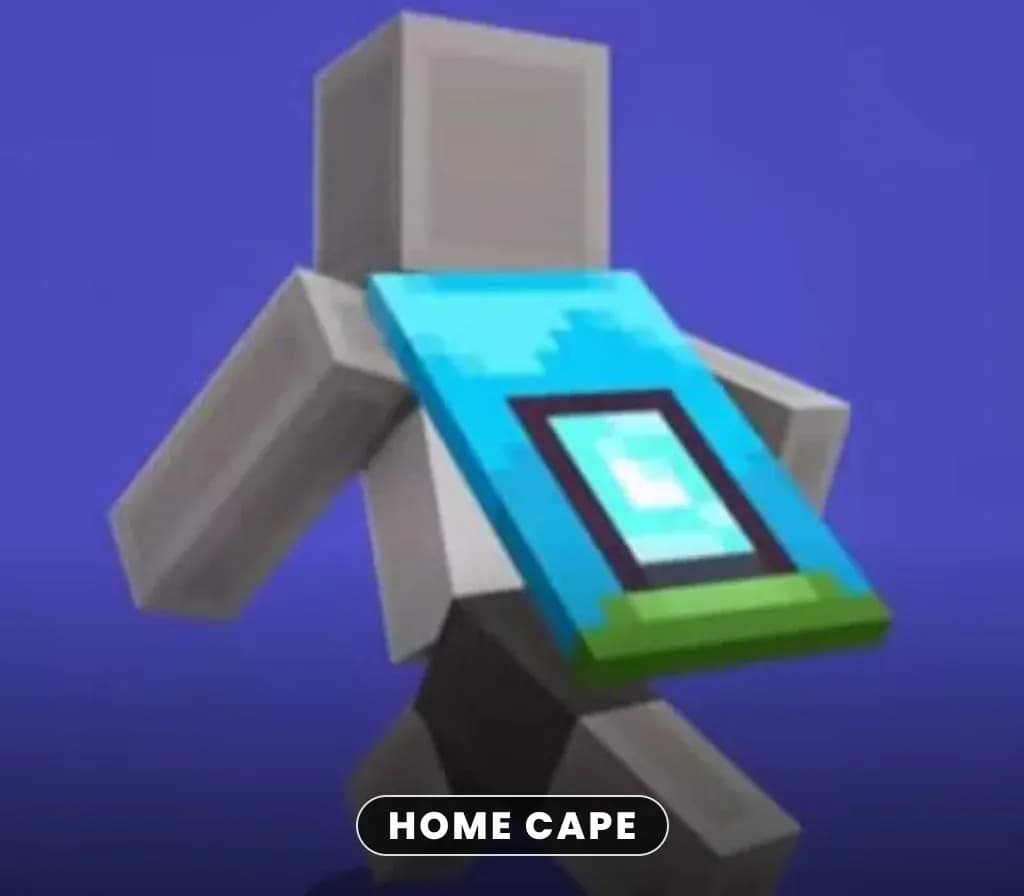
Minecraft - Home Cape DLC PC/Xbox Microsoft Store Key
Minecraft - Home Cape DLC PC/Xbox Microsoft Store Key is a digital key for Xbox / PC, not region-locked. Delivered instantly after payment.
⭐ 153,000+ orders delivered since 2018
 Pago Móvil
 Binance Pay
About this game
Personalize your character profile using the Minecraft - Home Cape DLC PC/Xbox Microsoft Store Key. Equip this distinct cosmetic add-on to change your in-game look while playing. Add a unique visual flair to your avatar.
How to activate
- Open redeem.microsoft.com in any web browser, or press the Xbox button on your console and select Store -> Redeem.
- Sign in with the Microsoft / Xbox account on which you want to activate the game.
- Enter the 25-character digital game code (hyphens are automatically inserted).
- Click "Next" and confirm. The game is added to your library and will appear in "My games & apps" on console or Xbox App for PC.
Customer Reviews
Frequently asked questions
Which region is this for?
This is the Global version: it is not region-locked.
How do I activate Minecraft - Home Cape DLC PC/Xbox Microsoft Store Key on Xbox / PC?
1. Open redeem.microsoft.com in any web browser, or press the Xbox button on your console and select Store -> Redeem. 2. Sign in with the Microsoft / Xbox account on which you want to activate the game. 3. Enter the 25-character digital game code (hyphens are automatically inserted). 4. Click "Next" and confirm. The game is added to your library and will appear in "My games & apps" on console or Xbox App for PC.
How fast is delivery?
Your key appears in your account and is emailed to you right after payment.
Does it work on PC?
Yes. This key is valid on both Xbox and Windows PC through the Microsoft Store.