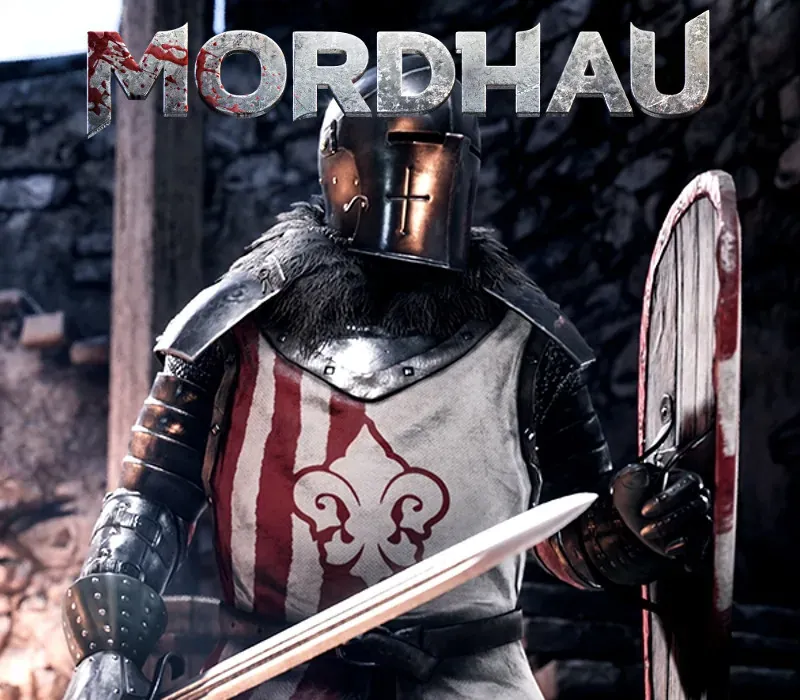
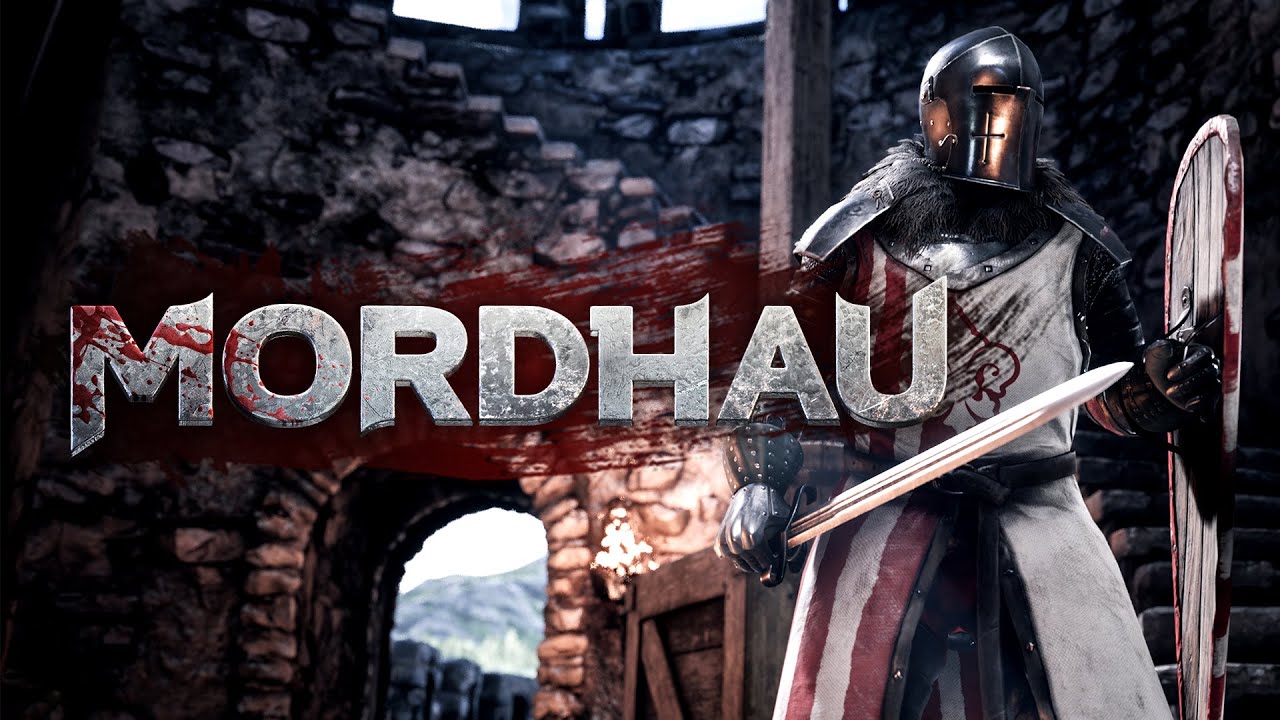
MORDHAU PC Steam CD Key
MORDHAU PC Steam CD Key is a digital key for Steam, not region-locked. Delivered instantly after payment. Price: $5.39, 82% below the Steam MSRP of $29.99.
⭐ 153,000+ orders delivered since 2018
 Pago Móvil
 Binance Pay
About this game
MORDHAU is a medieval first & third person multiplayer slasher. Enter a hectic battlefield of up to 64 players as a mercenary in a fictional, but realistic world, where you will get to experience the brutal and satisfying melee combat that will have you always coming back for more.
Features
Massive battles: From small-scale engagements to 64-player all-out war in modes such as Frontline and Battle Royale. Cooperative & offline play: Fight waves of enemies alongside your friends in the cooperative Horde mode, or practice your skills offline against AI. Free-form melee and ranged combat: Gain complete control over your character and attacks and develop your unique style.
In-depth character customization: Sculpt your face, create your weapon from parts, and pick out individual pieces of armor to create the perfect warrior. Huge arsenal of weapons & equipment: Take on enemies with a greatsword, rain arrows from above, or even sit back and build fortifications. Fight anywhere: Experience cavalry charges, fight on ladders, and operate siege engines such as the catapult and ballista.
Visceral and gory combat: Feel the impact of every blow, and send limbs flying as you wreak havoc upon your foes. (Blood & gore are optional) Believable fights: A game where fights look believable, MORDHAU strikes a balance between gameplay and realism.
System Requirements
- Windows: Requires a 64-bit processor and operating system OS: Windows 7 64 Bit, Windows 8 64 Bit, Windows 10 64 Bit Processor: Intel Core i5 - 4670 or AMD equivalent Memory: 8 GB RAM Graphics: NVIDIA GTX 680 or AMD equivalent DirectX: Version 11 Network: Broadband Internet connection Storage: 20 GB available space
How to activate
- Launch the Steam desktop client and log in to your account, or visit store.steampowered.com/account/registerkey in your browser.
- Click the "Games" menu at the top of the client (or click "+ Add a Game" at the bottom-left) and select "Activate a Product on Steam...".
- Follow the on-screen prompts, accept the Steam Subscriber Agreement, and enter your CD-Key in the "Product Code" field.
- Click "Next" and "Finish" to register the game. It will now appear permanently in your Steam Library ready to install.
Customer Reviews
Frequently asked questions
Which region is this for?
This is the Global version: it is not region-locked.
How do I activate MORDHAU PC Steam CD Key on Steam?
1. Launch the Steam desktop client and log in to your account, or visit store.steampowered.com/account/registerkey in your browser. 2. Click the "Games" menu at the top of the client (or click "+ Add a Game" at the bottom-left) and select "Activate a Product on Steam...". 3. Follow the on-screen prompts, accept the Steam Subscriber Agreement, and enter your CD-Key in the "Product Code" field. 4. Click "Next" and "Finish" to register the game. It will now appear permanently in your Steam Library ready to install.
How fast is delivery?
Your key appears in your account and is emailed to you right after payment.