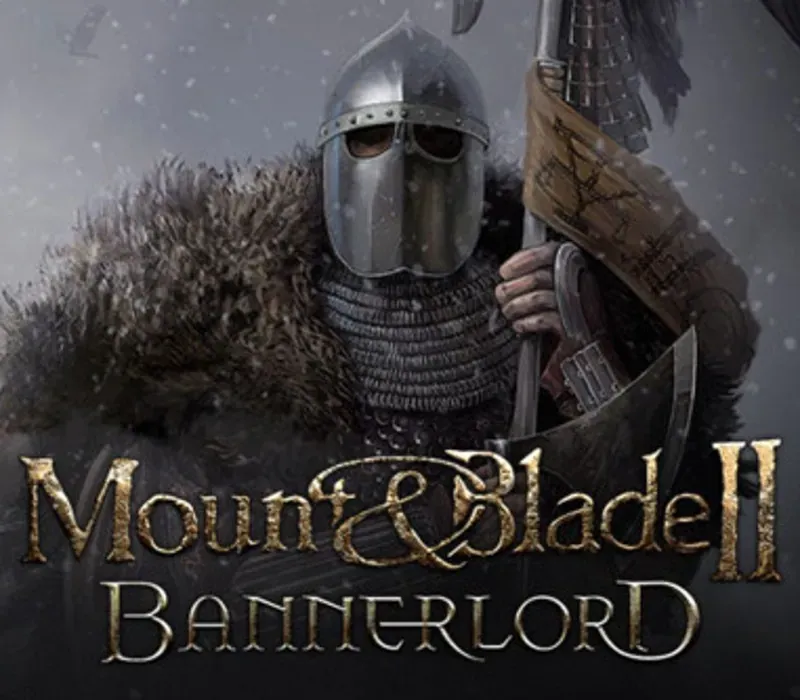

Mount & Blade II: Bannerlord PC Steam CD Key
Mount & Blade II: Bannerlord PC Steam CD Key is a digital key for Steam, not region-locked. Delivered instantly after payment. Price: $22.59, 54% below the Steam MSRP of $49.99.
⭐ 153,000+ orders delivered since 2018
 Pago Móvil
 Binance Pay
About this game
Get into the heat of battle in Mount & Blade II: Bannerlord, one of the most awaited games of all time. Submerge yourself in a realistic medieval world, where kingdoms constantly fight for power and resources. Lead a warrior's life, from tasting everyday reality of towns to leading troops in sieges and huge battles. This is an RPG to remember.
Features
Epic single player campaignIt's just you and the world. Rise to power using any means possible, and find your own unique path. Enjoy the never-before-seen degree of freedom. Thrilling online battlesEngage in medieval battles and castle sieges with hundreds of other players.
Jump right into the chaos, or approach carefully and try to control it. Skill-based combatYou can get better gear, but without skill, you won't survive against a peasant. Master your weapon of choice and find the best tactics for your opponents. A living, breathing worldIn Mount & Blade II: Bannerlord, every action has consequences.
This rule applies not only to your deeds, but also to NPCs, who react dynamically to the changing world, shaping its economy in a natural and unscripted manner.
System Requirements
- Windows: OS: Windows 7 (64-bit only) Processor: Intel® Core™ i3-8100 / AMD Ryzen™ 3 1200 Memory: 6 GB RAM Graphics: Intel® UHD Graphics 630 / NVIDIA® GeForce® GTX 660 2GB / AMD Radeon™ HD 7850 2GB Storage: 60 GB available space Additional Notes: Integrated GPUs require additional 2GB of system RAM. These estimates may change during final release.
How to activate
- Launch the Steam desktop client and log in to your account, or visit store.steampowered.com/account/registerkey in your browser.
- Click the "Games" menu at the top of the client (or click "+ Add a Game" at the bottom-left) and select "Activate a Product on Steam...".
- Follow the on-screen prompts, accept the Steam Subscriber Agreement, and enter your CD-Key in the "Product Code" field.
- Click "Next" and "Finish" to register the game. It will now appear permanently in your Steam Library ready to install.
Customer Reviews
Frequently asked questions
Which region is this for?
This is the Global version: it is not region-locked.
How do I activate Mount & Blade II: Bannerlord PC Steam CD Key on Steam?
1. Launch the Steam desktop client and log in to your account, or visit store.steampowered.com/account/registerkey in your browser. 2. Click the "Games" menu at the top of the client (or click "+ Add a Game" at the bottom-left) and select "Activate a Product on Steam...". 3. Follow the on-screen prompts, accept the Steam Subscriber Agreement, and enter your CD-Key in the "Product Code" field. 4. Click "Next" and "Finish" to register the game. It will now appear permanently in your Steam Library ready to install.
How fast is delivery?
Your key appears in your account and is emailed to you right after payment.