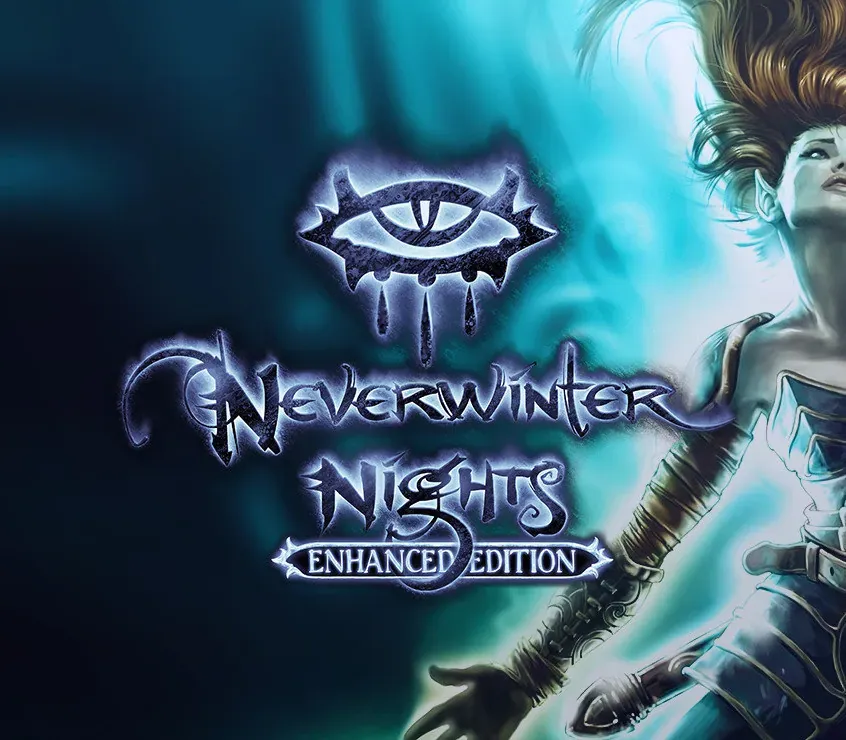

Neverwinter Nights: Enhanced Edition PC Steam CD Key
Neverwinter Nights: Enhanced Edition PC Steam CD Key is a digital key for Steam, not region-locked. Delivered instantly after payment. Price: $2.14, 89% below the Steam MSRP of $19.99.
⭐ 153,000+ orders delivered since 2018
 Pago Móvil
 Binance Pay
About this game
Slink through the shadows as a deadly half-elven rogue, wield fearsome magics as a powerful gnomish sorcerer, vanquish your foes as an armor-clad dwarven paladin... whatever hero you create, incredible adventures await.
Discover magic, wonder, and danger at every turn on your own or with friends in these classic Dungeons & Dragons adventures.
Features
Improved Display: Your portrait, combat bar, inventory, and other UI elements adjust in size based on your chosen resolution including 1080p and 4k. Advanced Graphics Options: Pixel shaders and post-processing effects make for crisper, cleaner visuals. Enable contrast, vibrance, and depth of field options as preferred.
Community Endorsed: Original developers have teamed with key members of the Neverwinter Nights community to curate important fan-requested improvements to support players, storytellers, and modders. Backwards Compatibility: Works with save games, modules, and mods from the original Neverwinter Nights. A galaxy of community created content awaits.
System Requirements
- Windows: OS: Windows 7, 8, or 10 Processor: 1 GHZ Memory: 1 GB RAM Graphics: OpenGL 3.0 compatible Storage: 10 GB available space
- Mac: OS: Mac OS X 10.9 or newer Processor: Dual Core Processor Memory: 1 GB RAM Graphics: OpenGL 3.0 compatible Storage: 10 GB available space
- Linux: OS: Ubuntu 12.04 or later, Fedora 21, Debian 8 Processor: Dual Core Processor Memory: 1 GB RAM Graphics: OpenGL 3.0 compatible Storage: 10 GB available space
How to activate
- Launch the Steam desktop client and log in to your account, or visit store.steampowered.com/account/registerkey in your browser.
- Click the "Games" menu at the top of the client (or click "+ Add a Game" at the bottom-left) and select "Activate a Product on Steam...".
- Follow the on-screen prompts, accept the Steam Subscriber Agreement, and enter your CD-Key in the "Product Code" field.
- Click "Next" and "Finish" to register the game. It will now appear permanently in your Steam Library ready to install.
Customer Reviews
Frequently asked questions
Which region is this for?
This is the Global version: it is not region-locked.
How do I activate Neverwinter Nights: Enhanced Edition PC Steam CD Key on Steam?
1. Launch the Steam desktop client and log in to your account, or visit store.steampowered.com/account/registerkey in your browser. 2. Click the "Games" menu at the top of the client (or click "+ Add a Game" at the bottom-left) and select "Activate a Product on Steam...". 3. Follow the on-screen prompts, accept the Steam Subscriber Agreement, and enter your CD-Key in the "Product Code" field. 4. Click "Next" and "Finish" to register the game. It will now appear permanently in your Steam Library ready to install.
How fast is delivery?
Your key appears in your account and is emailed to you right after payment.