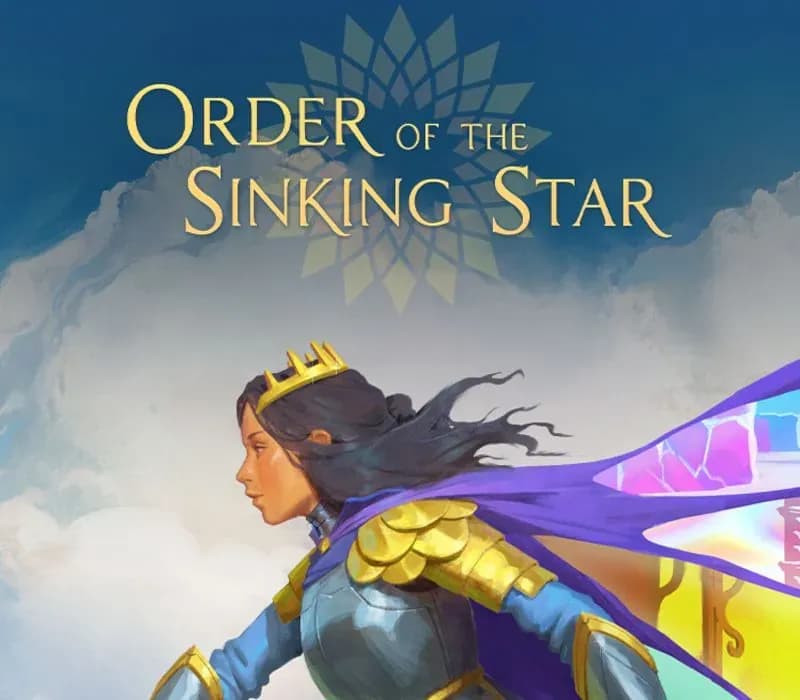
Order of the Sinking Star PC Steam CD Key
Order of the Sinking Star PC Steam CD Key is a digital key for Steam, not region-locked. Delivered instantly after payment.
⭐ 153,000+ orders delivered since 2018
 Pago Móvil
 Binance Pay
About this game
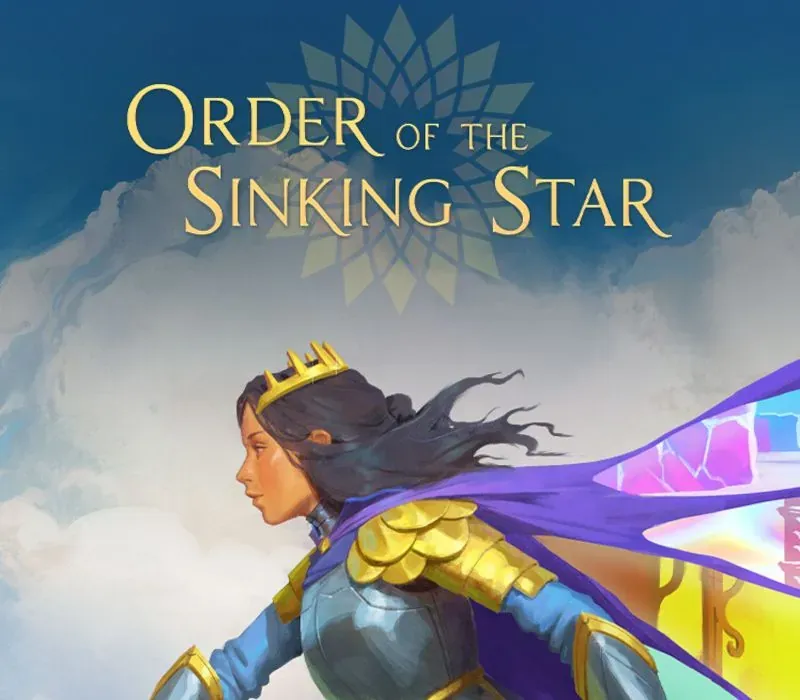
From legendary director Jonathan Blow (Braid, The Witness) comes Order of the Sinking Star, a massive puzzle adventure featuring more than one thousand hand-crafted puzzles designed to put your intellect to the test. You are transported to a realm of curious magic, dangerous contraptions, and vicious monsters. Explore four distinct worlds, each with its own mechanics, characters, and stories, and then watch as they all collide. As the worlds merge, and characters meet one another, puzzle systems intertwine, creating surprising new gameplay possibilities. Explore at your own pace, revisit worlds and return to challenges as you see fit. Discover unique playable characters, master evolving gameplay mechanics, and decipher the deep mysteries of a sprawling, interconnected game world. Blending exploration, storytelling, and ever-progressing mechanics, Order of the Sinking Star invites you into a mysterious, living puzzle unlike anything you've played.
Embark on an innovative puzzle adventure with dozens of game mechanics and hundreds of hours of unique gameplay. Each puzzle builds on the last, introducing new game mechanics that reward curiosity and persistence.
Explore four mysterious worlds, each with its own characters, rules, dangers, and secrets waiting to be uncovered. Come and go as you like, you are free to take on the puzzles you discover at your own pace.
A queen, a thief, a warrior, a wizard, and a talking boat are just some of the heroes of this tale. Each character wields complementary abilities and has captivating stories to tell.
As playable characters begin to meet and worlds collide, the mystery untangles. Through gameplay and notes you collect you learn more about this enigmatic realm. Piece by piece and clue by clue, you’ll uncover the secrets of the Order of the Sinking Star.
History, Foundation & Design Contributions
Order of the Sinking Star has been in the making for nearly a decade since the release of The Witness, born from a desire to push puzzle game design past its traditional limits to create the largest and greatest puzzle game ever made. With Order of the Sinking Star, the development team created a "game design supercollider" – smashing together the ideas from multiple puzzle game designers to create a puzzle landscape that's much more intricate and vast than what has come before.
The foundation of Order of the Sinking Star is built upon these four brilliant titles:
System Requirements
Minimum
- OS: Windows 10 or later 64-bit (latest update)
- Processor: Intel Core i5-6600K or AMD Ryzen R5 1600 processor
- Memory: 8 GB RAM
- Graphics: NVIDIA GeForce GTX 1050 Ti or AMD Radeon RX 580 or Intel Arc A380
- DirectX: Version 12
- Storage: 14 GB available space
Recommended
- OS: Windows 10 or later 64-bit (latest update)
- Processor: Intel Core i5-9600K or AMD Ryzen R5 3600 processor
- Memory: 16 GB RAM
- Graphics: NVIDIA GeForce GTX 2070 Ti or AMD Radeon RX 5700 or Intel Arc B570
- DirectX: Version 12
- Storage: 14 GB available space
How to activate
- Launch the Steam desktop client and log in to your account, or visit store.steampowered.com/account/registerkey in your browser.
- Click the "Games" menu at the top of the client (or click "+ Add a Game" at the bottom-left) and select "Activate a Product on Steam...".
- Follow the on-screen prompts, accept the Steam Subscriber Agreement, and enter your CD-Key in the "Product Code" field.
- Click "Next" and "Finish" to register the game. It will now appear permanently in your Steam Library ready to install.
Customer Reviews
Frequently asked questions
Which region is this for?
This is the Global version: it is not region-locked.
How do I activate Order of the Sinking Star PC Steam CD Key on Steam?
1. Launch the Steam desktop client and log in to your account, or visit store.steampowered.com/account/registerkey in your browser. 2. Click the "Games" menu at the top of the client (or click "+ Add a Game" at the bottom-left) and select "Activate a Product on Steam...". 3. Follow the on-screen prompts, accept the Steam Subscriber Agreement, and enter your CD-Key in the "Product Code" field. 4. Click "Next" and "Finish" to register the game. It will now appear permanently in your Steam Library ready to install.
How fast is delivery?
Your key appears in your account and is emailed to you right after payment.