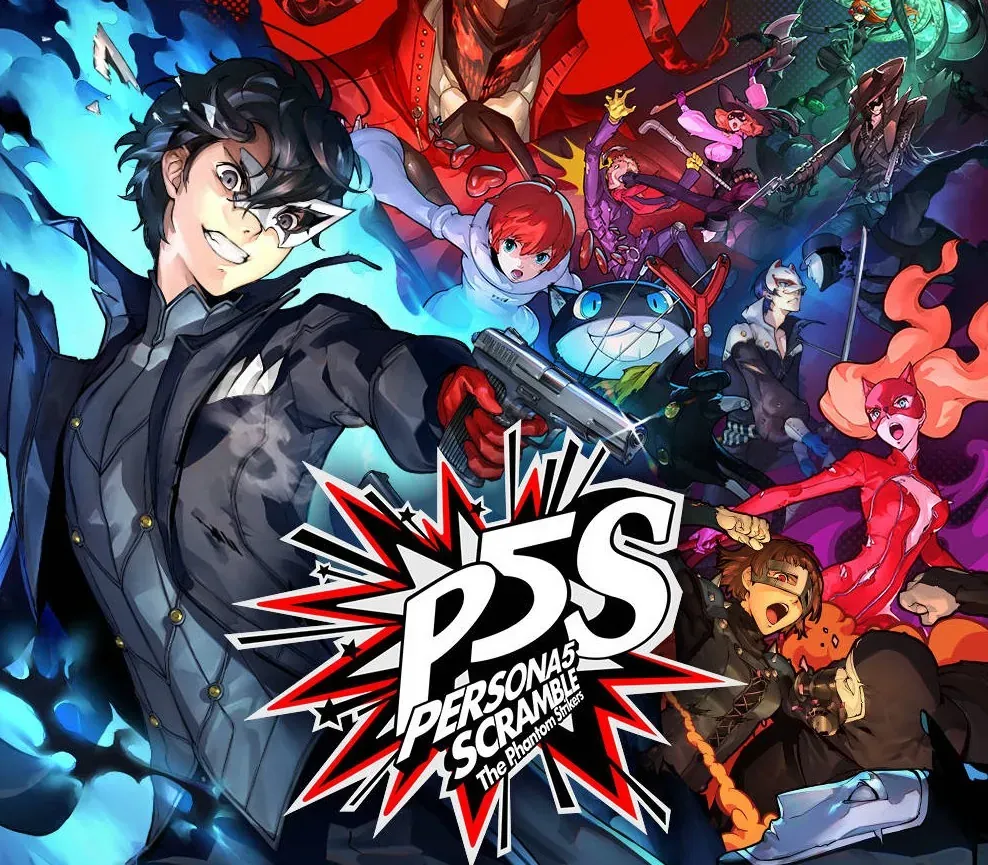

Persona 5 Strikers PC Steam CD Key
Persona 5 Strikers PC Steam CD Key is a digital key for Steam, not region-locked. Delivered instantly after payment. Price: $10.51, 82% below the Steam MSRP of $59.99.
⭐ 153,000+ orders delivered since 2018
 Pago Móvil
 Binance Pay
About this game
Join the Phantom Thieves and strike back against the corruption overtaking cities across Japan. A summer vacation with close friends takes a sudden turn as a distorted reality emerges; reveal the truth and redeem the hearts of those imprisoned at the center of the crisis!
Jump into the stylish world of Persona in an all-new story Dynamically control your team during explosive action combat Battle across Japan in an epic road trip Features Experience the world of Persona 5 Strikers on PC in Full HD, supports up to 4K Steam Achievements and Trading Cards Choose between Japanese and English VO Full keyboard and mouse adaptation
System Requirements
- Windows: Requires a 64-bit processor and operating system OS: 8.1, 64bits Processor: Intel Core i5-2300 / AMD FX-6350 Memory: 6 GB RAM Graphics: NVIDIA GeForce GTX 660 (2GB) / AMD Radeon HD 7870 (2GB) DirectX: Version 11 Storage: 25 GB available space
How to activate
- Launch the Steam desktop client and log in to your account, or visit store.steampowered.com/account/registerkey in your browser.
- Click the "Games" menu at the top of the client (or click "+ Add a Game" at the bottom-left) and select "Activate a Product on Steam...".
- Follow the on-screen prompts, accept the Steam Subscriber Agreement, and enter your CD-Key in the "Product Code" field.
- Click "Next" and "Finish" to register the game. It will now appear permanently in your Steam Library ready to install.
Customer Reviews
Frequently asked questions
Which region is this for?
This is the Global version: it is not region-locked.
How do I activate Persona 5 Strikers PC Steam CD Key on Steam?
1. Launch the Steam desktop client and log in to your account, or visit store.steampowered.com/account/registerkey in your browser. 2. Click the "Games" menu at the top of the client (or click "+ Add a Game" at the bottom-left) and select "Activate a Product on Steam...". 3. Follow the on-screen prompts, accept the Steam Subscriber Agreement, and enter your CD-Key in the "Product Code" field. 4. Click "Next" and "Finish" to register the game. It will now appear permanently in your Steam Library ready to install.
How fast is delivery?
Your key appears in your account and is emailed to you right after payment.