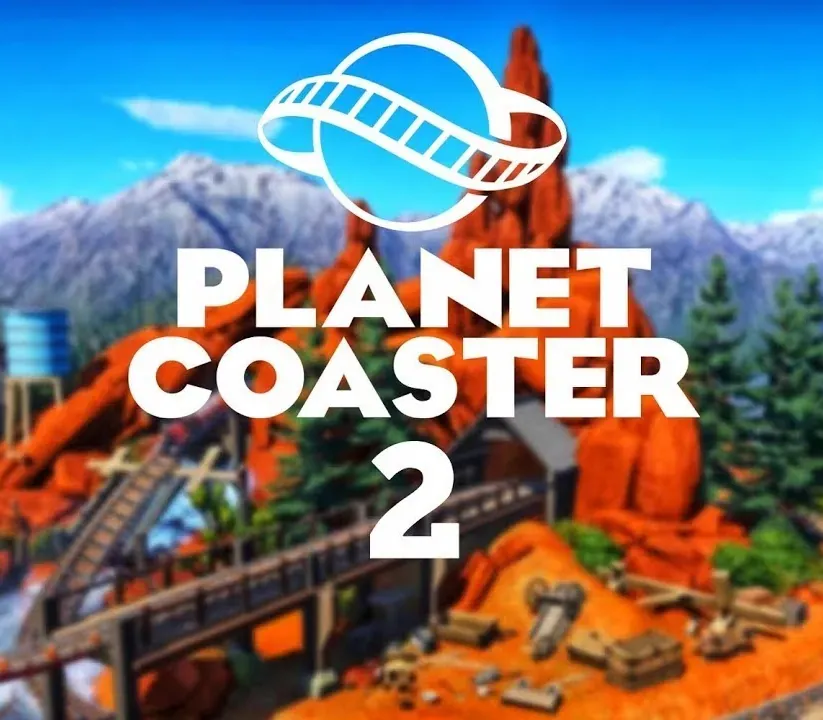
Planet Coaster 2 PC Steam CD Key
Planet Coaster 2 PC Steam CD Key is a digital key for Steam, not region-locked. Delivered instantly after payment. Price: $28.92, 42% below the Steam MSRP of $49.99.
⭐ 153,000+ orders delivered since 2018
 Pago Móvil
 Binance Pay
About this game
Create a splash with Planet Coaster 2 - sequel to the world’s best coaster park simulator!
Reach new heights of creativity, management, and sharing as you construct the theme parks of your dreams combining epic water rides and coasters to delight and thrill your park guests.
Dive in now!
Expand your imagination
Enhanced and improved building and pathing tools let you create spectacular, true-to-life theme parks, complete with sprawling plazas. Make your mark on the world as you shape terrain and populate your park with stunning swimming pools and thrilling rides. It’s never been easier to bring your dream park to life.
Create the ultimate theme park
Dive into a world of creativity with nine distinct themes, from returning classics like Pirate and Western, to exciting new additions in Viking and Mythology. With thousands of themed customisable pieces at your fingertips, every creation will be truly unique.
Next-level customisation
Embark on the coaster park experience of a lifetime as you push the boundaries of creativity like never before! Unleash your imagination as you build the most awe-inspiring themed creations with unparalleled customisation tools! For the first time, intuitively add scalable scenery and objects to every ride to elevate your park and give your guests a day to remember.
Combine epic water and coaster rides
Create the ultimate experience for your thrill-seeking guests using piece-by-piece construction. Build a vibrant array of exhilarating rollercoasters and jaw-dropping thrill rides. Design a seamlessly interconnected park paradise with glistening swimming pools and twisting water flumes.
Create unforgettable experiences
Surprise and amaze as you bring the dramatic flair of real-world theme parks to your guests with the brand-new event sequencer tool, while sophisticated global illumination lighting brings the theme park experience to your home with stunning visuals and striking authenticity.
Find the secret to success
Balance thrilling your guests with managing your budget - populate your park with amazing efficiently powered attractions and the right amenities to boost your rating and become a theme park master.
Take care
Provide for your guests’ health, well-being, and happiness so your park can thrive. With all-new waterparks comes the need for shade, sunscreen, lifeguards, changing rooms, and more to ensure everyone has their best day both in and out of the pool.
System Requirements
Minimum
- OS: Windows 10 64bit (22H2)
- Processor: Intel i5-6600K / AMD Ryzen 5 2600
- Memory: 16 GB RAM
- Graphics: NVIDIA GeForce GTX 1060 (6GB VRAM) / AMD Radeon RX 5600XT (6GB VRAM) / Intel Arc A750 (8GB VRAM)
- DirectX: Version 12
- Storage: 25 GB available space
- Additional Notes: SSD Recommended
Recommended
- OS: Windows 10,11 64bit
- Processor: Intel i7-10700K / AMD Ryzen 7 5800
- Memory: 16 GB RAM
- Graphics: NVIDIA GeForce RTX 2070 Super (8GB VRAM) / AMD Radeon RX 6700 XT (12GB VRAM) / Intel Arc A770 (16GB VRAM)
- DirectX: Version 12
- Storage: 25 GB available space
- Additional Notes: SSD Required
How to activate
- Launch the Steam desktop client and log in to your account, or visit store.steampowered.com/account/registerkey in your browser.
- Click the "Games" menu at the top of the client (or click "+ Add a Game" at the bottom-left) and select "Activate a Product on Steam...".
- Follow the on-screen prompts, accept the Steam Subscriber Agreement, and enter your CD-Key in the "Product Code" field.
- Click "Next" and "Finish" to register the game. It will now appear permanently in your Steam Library ready to install.
Customer Reviews
Frequently asked questions
Which region is this for?
This is the Global version: it is not region-locked.
How do I activate Planet Coaster 2 PC Steam CD Key on Steam?
1. Launch the Steam desktop client and log in to your account, or visit store.steampowered.com/account/registerkey in your browser. 2. Click the "Games" menu at the top of the client (or click "+ Add a Game" at the bottom-left) and select "Activate a Product on Steam...". 3. Follow the on-screen prompts, accept the Steam Subscriber Agreement, and enter your CD-Key in the "Product Code" field. 4. Click "Next" and "Finish" to register the game. It will now appear permanently in your Steam Library ready to install.
How fast is delivery?
Your key appears in your account and is emailed to you right after payment.