Raft PC Steam Account
Raft PC Steam Account is a game account for Steam, not region-locked. Price: $6.25, 68% below the Steam MSRP of $19.99.
⭐ 153,000+ orders delivered since 2018
 Pago Móvil
 Binance Pay
About this game
By yourself or with friends, your mission is to survive an epic oceanic adventure across
a perilous sea! Gather debris to survive, expand your raft and set sail towards forgotten and dangerous islands!
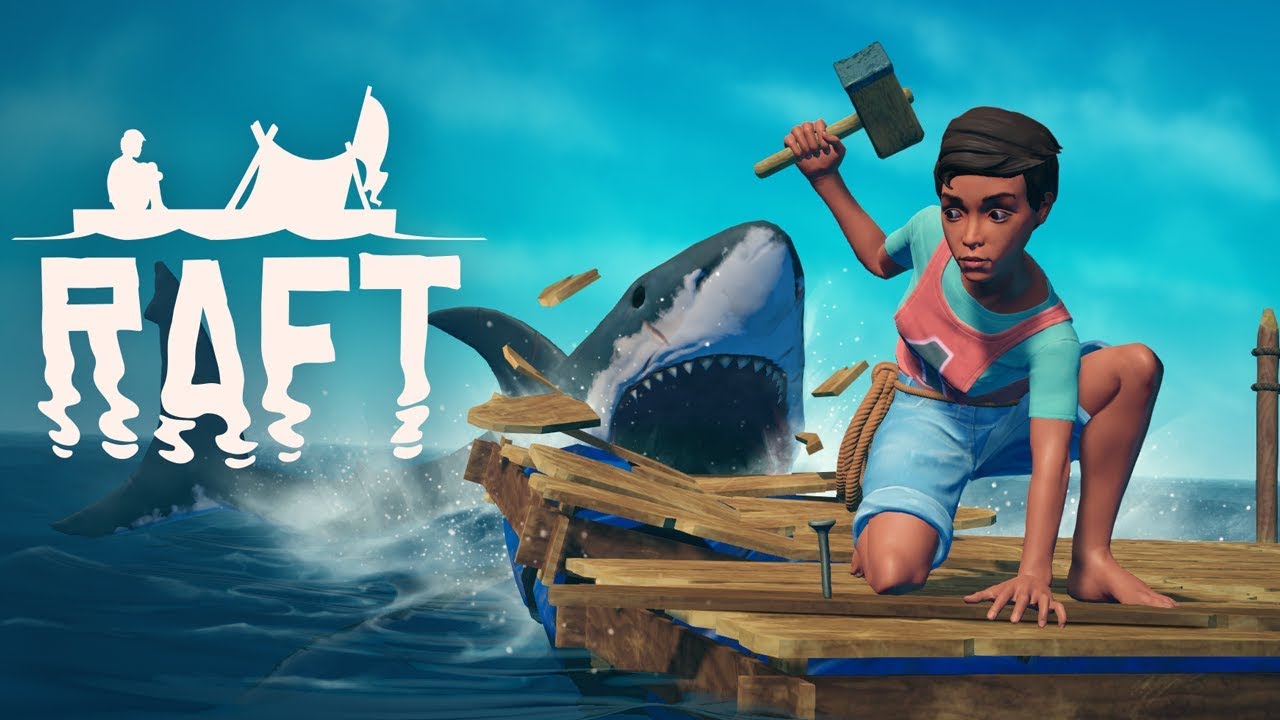
Trapped on a small raft with nothing but a hook made of old plastic, players awake on a vast, blue ocean totally alone and with no land in sight! With a dry throat and an empty stomach, survival will not be easy!
Raft™ throws you and your friends into an epic adventure out on the big open sea, with the objective to stay alive, gather resources and build yourself a floating home worthy of survival.
Resources are tough to come by at sea: Players will have to make sure to catch whatever debris floats by using their trusty hook and when possible, scavenge the reefs beneath the waves and the islands above. However, thirst and hunger is not the only danger in the ocean… watch out for the man- eating shark determined to end your voyage!
Find the last parts of civilization still above water. Overcome the challenges therein, uncover the story of its previous inhabitants and find your way to the next destination!
Features
- Multiplayer! Survive by yourself or with friends in online co-op!
- Hook! Use your hook to catch debris floating by.
- Craft! Build survival equipment, weapons, crop plots and more to help you stay alive!
- Build! Expand your raft from a simple wreckage to a buoyant mansion.
- Research! Learn new things to craft in the research table.
- Navigate! Sail your raft towards new destinations and overcome their challenges, uncover their story and find new items to help you on your journey!
- Dive! Drop anchor and explore the depths for more resources.
- Fight! Defend your raft from the dangers of the ocean and fight your way through perilous destinations.
- Farm and cook! Grow crops, catch and tend to animals, cook recipes and make tasty smoothies to keep your stomach happy.
System Requirements
Minimum
- OS: Windows 7 or later
- Processor: Intel Core i5 2.6GHz or similar
- Memory: 6 GB RAM
- Graphics: GeForce GTX 700 series or similar
- DirectX: Version 11
- Network: Broadband Internet connection
- Storage: 10 GB available space
- Additional Notes: 64-bit operating system is required
Recommended
- OS: Windows 7 or later
- Processor: Intel Core i5-6600 3.3GHz or similar
- Memory: 8 GB RAM
- Graphics: GeForce GTX 1050 series or similar
- DirectX: Version 11
- Network: Broadband Internet connection
- Storage: 10 GB available space
- Additional Notes: 64-bit operating system is required
How to activate
- Log out of your personal Steam account in the client or browser.
- Log in using the provided Steam username and password delivered with your order.
- Enter the Steam Guard security verification code sent to the temporary email access included in your purchase.
- Go to Steam -> Settings -> Account, and update both the contact email address and the account password to your own credentials.
- Install the game from the Library, or configure Family Library Sharing under Settings to play from your main account.
Customer Reviews
Frequently asked questions
Which region is this for?
This is the Global version: it is not region-locked.
How do I activate Raft PC Steam Account on Steam?
1. Log out of your personal Steam account in the client or browser. 2. Log in using the provided Steam username and password delivered with your order. 3. Enter the Steam Guard security verification code sent to the temporary email access included in your purchase. 4. Go to Steam -> Settings -> Account, and update both the contact email address and the account password to your own credentials. 5. Install the game from the Library, or configure Family Library Sharing under Settings to play from your main account.
What does “account” mean?
You receive login details for a Steam account that already owns the game.