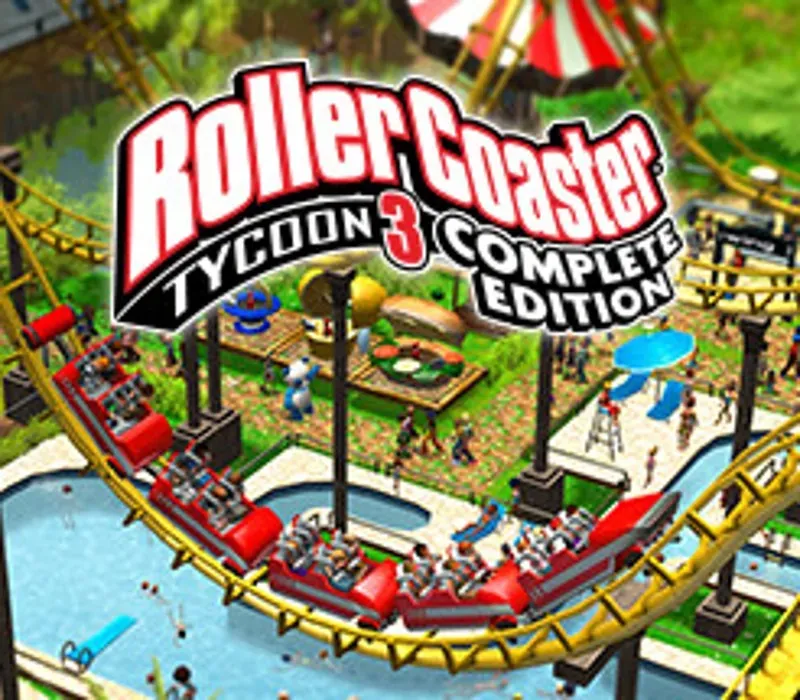
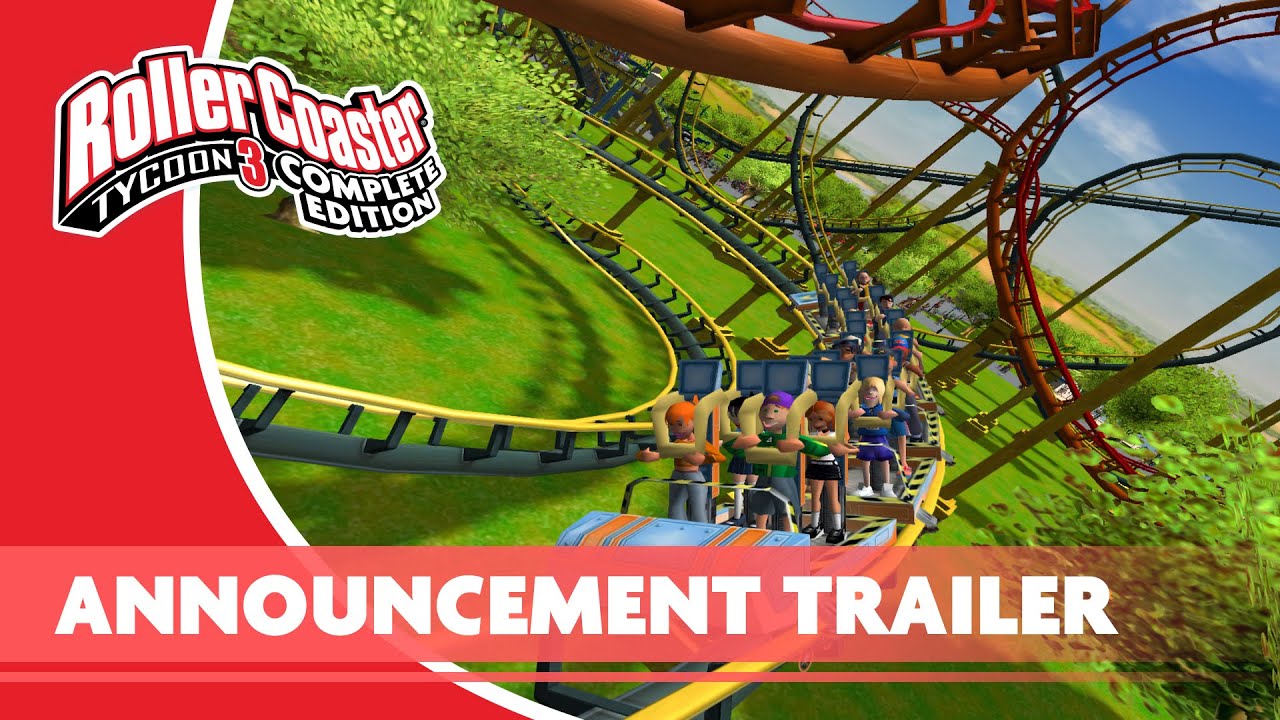
RollerCoaster Tycoon 3: Complete Edition PC Steam CD Key
RollerCoaster Tycoon 3: Complete Edition PC Steam CD Key is a digital key for Steam, not region-locked. Delivered instantly after payment. Price: $3.70, 81% below the Steam MSRP of $19.99.
⭐ 153,000+ orders delivered since 2018
 Pago Móvil
 Binance Pay
About this game
Build the park of a lifetime and rediscover the critically acclaimed rollercoaster simulation bestseller. Feel the thrill of a genre-defining classic, complete with two huge expansion packs. Your Park. Your WayWhatever you want to create, RollerCoaster Tycoon 3 gives you the tools and freedom to build the amusement park of your dreams.
Manage like a tycoon and make your way to the topControl park finances, shops, services and staff to succeed in dozens of scenarios. Become a true tycoon and embark on your promising new career, or create your ideal park without money woes in sandbox mode. Satisfy your guests’ needs and keep your park running smoothly to succeed. Get ready to get ‘Soaked!’ and venture into the ‘Wild!’This complete edition includes all content from both Soaked! and Wild! expansion packs.
Relish the added challenge of creating and managing exhilarating waterparks and spectacular animal habitats. Enhanced for PCPlay RollerCoaster Tycoon 3 in widescreen for the first time with full 1080p resolution and increased compatibility for new PC hardware. Ride the RidesRide your creations with RollerCoaster Tycoon 3’s signature coaster cam.
Packed full of contentYou’re free to fill your bustling park with more than 300 coasters and rides, 500 scenery pieces, 60 shops and services, and 20 animals to rear and raise. Peep DesignerCreate your own guests and experience your creations through their eyes MixMasterWow your visitors with custom laser light and firework displays to delight and dazzle.
System Requirements
- Windows: OS: Windows 7 and Above Processor: Intel or AMD Dual Core Processor Memory: 2 GB RAM Graphics: 256mb Graphics Memory/Intel HD 4000 DirectX: Version 9.0 Storage: 2 GB available space
- Mac: OS: 10.11 (El Capitan) Processor: Intel Core 2 Duo (2 Cores) Memory: 2 GB RAM Graphics: (AMD) Radeon HD 2600 or (NVIDIA): GeForce 8800 Storage: 2 GB available space
How to activate
- Launch the Steam desktop client and log in to your account, or visit store.steampowered.com/account/registerkey in your browser.
- Click the "Games" menu at the top of the client (or click "+ Add a Game" at the bottom-left) and select "Activate a Product on Steam...".
- Follow the on-screen prompts, accept the Steam Subscriber Agreement, and enter your CD-Key in the "Product Code" field.
- Click "Next" and "Finish" to register the game. It will now appear permanently in your Steam Library ready to install.
Customer Reviews
Frequently asked questions
Which region is this for?
This is the Global version: it is not region-locked.
How do I activate RollerCoaster Tycoon 3: Complete Edition PC Steam CD Key on Steam?
1. Launch the Steam desktop client and log in to your account, or visit store.steampowered.com/account/registerkey in your browser. 2. Click the "Games" menu at the top of the client (or click "+ Add a Game" at the bottom-left) and select "Activate a Product on Steam...". 3. Follow the on-screen prompts, accept the Steam Subscriber Agreement, and enter your CD-Key in the "Product Code" field. 4. Click "Next" and "Finish" to register the game. It will now appear permanently in your Steam Library ready to install.
How fast is delivery?
Your key appears in your account and is emailed to you right after payment.