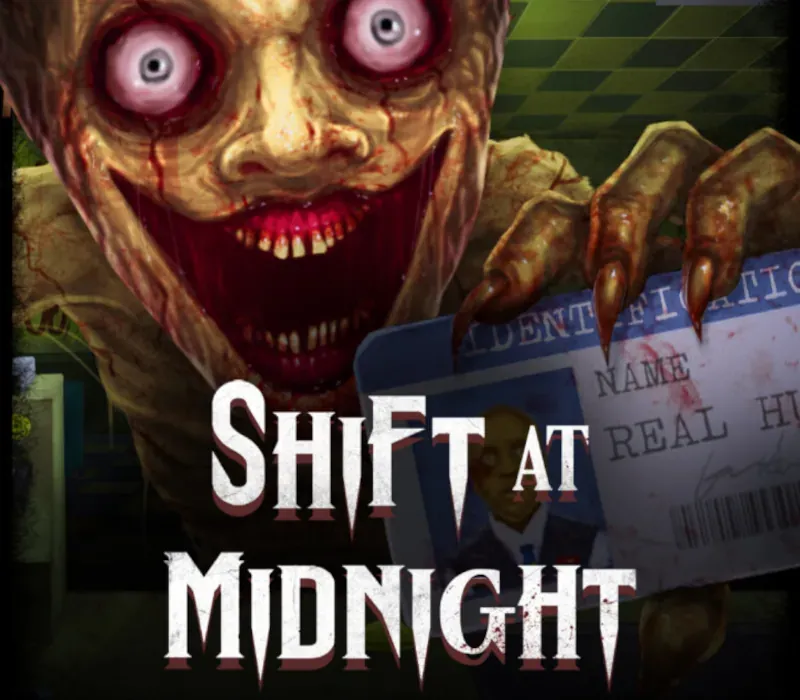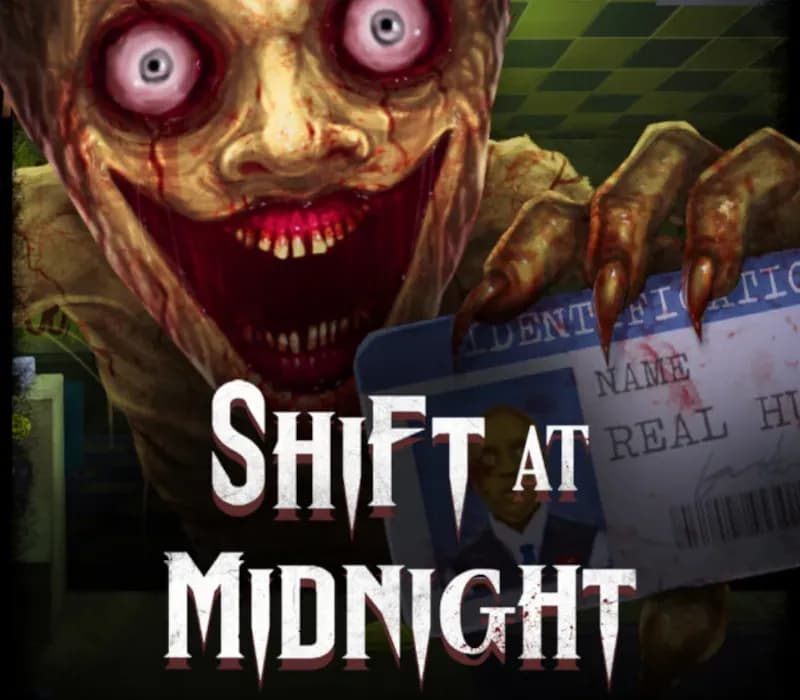
Shift at Midnight PC Steam CD Key
Shift at Midnight PC Steam CD Key is a digital key for Steam, not region-locked. Delivered instantly after payment.
⭐ 153,000+ orders delivered since 2018
 Pago Móvil
 Binance Pay
About this game
Managing a gas station is tough work, keep your stock shelves full and sell enough products to meet your quota each night, take deliveries and keep your store nice and clean. Oh, and make sure to interrogate each customer as you serve - as some are not human and are in fact doppelgangers – miss one and they will return later that shift to try and kill you and your friends… Execute on site if you think they are not human – just be sure to clean up after.
If you mess up, be prepared to set traps, barricade the doors and hide as the doppelgangers return as horrible monsters. Manage your gas stationStock the shelves, take deliveries, keep your store clean & serve customers. Each shift is randomly generated… meaning no 2 shifts are the same. Not all customers are human…
Managing a gas station these days also means you have to be a detective… You may ask each customer 5 questions, examine their ID, cross-check their details in the computer, and observe their behaviour. Make sure they are human before you let them leave, or they will come back… Board Up, Lay Traps and HideIf a creature manages to leave the store, all hell breaks loose.
Barricade the doors, place traps, and find a place to hide. Survival is no longer guaranteed. Better with friends!
Multiplayer is where the game thrives, work together or at least be together… proximity chat enhances the experience.
Features
Multiplayer Proximity chat Interrogate customers Randomly Generated Shifts Gas Station Management Character customisation
System Requirements
- Windows: Minimum: OS: Windows 10 (64-bit) Processor: Intel Core i3-2100 / AMD FX-4300 or similar (dual-core or better) Memory: 4 GB RAM Graphics: NVIDIA GeForce GTX 750 Ti / AMD Radeon R7 260X (2 GB VRAM) Network: Broadband Internet connection
How to activate
- Launch the Steam desktop client and log in to your account, or visit store.steampowered.com/account/registerkey in your browser.
- Click the "Games" menu at the top of the client (or click "+ Add a Game" at the bottom-left) and select "Activate a Product on Steam...".
- Follow the on-screen prompts, accept the Steam Subscriber Agreement, and enter your CD-Key in the "Product Code" field.
- Click "Next" and "Finish" to register the game. It will now appear permanently in your Steam Library ready to install.
Customer Reviews
Frequently asked questions
Which region is this for?
This is the Global version: it is not region-locked.
How do I activate Shift at Midnight PC Steam CD Key on Steam?
1. Launch the Steam desktop client and log in to your account, or visit store.steampowered.com/account/registerkey in your browser. 2. Click the "Games" menu at the top of the client (or click "+ Add a Game" at the bottom-left) and select "Activate a Product on Steam...". 3. Follow the on-screen prompts, accept the Steam Subscriber Agreement, and enter your CD-Key in the "Product Code" field. 4. Click "Next" and "Finish" to register the game. It will now appear permanently in your Steam Library ready to install.
How fast is delivery?
Your key appears in your account and is emailed to you right after payment.