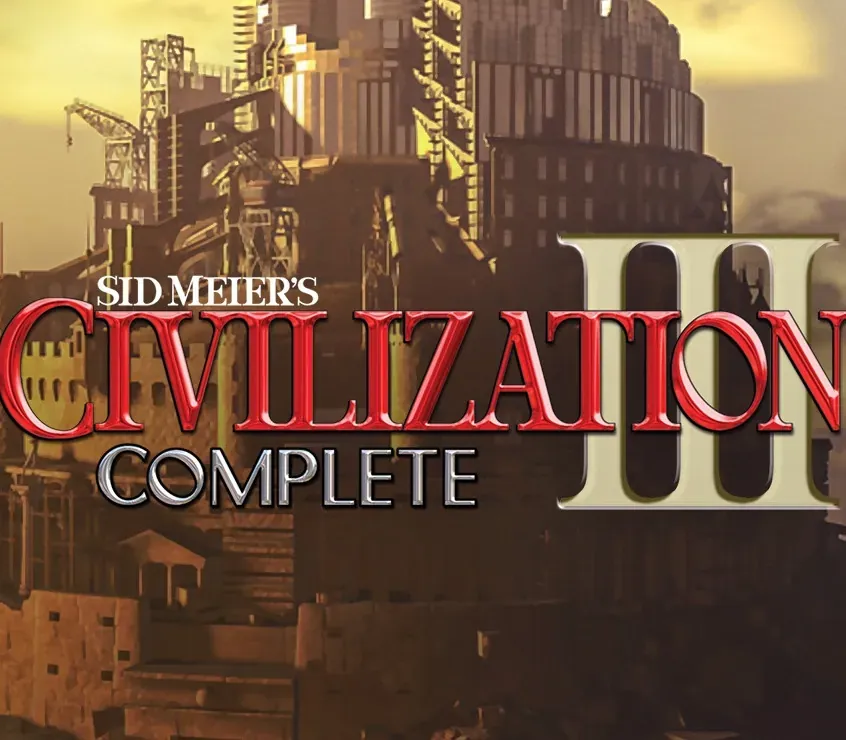

Sid Meier's Civilization III Complete PC Steam CD Key
Sid Meier's Civilization III Complete PC Steam CD Key is a digital key for Steam, not region-locked. Delivered instantly after payment. Price: $2.23, 55% below the Steam MSRP of $4.99.
⭐ 153,000+ orders delivered since 2018
 Pago Móvil
 Binance Pay
About this game
Sid Meier's Civilization III: Complete, the latest offering in the Sid Meier's Civilization III franchise, provides gaming fans with Sid Meier's Civilization III, the highly-addictive journey of discovery, combined with the updated and enhanced multiplayer expansion pack Sid Meier's Civilization III: Play the World*, as well as all of the great new civilizations, scenarios, and features from Sid Meier's Civilization III: Conquests! Sid Meier's Civilization III: Complete provides more ways to explore, more strategies to employ, more modes of play, and more ways to win, all in one box! *Online Multiplayer to be suspended as of May 31st 2014, LAN mode still supported
System Requirements
- Windows: Recommended: Windows 2000/XP (only), Pentium II 400 MHz, 128 MB RAM, 1.7 GB Free HDD space, Windows 2000/XP compatible video card, Windows 2000/XP compatible sound card*, DirectX version 9.0b (included) or higher. Devices should be compatible with DirectX version 9.0b or higher.
How to activate
- Launch the Steam desktop client and log in to your account, or visit store.steampowered.com/account/registerkey in your browser.
- Click the "Games" menu at the top of the client (or click "+ Add a Game" at the bottom-left) and select "Activate a Product on Steam...".
- Follow the on-screen prompts, accept the Steam Subscriber Agreement, and enter your CD-Key in the "Product Code" field.
- Click "Next" and "Finish" to register the game. It will now appear permanently in your Steam Library ready to install.
Customer Reviews
Frequently asked questions
Which region is this for?
This is the Global version: it is not region-locked.
How do I activate Sid Meier's Civilization III Complete PC Steam CD Key on Steam?
1. Launch the Steam desktop client and log in to your account, or visit store.steampowered.com/account/registerkey in your browser. 2. Click the "Games" menu at the top of the client (or click "+ Add a Game" at the bottom-left) and select "Activate a Product on Steam...". 3. Follow the on-screen prompts, accept the Steam Subscriber Agreement, and enter your CD-Key in the "Product Code" field. 4. Click "Next" and "Finish" to register the game. It will now appear permanently in your Steam Library ready to install.
How fast is delivery?
Your key appears in your account and is emailed to you right after payment.