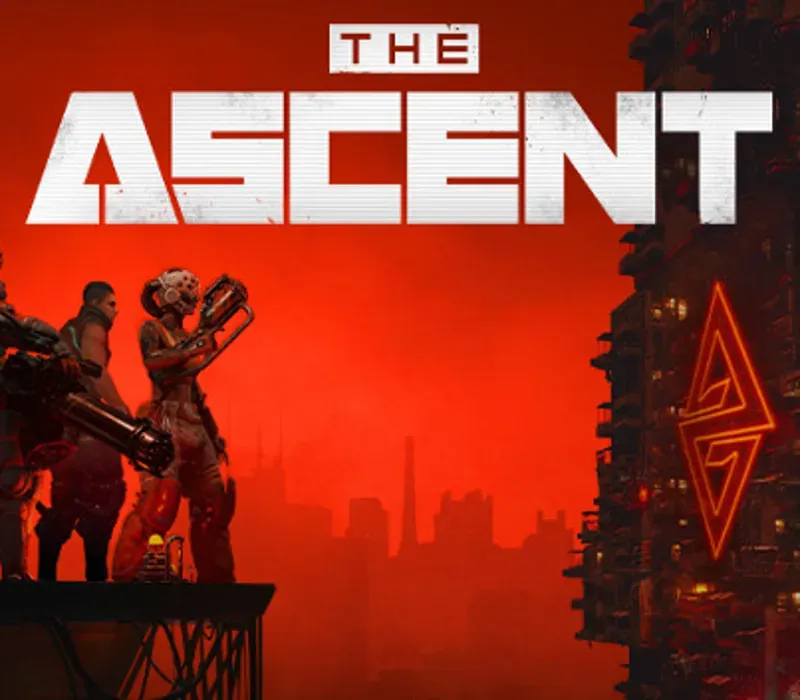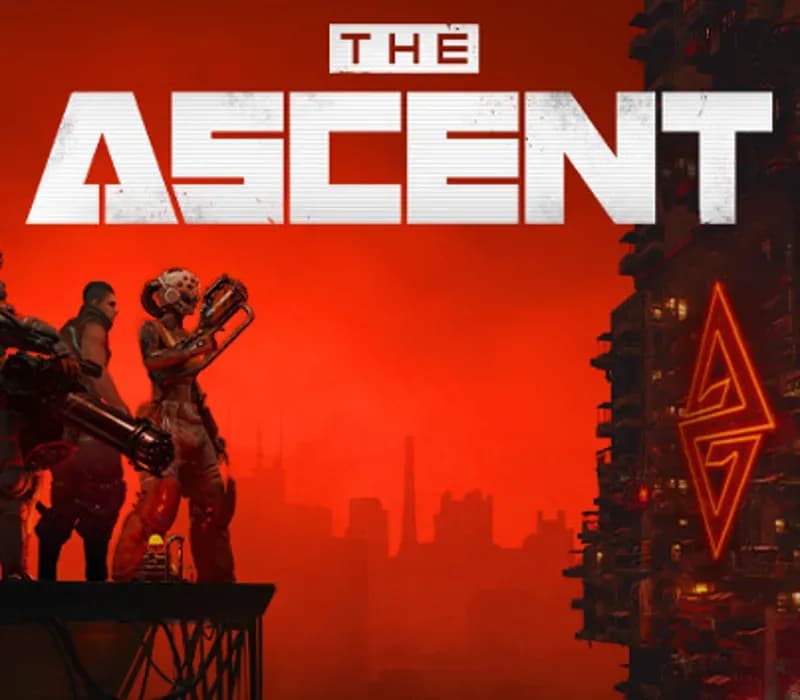

The Ascent PC Steam CD Key
The Ascent PC Steam CD Key is a digital key for Steam, not region-locked. Delivered instantly after payment. Price: $6.43, 78% below the Steam MSRP of $29.99.
⭐ 153,000+ orders delivered since 2018
 Pago Móvil
 Binance Pay
About this game
The Ascent is a solo and co-op Action-shooter RPG, set on Veles, a packed cyberpunk world.
Welcome to The Ascent Group arcology, a corporate-run metropolis stretching high into the sky and filled with creatures from all over the galaxy. You play as a worker, enslaved by the company that owns you and everyone else in your district. One day, you are suddenly caught in a vortex of catastrophic events: The Ascent Group shuts down for unknown reasons and the survival of your district is threatened. You must take up arms and embark on a new mission to find out what started it all.
You belong to the corporation. Can you survive without it?
Features
SOLO OR CO-OPPlay the entire game alone or work together with up to three friends in local or online co-op.
EXPLOSIVE SHOOTER
Aim low or high, switch weapons and equip lethal gadgets, take cover and use the destructible environments at your advantage and keep adjusting your tactic as you face new enemies.
RPG ELEMENTS
Customize your character with cyberware that suits your playstyle. Allocate new skill points as you level-up and try various augmentations to take down your enemies in new creative ways.
A VIBRANT CYBERPUNK WORLD
Meet new allies and enemies and find loot as you explore the brimming world of The Ascent and its wide range of districts, from the deep slums to the higher luxury spheres.
System Requirements
- Windows: Minimum: Requires a 64-bit processor and operating system OS: Windows 10 Processor: Intel Core i5-4670K (4 * 3400) or equivalent / AMD FX-8350 (4 * 4000) or equivalent Memory: 8 GB RAM Graphics: GeForce GTX 660 ( 2048 MB) / Radeon R9 390X (8192 MB) Storage: 35 GB available space
How to activate
- Launch the Steam desktop client and log in to your account, or visit store.steampowered.com/account/registerkey in your browser.
- Click the "Games" menu at the top of the client (or click "+ Add a Game" at the bottom-left) and select "Activate a Product on Steam...".
- Follow the on-screen prompts, accept the Steam Subscriber Agreement, and enter your CD-Key in the "Product Code" field.
- Click "Next" and "Finish" to register the game. It will now appear permanently in your Steam Library ready to install.
Customer Reviews
Frequently asked questions
Which region is this for?
This is the Global version: it is not region-locked.
How do I activate The Ascent PC Steam CD Key on Steam?
1. Launch the Steam desktop client and log in to your account, or visit store.steampowered.com/account/registerkey in your browser. 2. Click the "Games" menu at the top of the client (or click "+ Add a Game" at the bottom-left) and select "Activate a Product on Steam...". 3. Follow the on-screen prompts, accept the Steam Subscriber Agreement, and enter your CD-Key in the "Product Code" field. 4. Click "Next" and "Finish" to register the game. It will now appear permanently in your Steam Library ready to install.
How fast is delivery?
Your key appears in your account and is emailed to you right after payment.