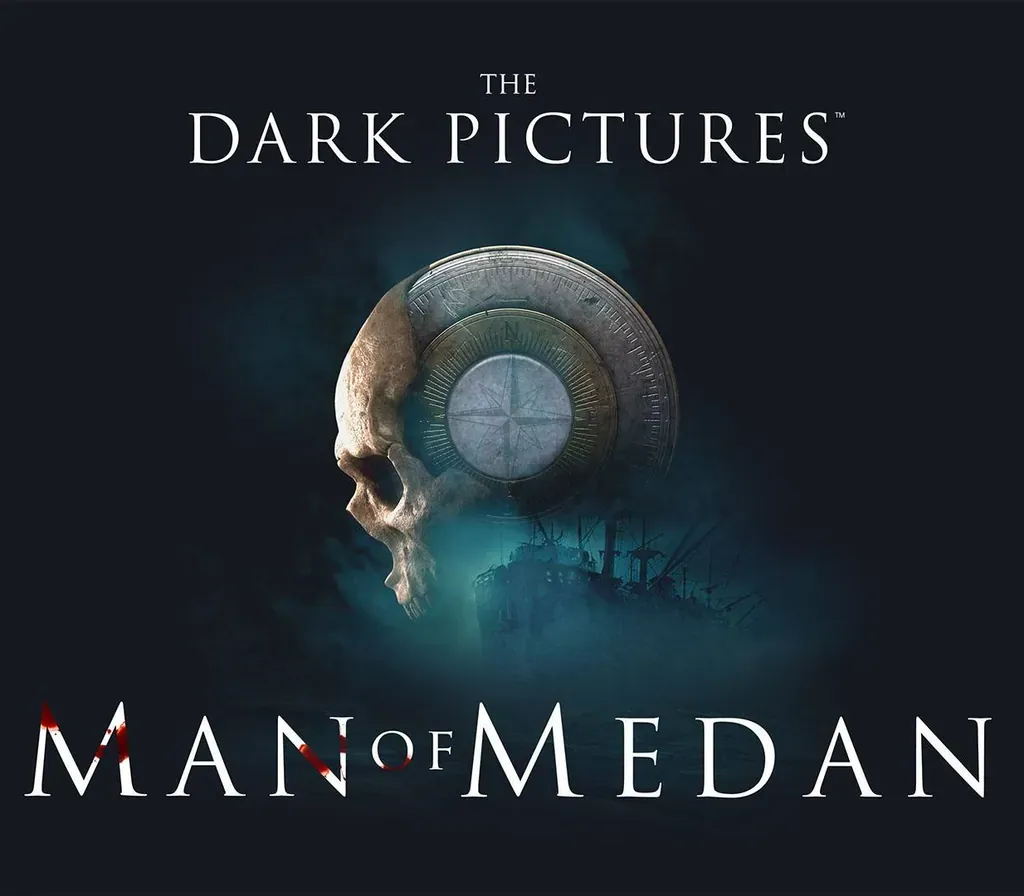
The Dark Pictures Anthology - Man of Medan PC Steam CD Key
The Dark Pictures Anthology - Man of Medan PC Steam CD Key is a digital key for Steam, not region-locked. Delivered instantly after payment. Price: $6.87, 65% below the Steam MSRP of $19.99.
⭐ 153,000+ orders delivered since 2018
 Pago Móvil
 Binance Pay
About this game
The Dark Pictures Anthology is a series of stand-alone, branching cinematic horror games featuring a multiplayer mode. In Man of Medan, five friends set sail on a holiday diving trip that soon changes into something much more sinister... Embark on a horrific journey aboard a ghost ship. Experience your terrifying story with a friend online or go for safety in numbers with up to five players offline All playable characters can live or die.
The choices you make will decide their fate. Who will you save? Don't. Play.
Alone.
System Requirements
- Windows: Requires a 64-bit processor and operating system OS: Windows 7 64-bit Processor: Intel Core i5-3470 or AMD FX-8350 Memory: 8 GB RAM Graphics: NVIDIA GeForce GTX 660 or AMD Radeon HD 7870 DirectX: Version 11 Network: Broadband Internet connection Storage: 80 GB available space
How to activate
- Launch the Steam desktop client and log in to your account, or visit store.steampowered.com/account/registerkey in your browser.
- Click the "Games" menu at the top of the client (or click "+ Add a Game" at the bottom-left) and select "Activate a Product on Steam...".
- Follow the on-screen prompts, accept the Steam Subscriber Agreement, and enter your CD-Key in the "Product Code" field.
- Click "Next" and "Finish" to register the game. It will now appear permanently in your Steam Library ready to install.
Customer Reviews
Frequently asked questions
Which region is this for?
This is the Global version: it is not region-locked.
How do I activate The Dark Pictures Anthology - Man of Medan PC Steam CD Key on Steam?
1. Launch the Steam desktop client and log in to your account, or visit store.steampowered.com/account/registerkey in your browser. 2. Click the "Games" menu at the top of the client (or click "+ Add a Game" at the bottom-left) and select "Activate a Product on Steam...". 3. Follow the on-screen prompts, accept the Steam Subscriber Agreement, and enter your CD-Key in the "Product Code" field. 4. Click "Next" and "Finish" to register the game. It will now appear permanently in your Steam Library ready to install.
How fast is delivery?
Your key appears in your account and is emailed to you right after payment.