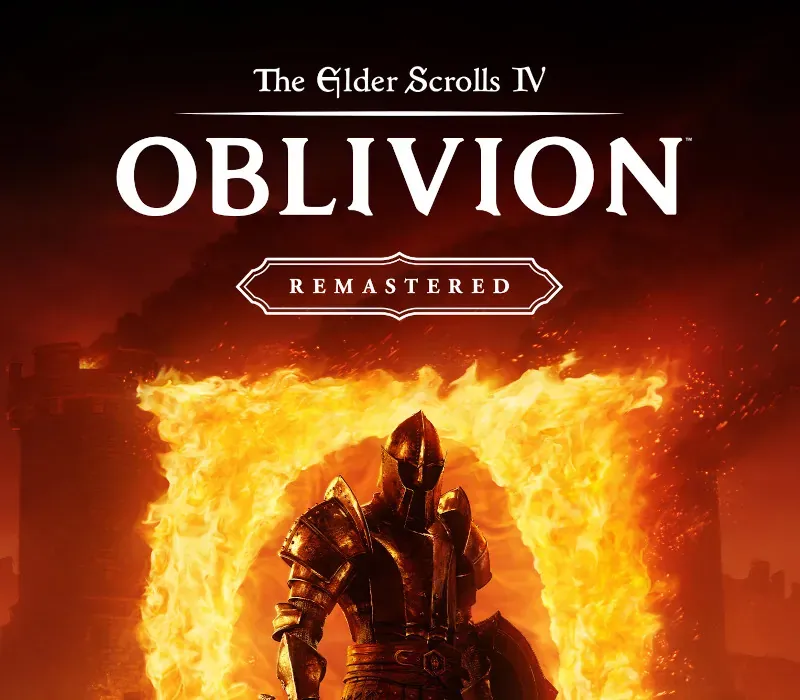
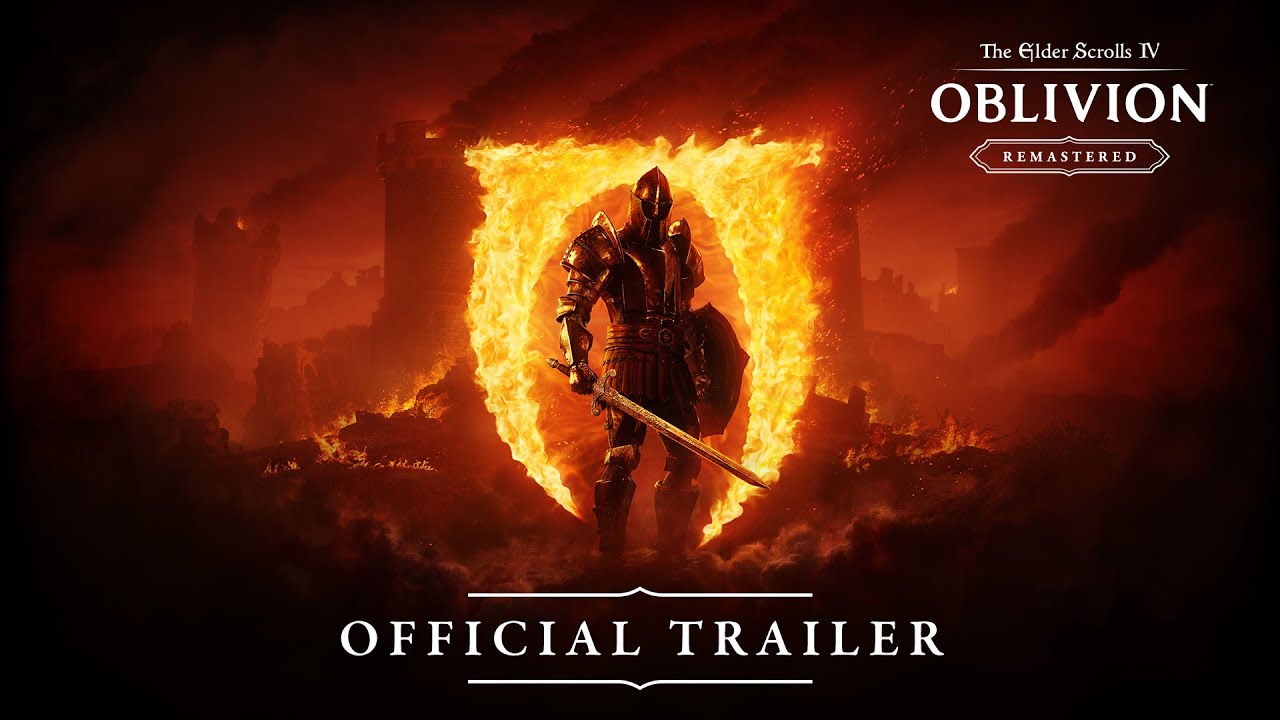
The Elder Scrolls IV: Oblivion Remastered PC Steam CD Key
The Elder Scrolls IV: Oblivion Remastered PC Steam CD Key is a digital key for Steam, not region-locked. Delivered instantly after payment. Price: $40.46, 19% below the Steam MSRP of $49.99.
⭐ 153,000+ orders delivered since 2018
 Pago Móvil
 Binance Pay
Compare editions
See what's included in each edition
| The Elder Scrolls IV: Oblivion | Standard EditionYour edition | |
|---|---|---|
Base game | ||
Knights of the Nine Expansion | — | |
Shivering Isles Expansion Sheogorath's realm of madness expansion | — | |
All 9 Official Plugins Fighter's Stronghold, Spell Tome, Vile Lair, Mehrunes' Razor, Thieves Den, Wizard's Tower, Orrery, and Horse Armor Pack | — | |
| Source | Steam | Steam |
About this game
The Elder Scrolls IV: Oblivion Remastered modernizes the 2006 Game of the Year with all new stunning visuals and refined gameplay. Explore the vast landscape of Cyrodiil like never before and stop the forces of Oblivion from overtaking the land in one of the greatest RPGs ever from the award-winning Bethesda Game Studios.
Features of The Elder Scrolls IV: Oblivion Remastered Rediscover CyrodiilJourney through the rich world of Tamriel and battle across the planes of Oblivion where handcrafted details have been meticulously recreated to ensure each moment of exploration is awe-inspiring. Navigate Your Own StoryFrom the noble warrior to the sinister assassin, wizened sorcerer, or scrappy blacksmith, forge your path and play the way you want.
Experience an Epic AdventureStep inside a universe bursting with captivating stories and encounter an unforgettable cast of characters. Master swordcraft and wield powerful magic as you fight to save Tamriel from the Daedric invasion. The Complete StoryExperience everything Oblivion has to offer with previously released story expansions Shivering Isles, Knights of the Nine, and additional downloadable content included in The Elder Scrolls IV: Oblivion Remastered.
System Requirements
- Windows: Minimum: Requires a 64-bit processor and operating system OS: Windows 10 version 21H1 (10.0.19043) Processor: AMD Ryzen 5 2600X, Intel Core i7-6800K Memory: 16 GB RAM Graphics: AMD Radeon RX 5700, NVIDIA GeForce 1070 Ti DirectX: Version 12 Storage: 125 GB available space Additional Notes: SSD Required
How to activate
- Launch the Steam desktop client and log in to your account, or visit store.steampowered.com/account/registerkey in your browser.
- Click the "Games" menu at the top of the client (or click "+ Add a Game" at the bottom-left) and select "Activate a Product on Steam...".
- Follow the on-screen prompts, accept the Steam Subscriber Agreement, and enter your CD-Key in the "Product Code" field.
- Click "Next" and "Finish" to register the game. It will now appear permanently in your Steam Library ready to install.
Customer Reviews
Frequently asked questions
Which region is this for?
This is the Global version: it is not region-locked.
How do I activate The Elder Scrolls IV: Oblivion Remastered PC Steam CD Key on Steam?
1. Launch the Steam desktop client and log in to your account, or visit store.steampowered.com/account/registerkey in your browser. 2. Click the "Games" menu at the top of the client (or click "+ Add a Game" at the bottom-left) and select "Activate a Product on Steam...". 3. Follow the on-screen prompts, accept the Steam Subscriber Agreement, and enter your CD-Key in the "Product Code" field. 4. Click "Next" and "Finish" to register the game. It will now appear permanently in your Steam Library ready to install.
How fast is delivery?
Your key appears in your account and is emailed to you right after payment.
What does the Standard Edition include?
Base game