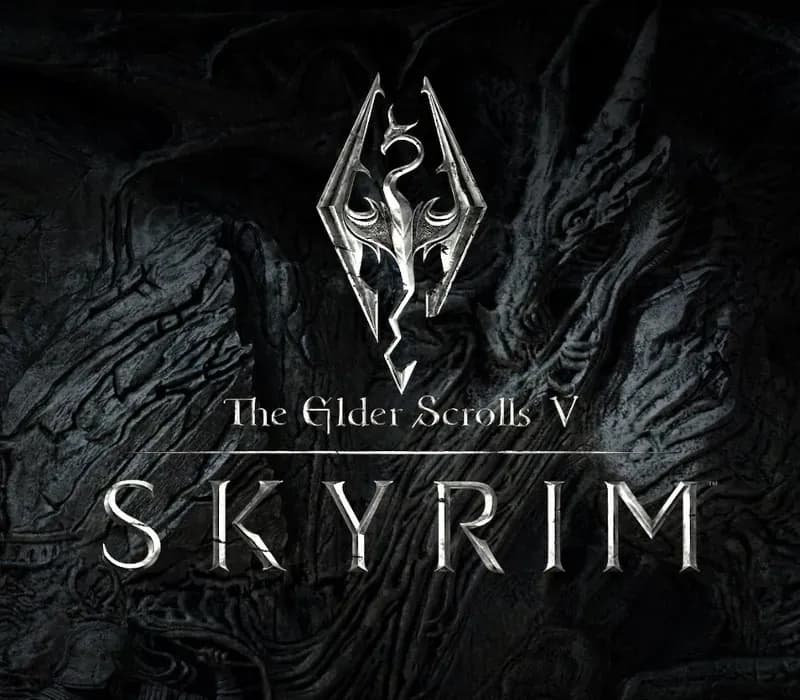
 1 of 8
The Elder Scrolls V: Skyrim Special Edition PS4/PS5 Account
Release: Oct 28, 2016 · Developer: Bethesda Game Studios · Publisher: Bethesda Softworks
The Elder Scrolls V: Skyrim Special Edition — PSN account for PS4/PS5, Global. Not a code — read the account-ban notice before buying.
Choose your version
Your country: United States- Pay securelyInstant
- Key revealed in your account~60s
- Redeem on PlayStationDirect activation
 Pago Móvil
 Binance Pay
 Crypto
 Wallet
154,000+ sales in our store and on marketplaces · Latest order delivered: 23 minutes ago
Compare editions
See what's included in each edition
| The Elder Scrolls V: Skyrim | Standard Edition | Special EditionYour edition | Anniversary Edition | Anniversary Upgrade (DLC) |
|---|---|---|---|---|
| Base game (Original 2011) | — | — | — | |
| Base game (Remastered 64-bit) | — | — | — | |
| Skyrim Special Edition (Base + Dawnguard + Hearthfire + Dragonborn) | — | — | — | |
| Dawnguard ExpansionVolkihar vampire storyline and the Dawnguard order | — | — | — | |
| Hearthfire ExpansionHomestead building, land purchases, and child adoption | — | — | — | |
| Dragonborn ExpansionIsland of Solstheim storyline and Miraak encounters | — | — | — | |
| 500+ Creation Club ElementsOver 500 official Creation Club community elements: quests, gear, bosses, and survival mode | — | — | — | |
| Creation Club Bundle (Requiere Special Edition previa)Upgrades Skyrim Special Edition to the Anniversary Edition | — | — | — |
How to activate
- 1Turn on your PlayStation console, select "Add User", and choose "Get Started" (do not select "Play as a One-Time Guest").
- 2Sign in to PlayStation Network with the delivered account email and password, entering the 2FA code provided if prompted.
- 3Enable console sharing: on PS5 go to Settings -> Users and Accounts -> Other -> "Console Sharing and Offline Play" -> Enable (on PS4: Settings -> Account Management -> "Activate as Your Primary PS4").
- 4Open Game Library -> "Your Collection", start downloading the purchased game, and switch back to your main personal profile to play and earn trophies.
About this game
The Elder Scrolls V: Skyrim Special Edition PS4/PS5 Account is a game account for PlayStation, not region-locked.
Important — please read before buying: This is a PlayStation account created and supplied by a third-party seller, not a code for your own account. Sony's Terms of Service do not allow buying or selling PSN accounts, so a ban of the account (or restrictions on the console) is a likely possibility, though not a certainty, and we cannot guarantee the account will not be restricted. Do not change the account's country/region or add a payment method; play on your own profile via Console Sharing and Offline Play.
A true, full-length open-world game for VR has arrived from award-winning developers, Bethesda Game Studios. Skyrim VR reimagines the complete epic fantasy masterpiece with an unparalleled sense of scale, depth, and immersion. From battling ancient dragons to exploring rugged mountains and more, Skyrim VR brings to life a complete open world for you to experience any way you choose. Skyrim VR includes the critically-acclaimed core game and official add-ons – Dawnguard, Hearthfire, and Dragonborn.
Dragons, long lost to the passages of the Elder Scrolls, have returned to Tamriel and the future of the Empire hangs in the balance. As Dragonborn, the prophesied hero born with the power of The Voice, you are the only one who can stand amongst them.
Frequently asked questions
Which region is this for?
This is the Global version: it is not region-locked.
How do I activate The Elder Scrolls V: Skyrim Special Edition PS4/PS5 Account on PlayStation?
1. Turn on your PlayStation console, select "Add User", and choose "Get Started" (do not select "Play as a One-Time Guest"). 2. Sign in to PlayStation Network with the delivered account email and password, entering the 2FA code provided if prompted. 3. Enable console sharing: on PS5 go to Settings -> Users and Accounts -> Other -> "Console Sharing and Offline Play" -> Enable (on PS4: Settings -> Account Management -> "Activate as Your Primary PS4"). 4. Open Game Library -> "Your Collection", start downloading the purchased game, and switch back to your main personal profile to play and earn trophies.
What does “account” mean?
You receive login details for a PlayStation account that already owns the game.
What does the Special Edition include?
Base game (Remastered 64-bit), Dawnguard Expansion, Hearthfire Expansion, Dragonborn Expansion
Customer Reviews
See all reviews and write yours
Customer Reviews
Nobody has reviewed this game yet. If you buy it, tell us how it went.
You may also like
 −70%
Star Wars Jedi: Fallen Order Deluxe Edition PS4 Account
 −69%
Nioh 2 Remastered – The Complete Edition PS4 Account
 −63%
Middle-earth: Shadow of War Definitive Edition PS4/PS5 Account
 −75%
Marvel's Spider-Man GOTY PS4 Account