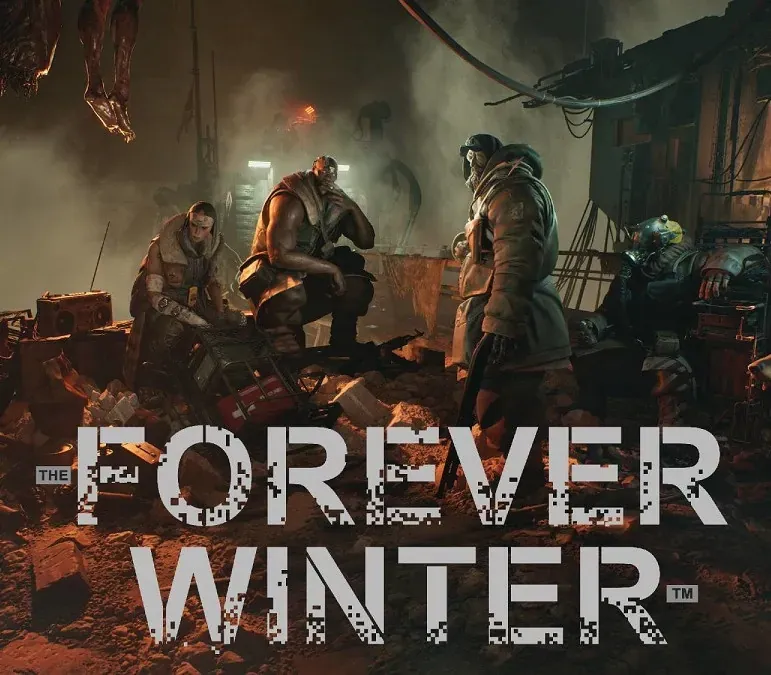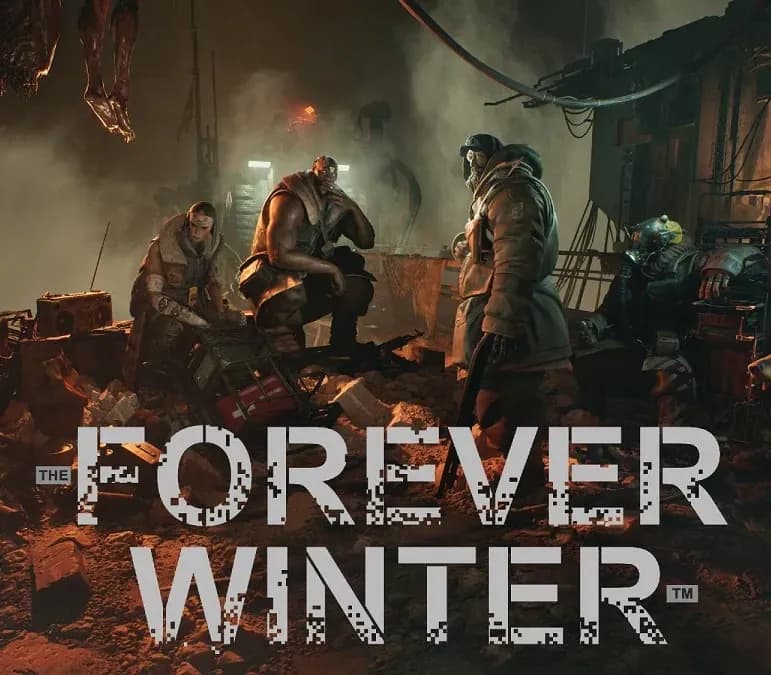

The Forever Winter PC Steam CD Key
The Forever Winter PC Steam CD Key is a digital key for Steam, not region-locked. Delivered instantly after payment. Price: $12.82, 57% below the Steam MSRP of $29.99.
⭐ 153,000+ orders delivered since 2018
 Pago Móvil
 Binance Pay
About this game
You’re A Small Fish In A Big Apocalypse. Scavenge and fight for your next day alive under the shadow of gargantuan war machines. Enemies in the game can literally tower over the battlefield. War.
War Always Changes. The battlefield is unpredictable thanks to The Forever Winter’s Dynamic Encounter system: enemies have their own goals and agendas, operating in coordinated groups, undertaking full-scale battles — and they’ll intelligently react to your actions. The battlefield you leave won’t be the same one you return to. Only The Smart Survive - But Guns Help.
Use your wits, stealth, and skilled gunplay to make it out alive. Choose your path in the shadow of the two great superpowers, loot the dead, and make it out alive. While the warring factions may ignore you at first, the more disruptive you become to their goals, the more they'll seek to remove you from the equation. A Grim Vision Of The Future.
Ecological collapse compounded by runaway technological advancement brought us here: a world choked by 40 years of industrial-scale violence between two military superpowers, unmerciful mass killing by AI automata, human-machine hybrids, and the bleak truth of human nature. There’s two sides to this war, and you’re not on either.
System Requirements
- Windows: Minimum: Requires a 64-bit processor and operating system OS: Windows 10 64bit Processor: Intel Core i7-9700 / AMD Ryzen 7 3700X Memory: 16 GB RAM Graphics: NVIDIA GeForce RTX 2080 Super (VRAM 8 GB) / Radeon RX 5700XT (8GB) DirectX: Version 12 Storage: 87 GB available space Additional Notes: SSD recommended
How to activate
- Launch the Steam desktop client and log in to your account, or visit store.steampowered.com/account/registerkey in your browser.
- Click the "Games" menu at the top of the client (or click "+ Add a Game" at the bottom-left) and select "Activate a Product on Steam...".
- Follow the on-screen prompts, accept the Steam Subscriber Agreement, and enter your CD-Key in the "Product Code" field.
- Click "Next" and "Finish" to register the game. It will now appear permanently in your Steam Library ready to install.
Customer Reviews
Frequently asked questions
Which region is this for?
This is the Global version: it is not region-locked.
How do I activate The Forever Winter PC Steam CD Key on Steam?
1. Launch the Steam desktop client and log in to your account, or visit store.steampowered.com/account/registerkey in your browser. 2. Click the "Games" menu at the top of the client (or click "+ Add a Game" at the bottom-left) and select "Activate a Product on Steam...". 3. Follow the on-screen prompts, accept the Steam Subscriber Agreement, and enter your CD-Key in the "Product Code" field. 4. Click "Next" and "Finish" to register the game. It will now appear permanently in your Steam Library ready to install.
How fast is delivery?
Your key appears in your account and is emailed to you right after payment.