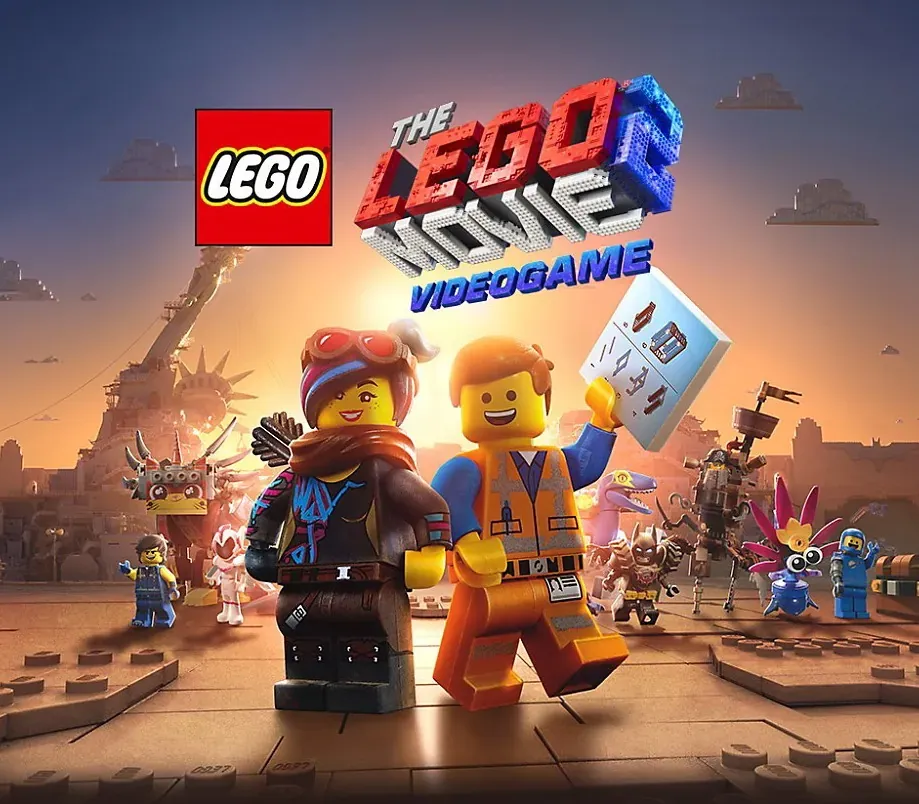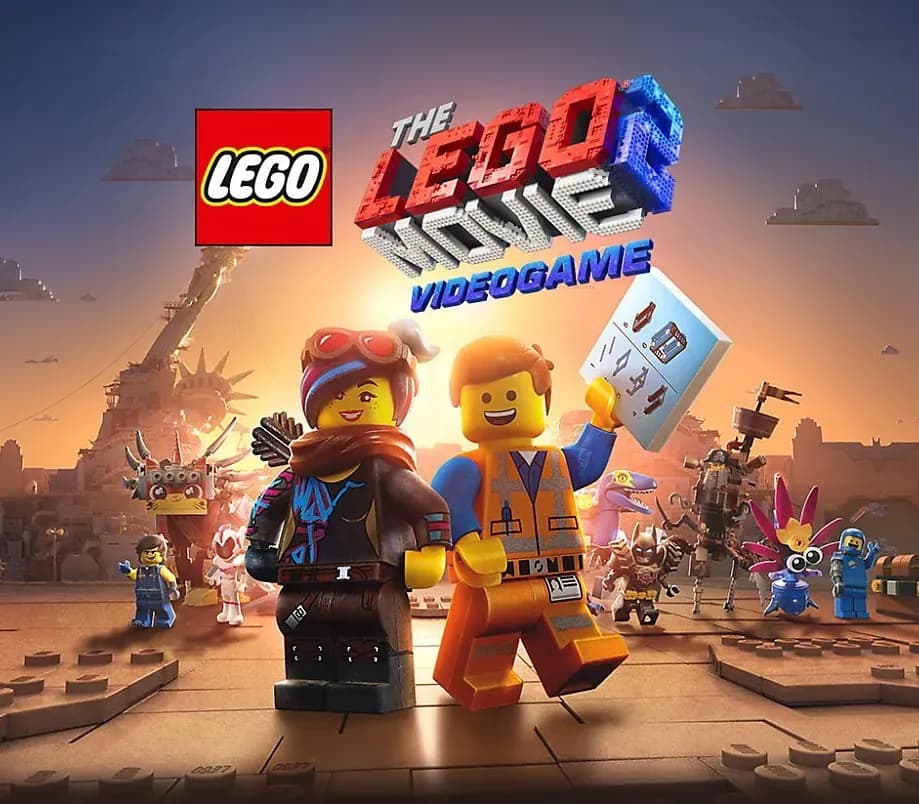
The LEGO Movie 2 Videogame Steam Key PC Steam CD Key
The LEGO Movie 2 Videogame Steam Key PC Steam CD Key is a digital key for Steam, not region-locked. Delivered instantly after payment.
⭐ 153,000+ orders delivered since 2018
 Pago Móvil
 Binance Pay
About this game
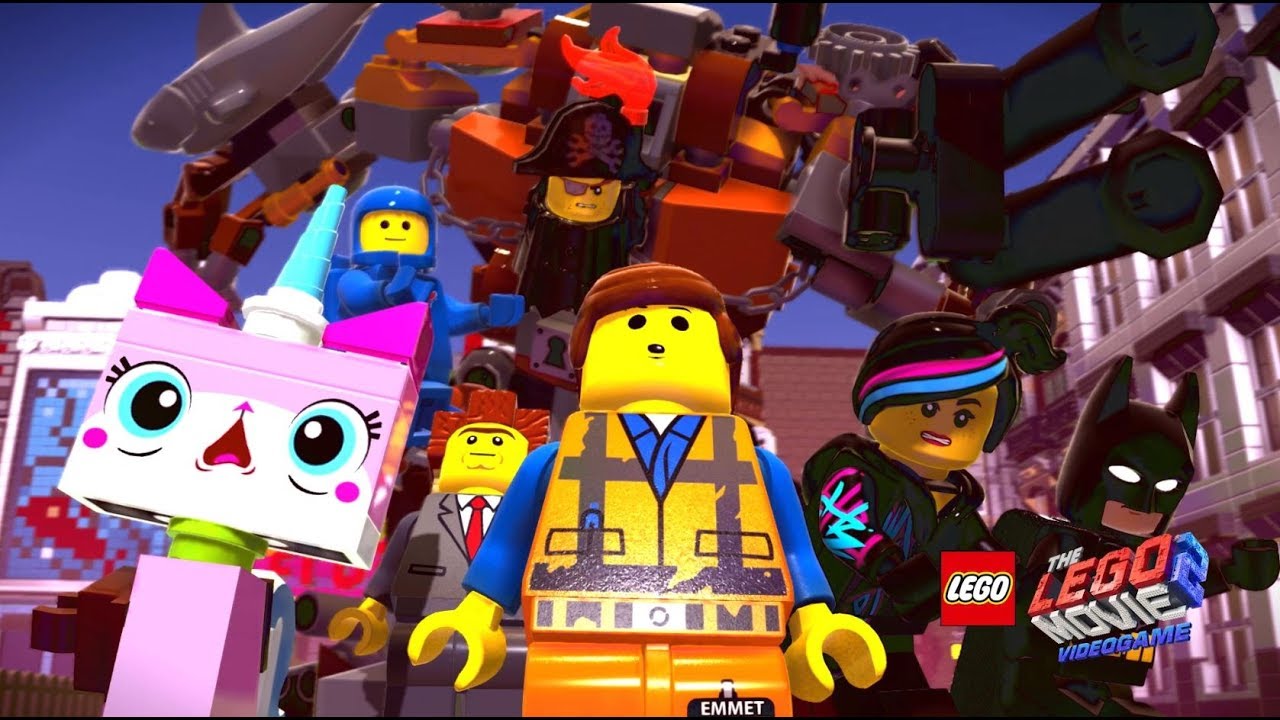
The alien monster invaders have left Bricksburg in ruins and taken Emmet's friends! It is now up to Emmet and a host of heroic characters to go beyond their world and save their friends from the strange inhabitants of the Systar System. Journey into outer space, discover new worlds and test your Master Building skills.
System Requirements
- Windows: OS: Windows 7 Processor: Intel Core i3-4130 Memory: 4 GB RAM Graphics: Radeon R9 280X or GTX 660 Ti DirectX: Version 11 Network: Broadband Internet connection Storage: 16 GB available space
How to activate
- Launch the Steam desktop client and log in to your account, or visit store.steampowered.com/account/registerkey in your browser.
- Click the "Games" menu at the top of the client (or click "+ Add a Game" at the bottom-left) and select "Activate a Product on Steam...".
- Follow the on-screen prompts, accept the Steam Subscriber Agreement, and enter your CD-Key in the "Product Code" field.
- Click "Next" and "Finish" to register the game. It will now appear permanently in your Steam Library ready to install.
Customer Reviews
Frequently asked questions
Which region is this for?
This is the Global version: it is not region-locked.
How do I activate The LEGO Movie 2 Videogame Steam Key PC Steam CD Key on Steam?
1. Launch the Steam desktop client and log in to your account, or visit store.steampowered.com/account/registerkey in your browser. 2. Click the "Games" menu at the top of the client (or click "+ Add a Game" at the bottom-left) and select "Activate a Product on Steam...". 3. Follow the on-screen prompts, accept the Steam Subscriber Agreement, and enter your CD-Key in the "Product Code" field. 4. Click "Next" and "Finish" to register the game. It will now appear permanently in your Steam Library ready to install.
How fast is delivery?
Your key appears in your account and is emailed to you right after payment.