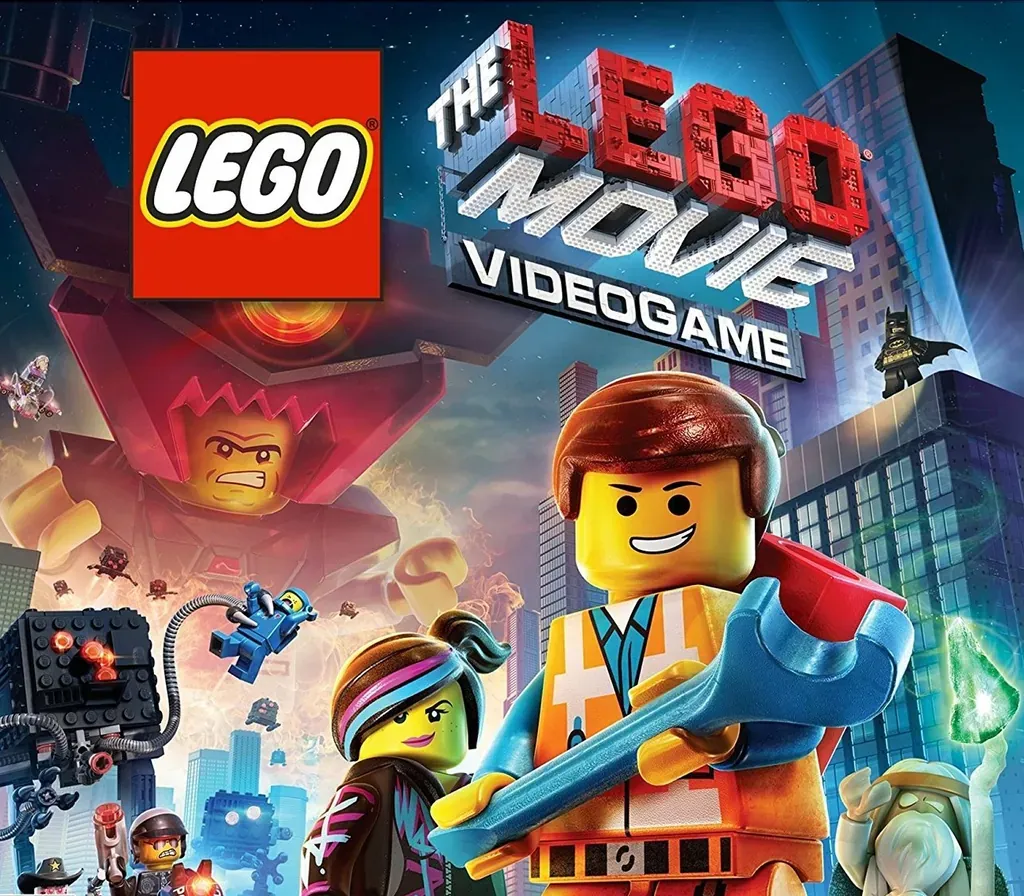
The LEGO Movie Videogame PC Steam CD Key
The LEGO Movie Videogame PC Steam CD Key is a digital key for Steam, not region-locked. Delivered instantly after payment.
⭐ 153,000+ orders delivered since 2018
 Pago Móvil
 Binance Pay
About this game
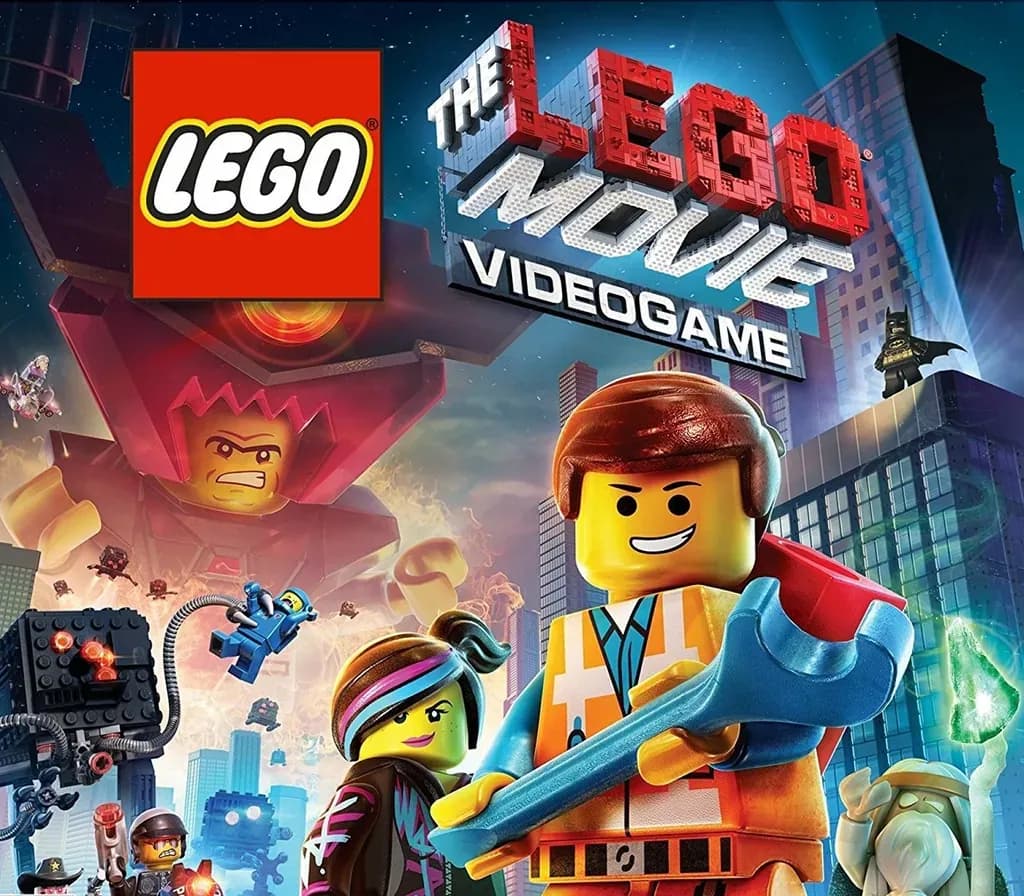
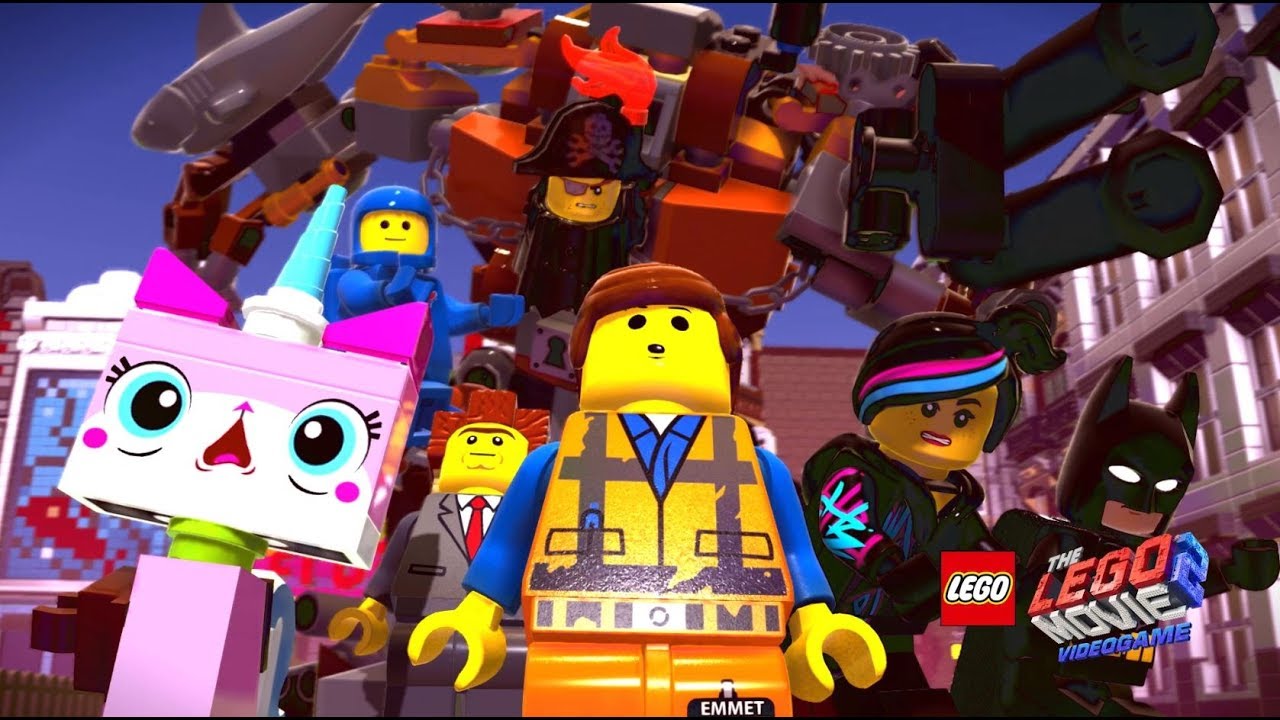
Join Emmet and an unlikely group of resistance fighters in their heroic quest to thwart Lord Business’ evil plans—a mission that Emmet is hopelessly and hilariously unprepared for. It’s a wild ride with a surprising mix of over 90 playable characters including Batman, Superman, Wonder Woman, the Green Ninja, Gandalf, Shakespeare, Cleopatra and more.
System Requirements
Minimum
- OS: Windows®XP SP3, Windows Vista/7/8 with latest service packs and updates installed
- Processor: AMD Athlon 64 X2 EE 3800+ (2*2000 Mhz) or similar Intel CPU, such as Intel Pentium Dual Core E2180 (2*2000 Mhz)
- Memory: 2 GB RAM
- Graphics: NVIDIA GeForce 7600 GS or ATI Radeon X1950 Pro or better
- DirectX: Version 10
- Network: Broadband Internet connection
- Storage: 10 GB available space
Recommended
- OS: Windows XP/Vista/7/8
- Processor: AMD or Intel Quad Core running at 4*2600 Mhz
- Memory: 4 GB RAM
- Graphics: NVIDIA GeForce GTX 480 or ATI Radeon HD 5850 or better
- DirectX: Version 11
- Network: Broadband Internet connection
- Storage: 10 GB available space
How to activate
- Launch the Steam desktop client and log in to your account, or visit store.steampowered.com/account/registerkey in your browser.
- Click the "Games" menu at the top of the client (or click "+ Add a Game" at the bottom-left) and select "Activate a Product on Steam...".
- Follow the on-screen prompts, accept the Steam Subscriber Agreement, and enter your CD-Key in the "Product Code" field.
- Click "Next" and "Finish" to register the game. It will now appear permanently in your Steam Library ready to install.
Customer Reviews
Frequently asked questions
Which region is this for?
This is the Global version: it is not region-locked.
How do I activate The LEGO Movie Videogame PC Steam CD Key on Steam?
1. Launch the Steam desktop client and log in to your account, or visit store.steampowered.com/account/registerkey in your browser. 2. Click the "Games" menu at the top of the client (or click "+ Add a Game" at the bottom-left) and select "Activate a Product on Steam...". 3. Follow the on-screen prompts, accept the Steam Subscriber Agreement, and enter your CD-Key in the "Product Code" field. 4. Click "Next" and "Finish" to register the game. It will now appear permanently in your Steam Library ready to install.
How fast is delivery?
Your key appears in your account and is emailed to you right after payment.