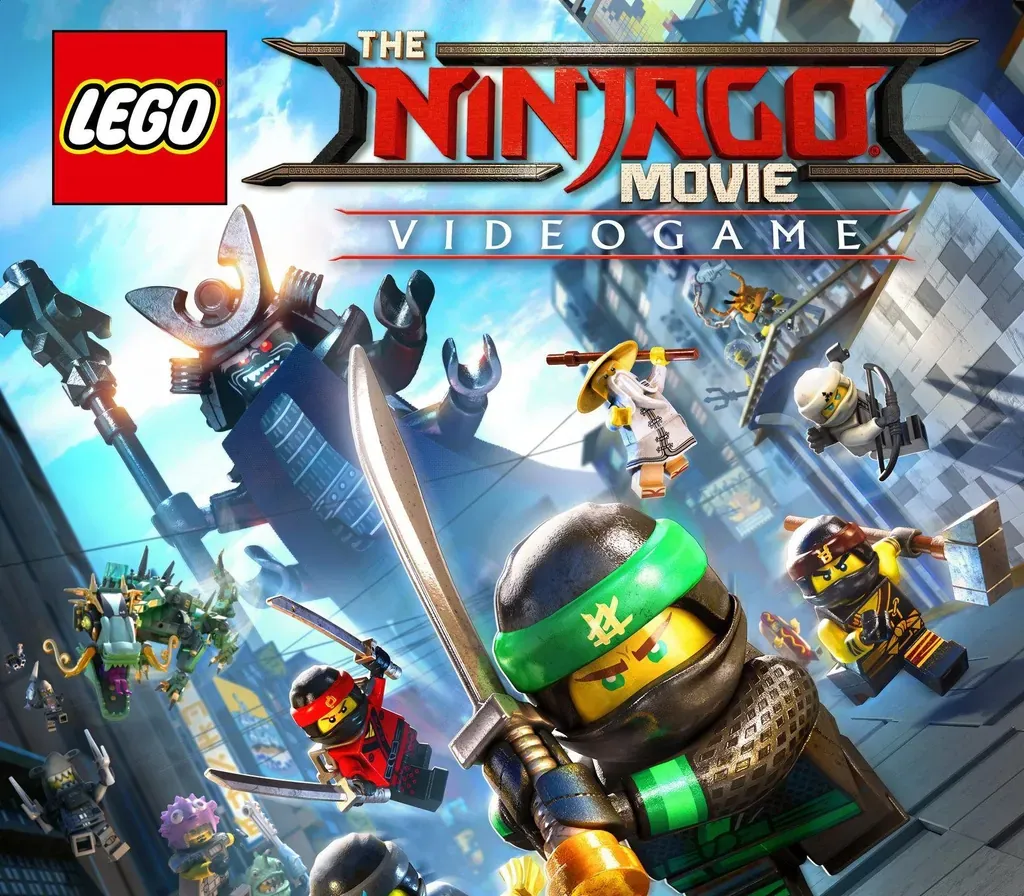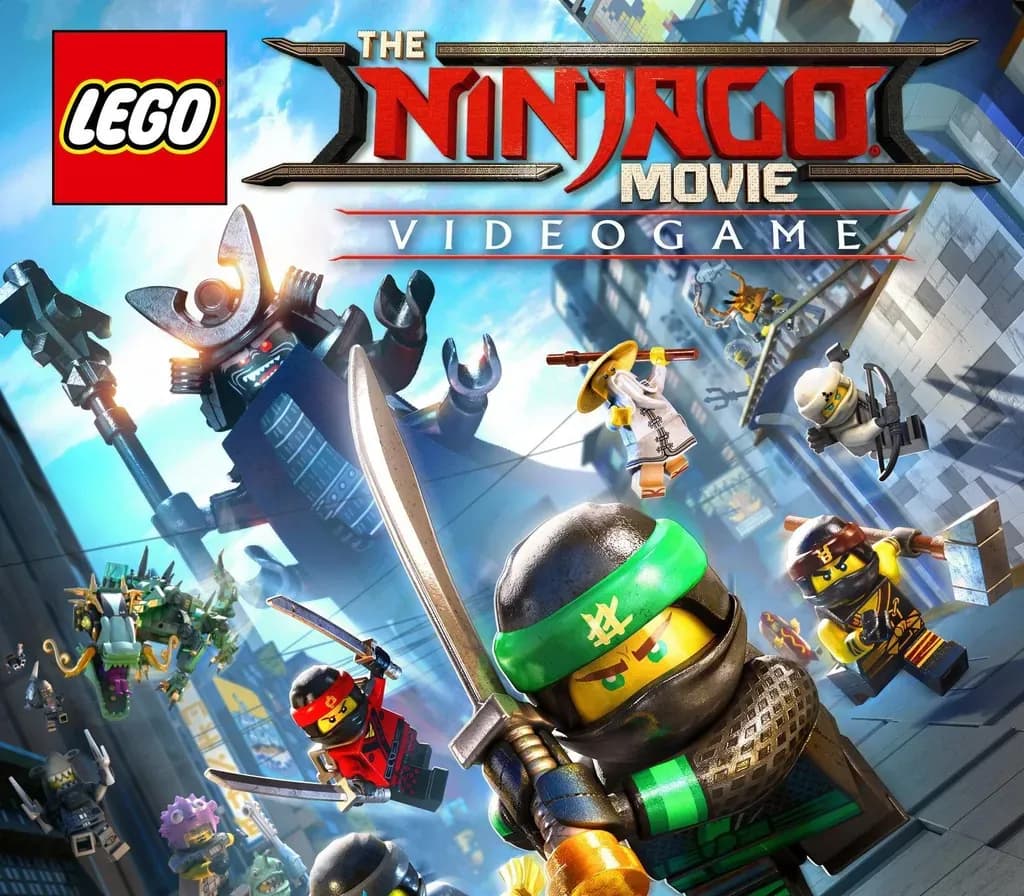

The LEGO NINJAGO Movie Video Game PC Steam CD Key
The LEGO NINJAGO Movie Video Game PC Steam CD Key is a digital key for Steam, not region-locked. Delivered instantly after payment.
⭐ 153,000+ orders delivered since 2018
 Pago Móvil
 Binance Pay
About this game
Find your inner ninja with the all-new LEGO NINJAGO Movie Video Game! Play as your favorite ninjas, Lloyd, Jay, Kai, Cole, Zane, Nya and Master Wu to defend their home island of Ninjago from the evil Lord Garmadon and his Shark Army. Master the art of Ninjagility by wall-running, high-jumping and battling the foes of Ninjago to rank up and upgrade the ninja's combat skills.
Only in the LEGO NINJAGO Movie Video Game will you experience the film across 8 action packed locations each with its own unique Challenge Dojo. And with the Battle Maps, play against friends and family in competitions for up to four players!
System Requirements
- Windows: OS: Windows 7/8/8.1/10 x86 and x64 Processor: Intel Core2 Quad Q9300 (4 * 2500) or equivalent / AMD A8-3850 (2 * 2900) or equivalent Memory: 4 GB RAM Graphics: GeForce GT 430 (1024 MB) / Radeon HD 5570 (1024 MB) DirectX: Version 11 Network: Broadband Internet connection Storage: 20 GB available space Additional Notes: Windows XP and DirectX 9.0 and below are not supported
How to activate
- Launch the Steam desktop client and log in to your account, or visit store.steampowered.com/account/registerkey in your browser.
- Click the "Games" menu at the top of the client (or click "+ Add a Game" at the bottom-left) and select "Activate a Product on Steam...".
- Follow the on-screen prompts, accept the Steam Subscriber Agreement, and enter your CD-Key in the "Product Code" field.
- Click "Next" and "Finish" to register the game. It will now appear permanently in your Steam Library ready to install.
Customer Reviews
Frequently asked questions
Which region is this for?
This is the Global version: it is not region-locked.
How do I activate The LEGO NINJAGO Movie Video Game PC Steam CD Key on Steam?
1. Launch the Steam desktop client and log in to your account, or visit store.steampowered.com/account/registerkey in your browser. 2. Click the "Games" menu at the top of the client (or click "+ Add a Game" at the bottom-left) and select "Activate a Product on Steam...". 3. Follow the on-screen prompts, accept the Steam Subscriber Agreement, and enter your CD-Key in the "Product Code" field. 4. Click "Next" and "Finish" to register the game. It will now appear permanently in your Steam Library ready to install.
How fast is delivery?
Your key appears in your account and is emailed to you right after payment.