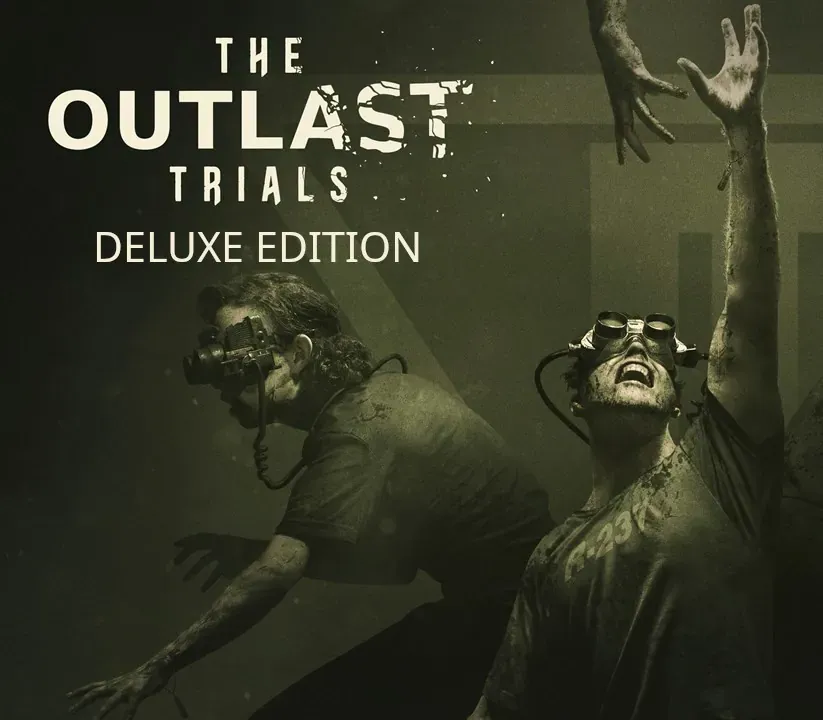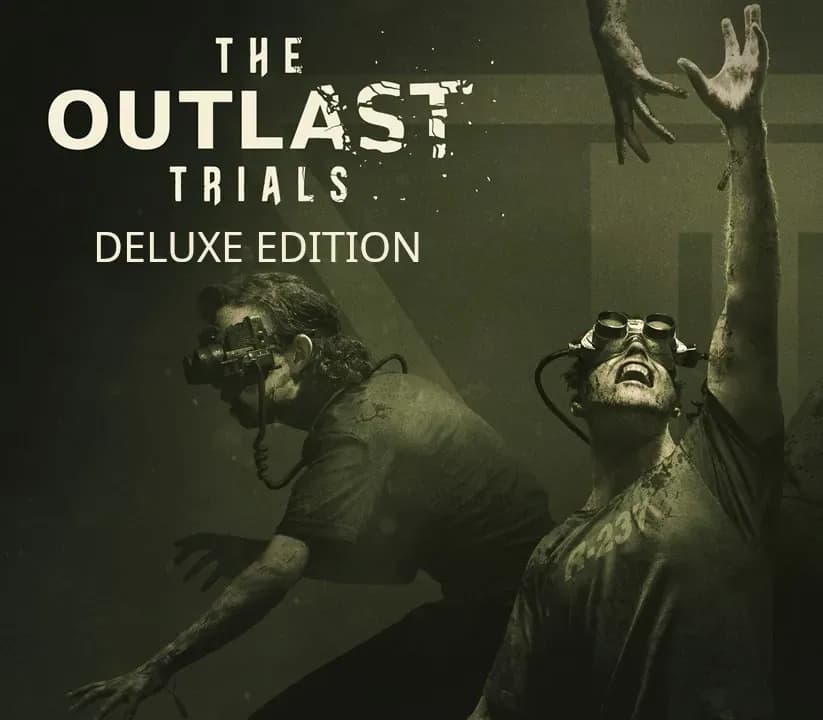

The Outlast Trials Deluxe Edition PC Steam CD Key
The Outlast Trials Deluxe Edition PC Steam CD Key is a digital key for Steam, not region-locked. Delivered instantly after payment. Price: $19.36, 51% below the Steam MSRP of $39.99.
⭐ 153,000+ orders delivered since 2018
 Pago Móvil
 Binance Pay
Compare editions
See what's included in each edition
About this game
Includes
Base game Reagent Starter Pack Red Barrels invites you to experience mind-numbing terror, this time with friends. Whether you go through the trials alone or in teams, if you survive long enough and complete the therapy, Murkoff will happily let you leave… but will you be the same? Reagent Starter PackJump into the The Outlast Trials with 4 legendary outfits, cell customization items and player icons!
System Requirements
- Windows: Requires a 64-bit processor and operating system OS: Windows 10 Processor: Intel Core i7-3770 or AMD Ryzen 5 1400 Memory: 8 GB RAM Graphics: NVIDIA GeForce GTX 650 Ti, 2 GB or Radeon R7 360, 2 GB or Intel Arc A310, 4GB DirectX: Version 11 Network: Broadband Internet connection Storage: 40 GB available space Additional Notes: Low 720p @ 30 FPS, DX11, Ray Tracing OFF
How to activate
- Launch the Steam desktop client and log in to your account, or visit store.steampowered.com/account/registerkey in your browser.
- Click the "Games" menu at the top of the client (or click "+ Add a Game" at the bottom-left) and select "Activate a Product on Steam...".
- Follow the on-screen prompts, accept the Steam Subscriber Agreement, and enter your CD-Key in the "Product Code" field.
- Click "Next" and "Finish" to register the game. It will now appear permanently in your Steam Library ready to install.
Customer Reviews
Frequently asked questions
Which region is this for?
This is the Global version: it is not region-locked.
How do I activate The Outlast Trials Deluxe Edition PC Steam CD Key on Steam?
1. Launch the Steam desktop client and log in to your account, or visit store.steampowered.com/account/registerkey in your browser. 2. Click the "Games" menu at the top of the client (or click "+ Add a Game" at the bottom-left) and select "Activate a Product on Steam...". 3. Follow the on-screen prompts, accept the Steam Subscriber Agreement, and enter your CD-Key in the "Product Code" field. 4. Click "Next" and "Finish" to register the game. It will now appear permanently in your Steam Library ready to install.
How fast is delivery?
Your key appears in your account and is emailed to you right after payment.
What does the Deluxe Edition include?
Base game, Reagent Starter Pack