The Sims 3: Seasons PC EA App CD Key
The Sims 3: Seasons PC EA App CD Key is a digital key for EA App, not region-locked. Delivered instantly after payment.
⭐ 153,000+ orders delivered since 2018
 Pago Móvil
 Binance Pay
About this game
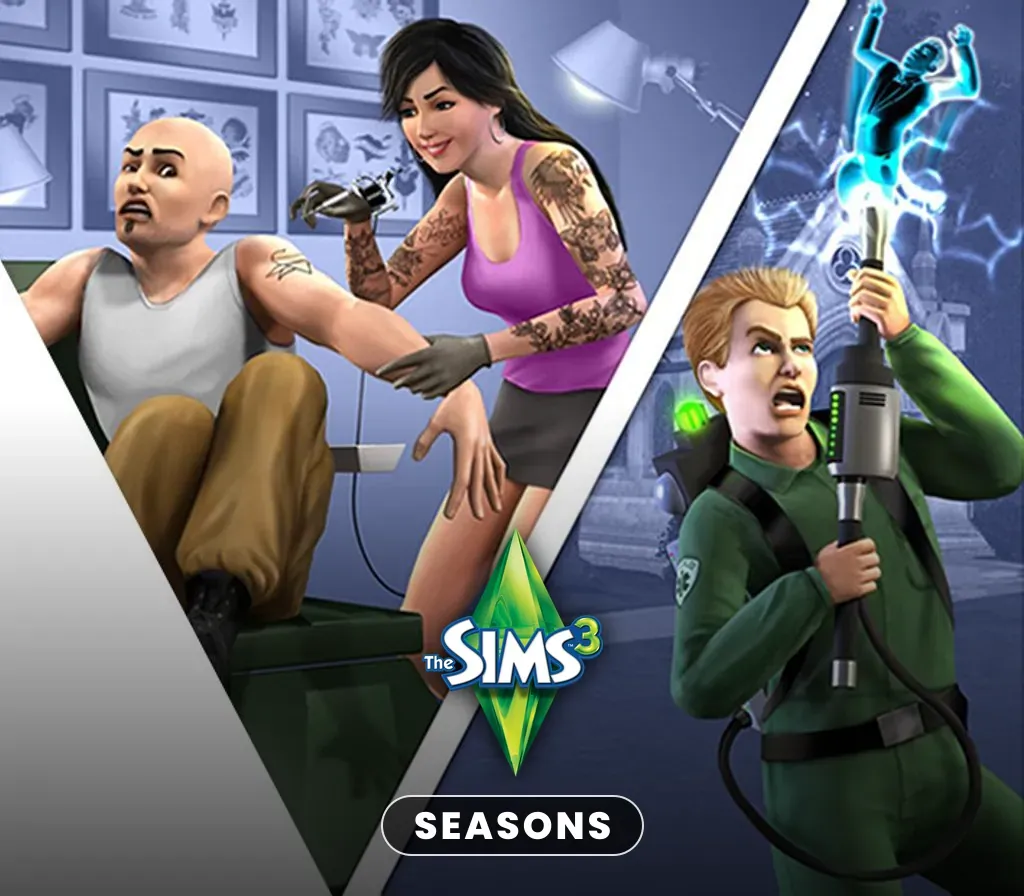
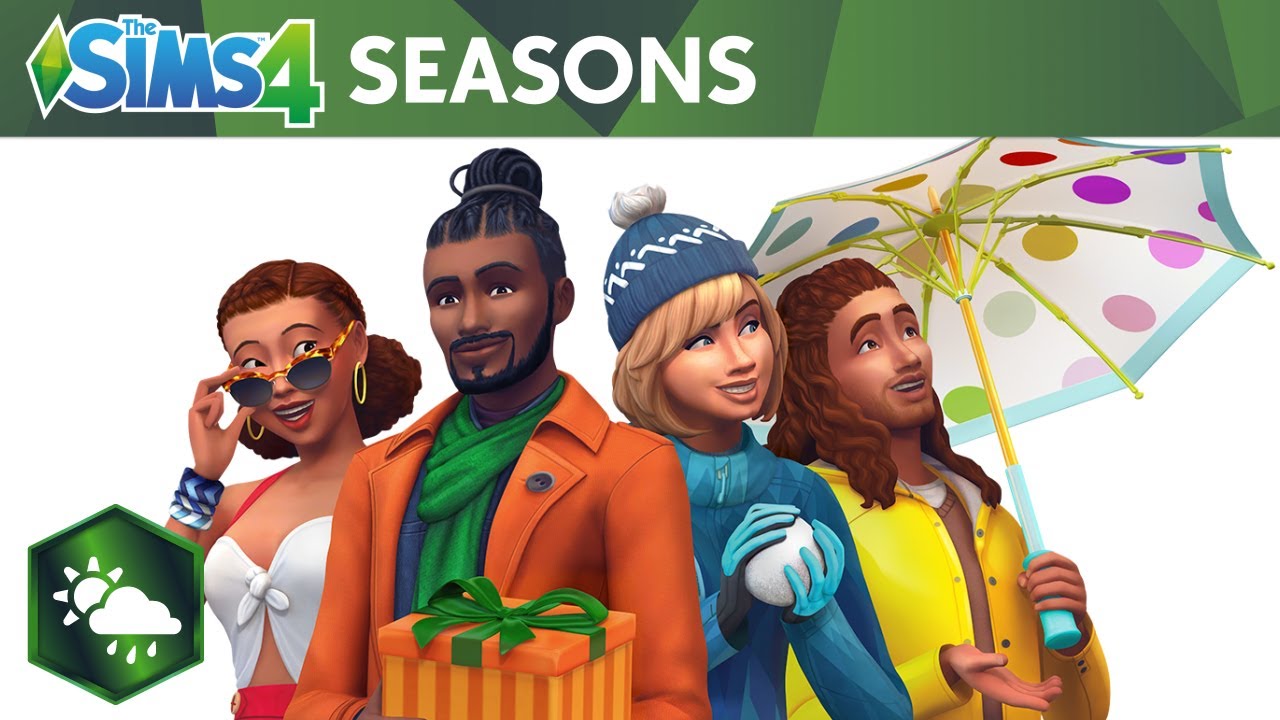
Let your Sims swim in the ocean on a hot summer day, bob for apples in the autumn leaves, test their snowboarding skill on the half pipe, or welcome spring showers with a walk in the rain and a colorful umbrella. All-new activities, like soccer, and big seasonal festivals and celebrations bring the spirit of each season to life. Your Sims can pucker up at the kissing booth at the spring festival, or see what Halloween surprises await in the haunted house. Dress for the weather with seasonal fashions from wetsuits to raincoats and snow gear. With new foods, décor and weather effects, your Sims can enjoy the bounty and beauty of the ever-changing seasons and play with life like never before!
Key Features
- Delight your Sims with new activities for every season: Whether building an intimate igloo, carving a scary Jack o’ lantern, taking a plunge off the diving board, or setting off all-new fireworks, your Sim can always find new things to do throughout the year.
- Join the fun with seasonal festivals: Sims can get in a snowball fight at the annual winter festival, get their faces painted at the summer festival, whoop it up at the spring dance, or bob for apples during the fall festival.
- Experience the joy and challenge of changing weather: New weather effects and Sim reactions capture the power and beauty of nature! Sims can get a tan, be struck by lightning, or catch a cold!
- Bring the outdoors inside: Your Sim can now learn the recipe for pumpkin pie or style their home with new furniture and décor. There are a host of new items to ring in each season. Get a tanning booth in time for summer, or ring in the holiday spirit with house lights and decorations.
- Dress for the weather: Outfit your Sim in new styles for the season, including snow gear, wetsuits, raincoats and umbrellas, and new Halloween costumes!
- Welcome mysterious visitors: New weather patterns aren’t the only things appearing in the sky! Befriend an alien visitor and use their UFO to abduct a neighbor, invade a community lot, or travel to the stars.
Online Disclaimer
ACCEPTANCE OF END USER LICENSE AGREEMENT AND LATEST THE SIMS 3 PATCH UPDATE REQUIRED TO PLAY. ACCESS TO ONLINE FEATURES AND/OR SERVICES INCLUDING SIMPOINTS AND DOWNLOADS REQUIRES AN INTERNET CONNECTION, EA ONLINE ACCOUNT AND GAME REGISTRATION WITH THE ENCLOSED SINGLE-USE SERIAL CODE. REGISTRATION IS LIMITED TO ONE EA ACCOUNT PER SERIAL CODE AND IS NON-TRANSFERABLE.
System Requirements
Minimum
- OS: Windows XP (SP2), Windows Vista (SP1), or Windows 7
- Processor: WIN: 2.0 GHz P4 processor or equivalent for XP/2.4 GHz P4 processor or equivalent for Vista and Windows 7
- Memory: 2 GB RAM
- Graphics: Nvidia GeForce 6 series or better, and all NVidia G, GT, GTS, and GTX video cards. ATI Radeon™ series card 9500 series or better, and all ATI X, X1, and HD video cards; Intel® Graphics Media Accelerator (GMA): GMA 3-Series, GMA 4-Series. Please note that the GeForce 6100 and 7100 cards are not supported.
How to activate
- Launch the EA App on your PC and log into your EA Account, or visit ea.com/redeem in your web browser.
- Click on "My Collection" in the left sidebar.
- Click the "Redeem Code" button located in the top-right corner of your collection.
- Enter your product code into the text box.
- Click "Next" and "Confirm". The game is added to "My Collection" ready to download.
Customer Reviews
Frequently asked questions
Which region is this for?
This is the Global version: it is not region-locked.
How do I activate The Sims 3: Seasons PC EA App CD Key on EA App?
1. Launch the EA App on your PC and log into your EA Account, or visit ea.com/redeem in your web browser. 2. Click on "My Collection" in the left sidebar. 3. Click the "Redeem Code" button located in the top-right corner of your collection. 4. Enter your product code into the text box. 5. Click "Next" and "Confirm". The game is added to "My Collection" ready to download.
How fast is delivery?
Your key appears in your account and is emailed to you right after payment.