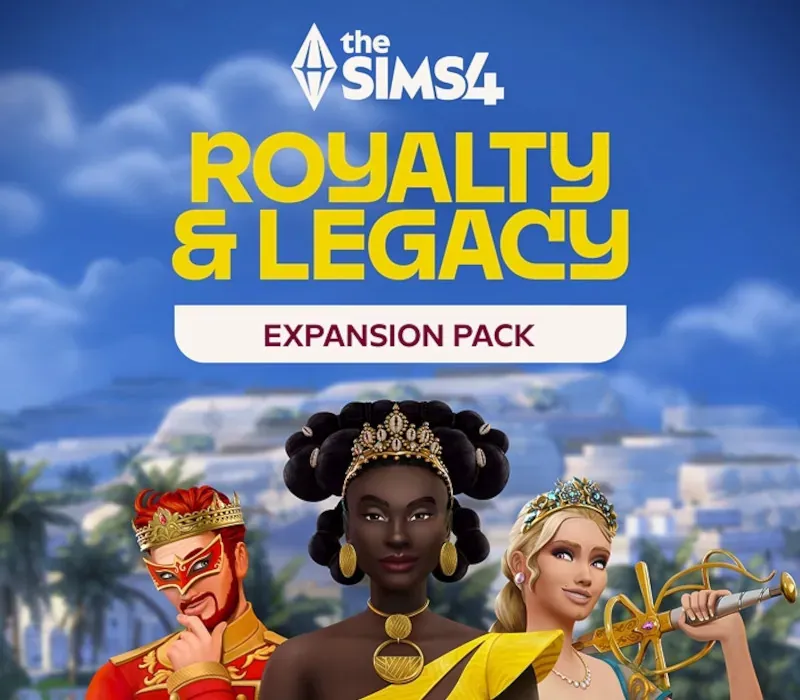
The Sims 4: Royalty & Legacy PC EA App CD Key
The Sims 4: Royalty & Legacy PC EA App CD Key is a digital key for EA App, not region-locked. Delivered instantly after payment.
⭐ 153,000+ orders delivered since 2018
 Pago Móvil
 Binance Pay
About this game
The Sims 4 Royalty & Legacy Expansion Pack Your Family, Your Legacy — Build up Prestige, maintain Unity, and be the powerhouse family everyone wants to keep up with. But remember, elevated status means elevated drama. Claim Your Crown — Many worlds can be kingdoms, but only one Sim can wear the crown. Shape your kingdom, best your rivals, and maybe woo a Noble Frog as you climb to the top.
Do It for the Plot — Forbidden loves and secret children are just a few situations that can become saucy Scandals. When faced with a Scandal, Sims can apologize, atone, wait it out, or deny everything. Your Kingdom Awaits — Ondarion is a world with rich history and powerful Dynasties where opulence is around every corner. With an empty throne, the stage is set and the stories are yours to tell.
System Requirements
- Windows: Minimum: OS: Requires a 64-bit processor and operating system OS: 64 Bit Required. Windows 10 Processor: 3.3 GHz Intel Core i3-3220 (2 cores, 4 threads), AMD Ryzen 3 1200 3.1 GHz (4 cores) or better Memory: 4 GB RAM Graphics: 128 MB of Video RAM and support for Pixel Shader 3.0. Supported Video Cards: NVIDIA GeForce 6600 or better, ATI Radeon X1300 or better, Intel GMA X4500 or better Network: Broadband Internet connection Storage: 26 GB available space
How to activate
- Launch the EA App on your PC and log into your EA Account, or visit ea.com/redeem in your web browser.
- Click on "My Collection" in the left sidebar.
- Click the "Redeem Code" button located in the top-right corner of your collection.
- Enter your product code into the text box.
- Click "Next" and "Confirm". The game is added to "My Collection" ready to download.
Customer Reviews
Frequently asked questions
Which region is this for?
This is the Global version: it is not region-locked.
How do I activate The Sims 4: Royalty & Legacy PC EA App CD Key on EA App?
1. Launch the EA App on your PC and log into your EA Account, or visit ea.com/redeem in your web browser. 2. Click on "My Collection" in the left sidebar. 3. Click the "Redeem Code" button located in the top-right corner of your collection. 4. Enter your product code into the text box. 5. Click "Next" and "Confirm". The game is added to "My Collection" ready to download.
How fast is delivery?
Your key appears in your account and is emailed to you right after payment.