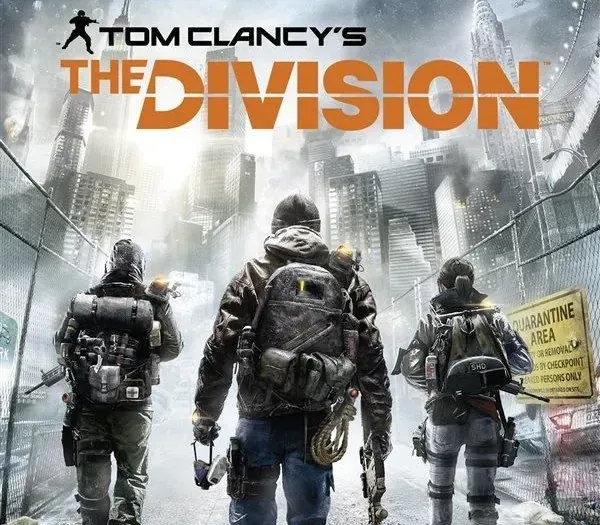
Tom Clancy's The Division PC Ubisoft Connect CD Key
Tom Clancy's The Division PC Ubisoft Connect CD Key is a digital key for Ubisoft, not region-locked. Delivered instantly after payment.
⭐ 153,000+ orders delivered since 2018
 Pago Móvil
 Binance Pay
About this game
Navigate a pandemic-stricken New York City with Tom Clancy's The Division PC Ubisoft Connect CD Key. Equip your agent and tackle missions in a persistent open-world environment designed for tactical cooperation. Redeem your key on Ubisoft Connect to begin your PC deployment.
How to activate
- Open the Ubisoft Connect PC application and log in with your Ubisoft account.
- Click on the key icon in the top header or click the three-line menu icon in the top-left and select "Activate a key".
- Enter your activation key into the "Activation Code" text box.
- Click "Activate" to register the game to your Ubisoft account.
- Navigate to the "Games" tab, select the game, and click "Download" to install it.
Customer Reviews
Frequently asked questions
Which region is this for?
This is the Global version: it is not region-locked.
How do I activate Tom Clancy's The Division PC Ubisoft Connect CD Key on Ubisoft?
1. Open the Ubisoft Connect PC application and log in with your Ubisoft account. 2. Click on the key icon in the top header or click the three-line menu icon in the top-left and select "Activate a key". 3. Enter your activation key into the "Activation Code" text box. 4. Click "Activate" to register the game to your Ubisoft account. 5. Navigate to the "Games" tab, select the game, and click "Download" to install it.
How fast is delivery?
Your key appears in your account and is emailed to you right after payment.