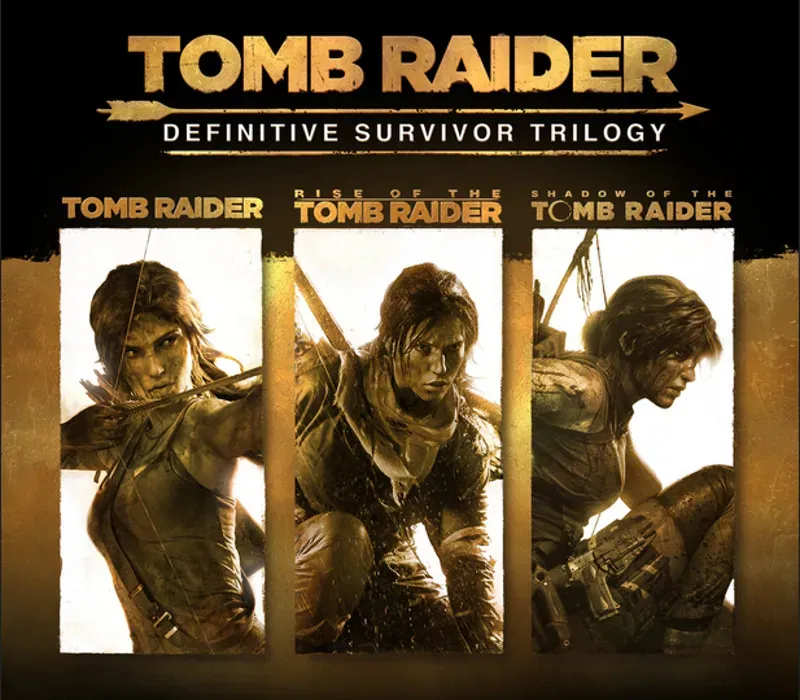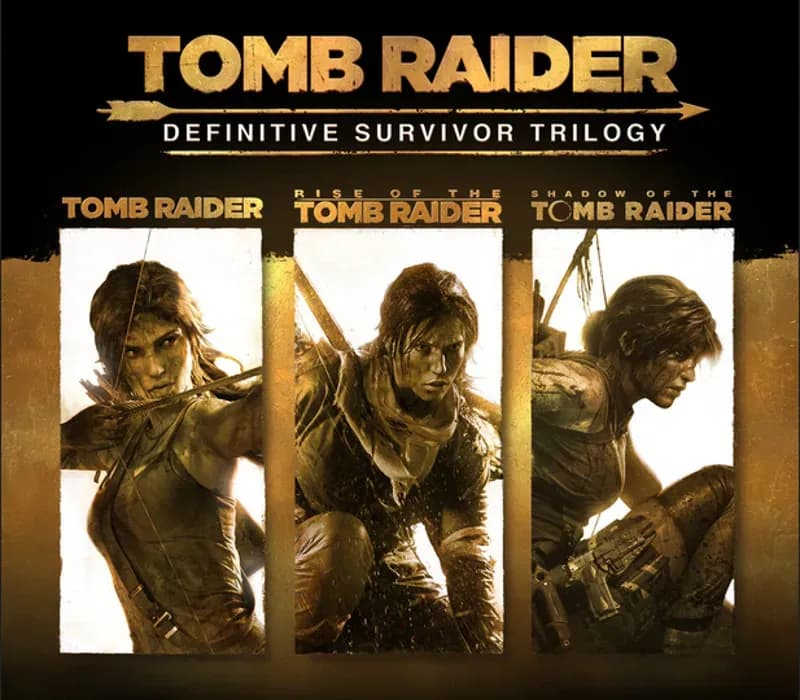

Tomb Raider: Definitive Survivor Trilogy PC Steam CD Key
Tomb Raider: Definitive Survivor Trilogy PC Steam CD Key is a digital key for Steam, not region-locked. Delivered instantly after payment.
⭐ 153,000+ orders delivered since 2018
 Pago Móvil
 Binance Pay
About this game
Includes
Tomb Raider GOTY Rise of the Tomb Raider: 20 Year Celebration Shadow of the Tomb Raider: Definitive Edition Tomb Raider: Definitive Survivor Trilogy is the complete edition of the award-winning Tomb Raider origin games. This collection contains all the definitive edition content from each critically acclaimed prequel title— Tomb Raider GOTY, Rise of the Tomb Raider: 20 Year Celebration, and Shadow of the Tomb Raider: Definitive Edition.
Follow Lara on her formative journey across the world, starting in Tomb Raider trapped on the shrouded island of Yamatai off the coast of Japan, to the harsh Siberian tundra hiding an immortal secret in Rise of the Tomb Raider, and finally to the mountainous landscape of Peru to uncover a cataclysmic power in Shadow of the Tomb Raider. With all the definitive edition content from each game, this Trilogy promises dozens of hours of breathtaking exploration, challenging puzzle-solving, and survival combat with Lara as she becomes the Tomb Raider she was destined to become.
System Requirements
- Windows: MINIMUM: OS: Windows 7 64bit Processor: Intel Core i3-2100 or AMD equivalent Memory: 6 GB RAM Graphics: NVIDIA GTX 650 2GB or AMD HD7770 2GB DirectX: Version 11 Storage: 25 GB available space
How to activate
- Launch the Steam desktop client and log in to your account, or visit store.steampowered.com/account/registerkey in your browser.
- Click the "Games" menu at the top of the client (or click "+ Add a Game" at the bottom-left) and select "Activate a Product on Steam...".
- Follow the on-screen prompts, accept the Steam Subscriber Agreement, and enter your CD-Key in the "Product Code" field.
- Click "Next" and "Finish" to register the game. It will now appear permanently in your Steam Library ready to install.
Customer Reviews
Frequently asked questions
Which region is this for?
This is the Global version: it is not region-locked.
How do I activate Tomb Raider: Definitive Survivor Trilogy PC Steam CD Key on Steam?
1. Launch the Steam desktop client and log in to your account, or visit store.steampowered.com/account/registerkey in your browser. 2. Click the "Games" menu at the top of the client (or click "+ Add a Game" at the bottom-left) and select "Activate a Product on Steam...". 3. Follow the on-screen prompts, accept the Steam Subscriber Agreement, and enter your CD-Key in the "Product Code" field. 4. Click "Next" and "Finish" to register the game. It will now appear permanently in your Steam Library ready to install.
How fast is delivery?
Your key appears in your account and is emailed to you right after payment.