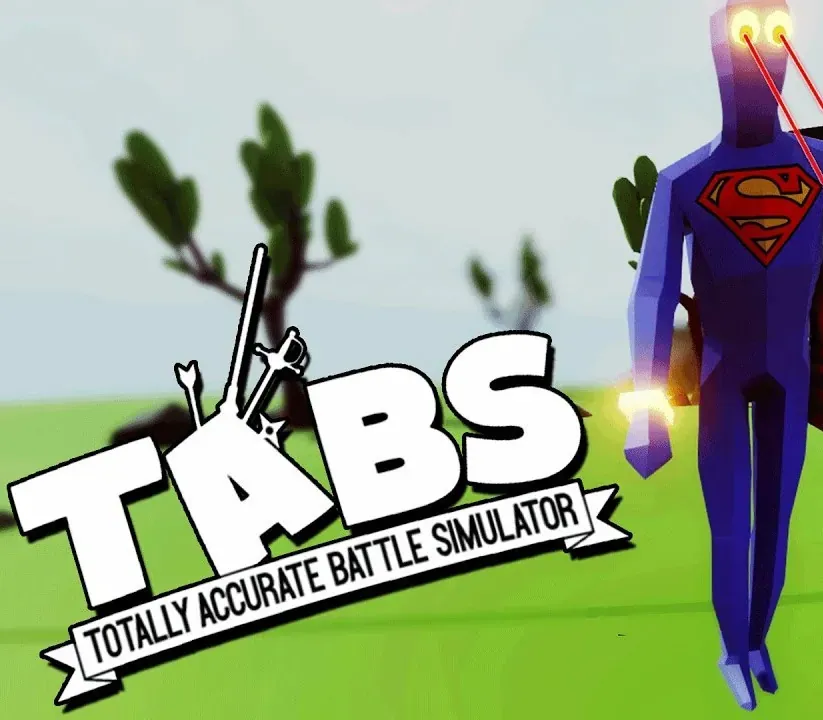

Totally Accurate Battle Simulator PC Steam CD Key
Totally Accurate Battle Simulator PC Steam CD Key is a digital key for Steam, not region-locked. Delivered instantly after payment. Price: $6.05, 69% below the Steam MSRP of $19.99.
⭐ 153,000+ orders delivered since 2018
 Pago Móvil
 Binance Pay
About this game
Totally Accurate Battle Simulator is a wacky physics-based tactics game. Experience accurate warfare through the ages, TABS uses state of the art physics-based simulation to provide you with never-before-seen insight to our greatest battles of history.
Features
Campaign Sandbox mode A bunch of silly units
System Requirements
- Windows: Requires a 64-bit processor and operating system OS: Windows 7 Processor: Intel Core i5-2400 @ 3.1 GHz or AMD FX-6300 @ 3.5 GHz or equivalent Memory: 8 GB RAM Graphics: NVIDIA GeForce GTX 670 or AMD R9 270 (2GB VRAM with Shader Model 5.0 or better) DirectX: Version 9.0c Storage: 3 GB available space Additional Notes: Only runs on 64 bit systems
- Mac: Requires a 64-bit processor and operating system OS: macOS Mojave Processor: 2.3GHz dual-core Intel Core i5 Memory: 8 GB RAM Graphics: Intel Iris Plus Graphics 640 Storage: 3 GB available space Additional Notes: Mac book pro 2018 or later
How to activate
- Launch the Steam desktop client and log in to your account, or visit store.steampowered.com/account/registerkey in your browser.
- Click the "Games" menu at the top of the client (or click "+ Add a Game" at the bottom-left) and select "Activate a Product on Steam...".
- Follow the on-screen prompts, accept the Steam Subscriber Agreement, and enter your CD-Key in the "Product Code" field.
- Click "Next" and "Finish" to register the game. It will now appear permanently in your Steam Library ready to install.
Customer Reviews
Frequently asked questions
Which region is this for?
This is the Global version: it is not region-locked.
How do I activate Totally Accurate Battle Simulator PC Steam CD Key on Steam?
1. Launch the Steam desktop client and log in to your account, or visit store.steampowered.com/account/registerkey in your browser. 2. Click the "Games" menu at the top of the client (or click "+ Add a Game" at the bottom-left) and select "Activate a Product on Steam...". 3. Follow the on-screen prompts, accept the Steam Subscriber Agreement, and enter your CD-Key in the "Product Code" field. 4. Click "Next" and "Finish" to register the game. It will now appear permanently in your Steam Library ready to install.
How fast is delivery?
Your key appears in your account and is emailed to you right after payment.