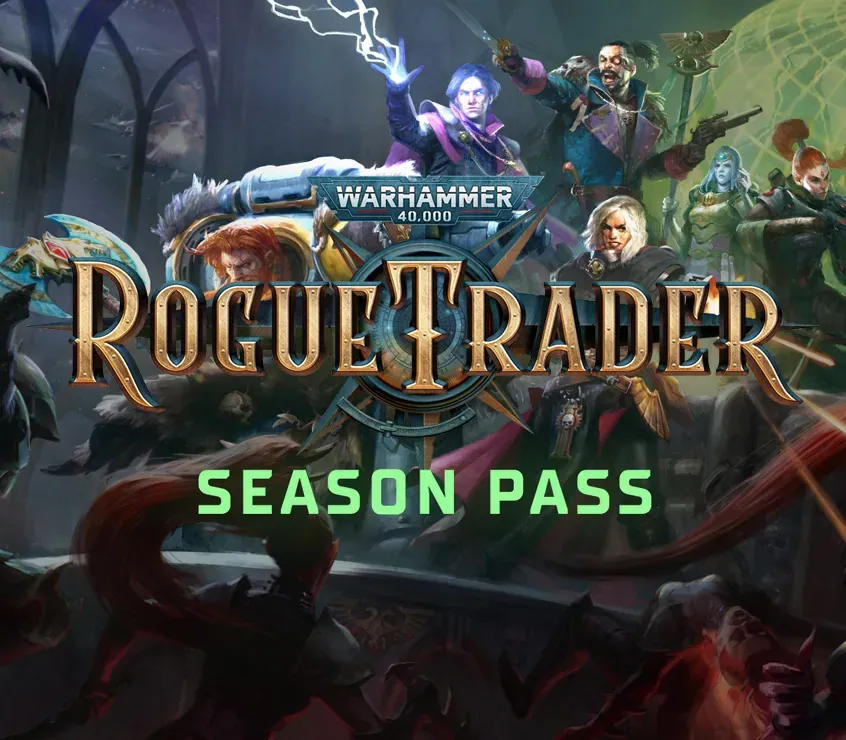

Warhammer 40,000: Rogue Trader - Season Pass DLC PC Steam CD Key
Warhammer 40,000: Rogue Trader - Season Pass DLC PC Steam CD Key is a digital key for Steam, not region-locked. Delivered instantly after payment. Price: $5.15, 82% below the Steam MSRP of $29.99.
⭐ 153,000+ orders delivered since 2018
 Pago Móvil
 Binance Pay
About this game
Gain access to the two upcoming major expansions for Warhammer 40, 000: Rogue Trader and save with the bundle price! Void Shadows(coming June 2024)The first major story expansion is all about the Rogue Trader's voidship, the life of its crew, and the threats lurking in its holds. Dive into a new epic story integrated into the main narrative, battle new enemies, and recruit a new companion — a death cult assassin.
Explore new decks of your voidship, unlock new upgrade options, and master the mechanics of void combat. Meet new members of your crew on the bridge, such as the Astropath, the chirurgeon, and others.
The events of this story will be reflected in the game's epilogue.
This expansion offers 15 hours of gameplay.
Lex Imperialis(coming December 2024)The second major story expansion sees the Lord Captain join forces with a new companion — a member of the Adeptus Arbites. As the past of House von Valancius begins to present itself in a new light, the Rogue Trader faces difficult decisions that may affect the future of the entire Koronus Expanse.
Over the course of this story, you will get a chance to learn more about the collection of the Imperial Tithe, otherwise known as the Grand Harvesting. Interfere with this fundamental process of the Imperium at your own peril. Discover new areas, game mechanics, and archetypes — and of course, encounter new horrors of the Immaterium.
This expansion likewise offers 15 hours of gameplay.
System Requirements
- Windows: OS: Windows 10 Processor: Intel(R) Core(TM) i5-4590T CPU @ 2.00GHz Memory: 8 GB RAM Graphics: AMD Radeon RX Vega 6 / Intel HD Graphics 630 DirectX: Version 11 Storage: 40 GB available space
- Mac: OS: 10.14.6 Processor: Intel Core i3 8100 @ 3.6 GHz or Apple Silicon M1 Memory: 8 GB RAM Graphics: Intel: AMD Radeon Pro 555X 2GB or ARM: Integrated Storage: 40 GB available space
How to activate
- Launch the Steam desktop client and log in to your account, or visit store.steampowered.com/account/registerkey in your browser.
- Click the "Games" menu at the top of the client (or click "+ Add a Game" at the bottom-left) and select "Activate a Product on Steam...".
- Follow the on-screen prompts, accept the Steam Subscriber Agreement, and enter your CD-Key in the "Product Code" field.
- Click "Next" and "Finish" to register the game. It will now appear permanently in your Steam Library ready to install.
Customer Reviews
Frequently asked questions
Which region is this for?
This is the Global version: it is not region-locked.
How do I activate Warhammer 40,000: Rogue Trader - Season Pass DLC PC Steam CD Key on Steam?
1. Launch the Steam desktop client and log in to your account, or visit store.steampowered.com/account/registerkey in your browser. 2. Click the "Games" menu at the top of the client (or click "+ Add a Game" at the bottom-left) and select "Activate a Product on Steam...". 3. Follow the on-screen prompts, accept the Steam Subscriber Agreement, and enter your CD-Key in the "Product Code" field. 4. Click "Next" and "Finish" to register the game. It will now appear permanently in your Steam Library ready to install.
How fast is delivery?
Your key appears in your account and is emailed to you right after payment.