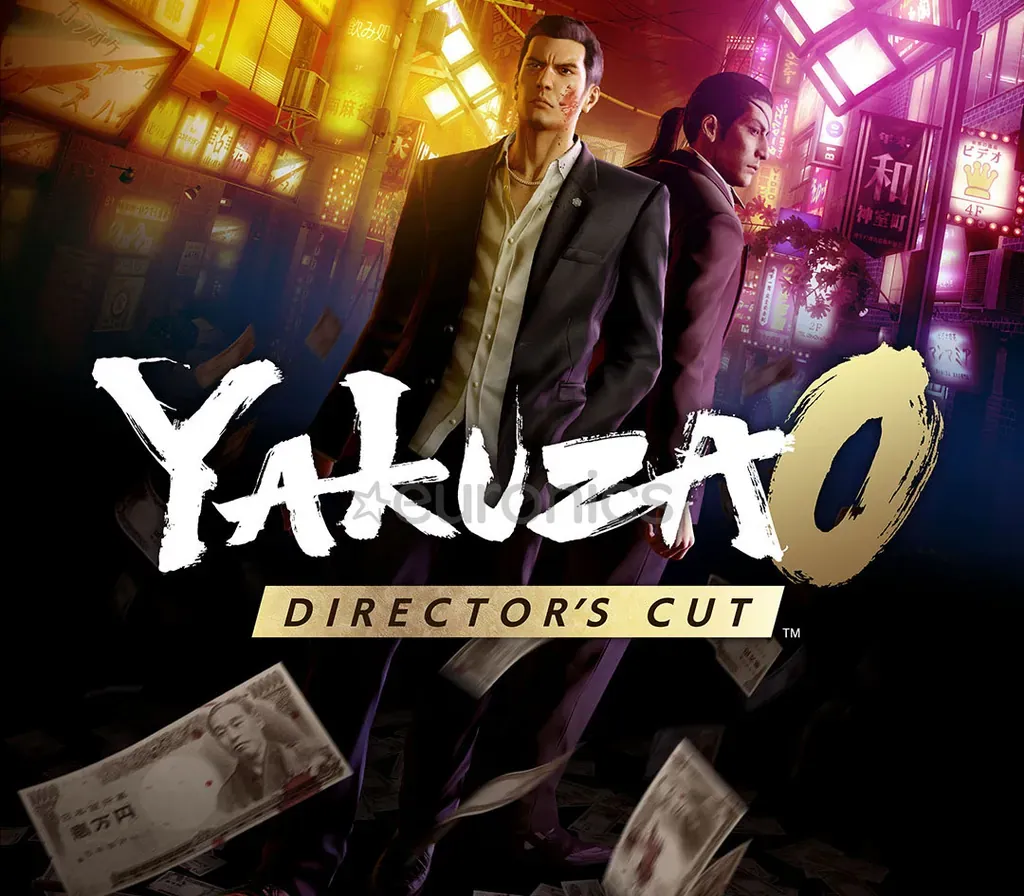
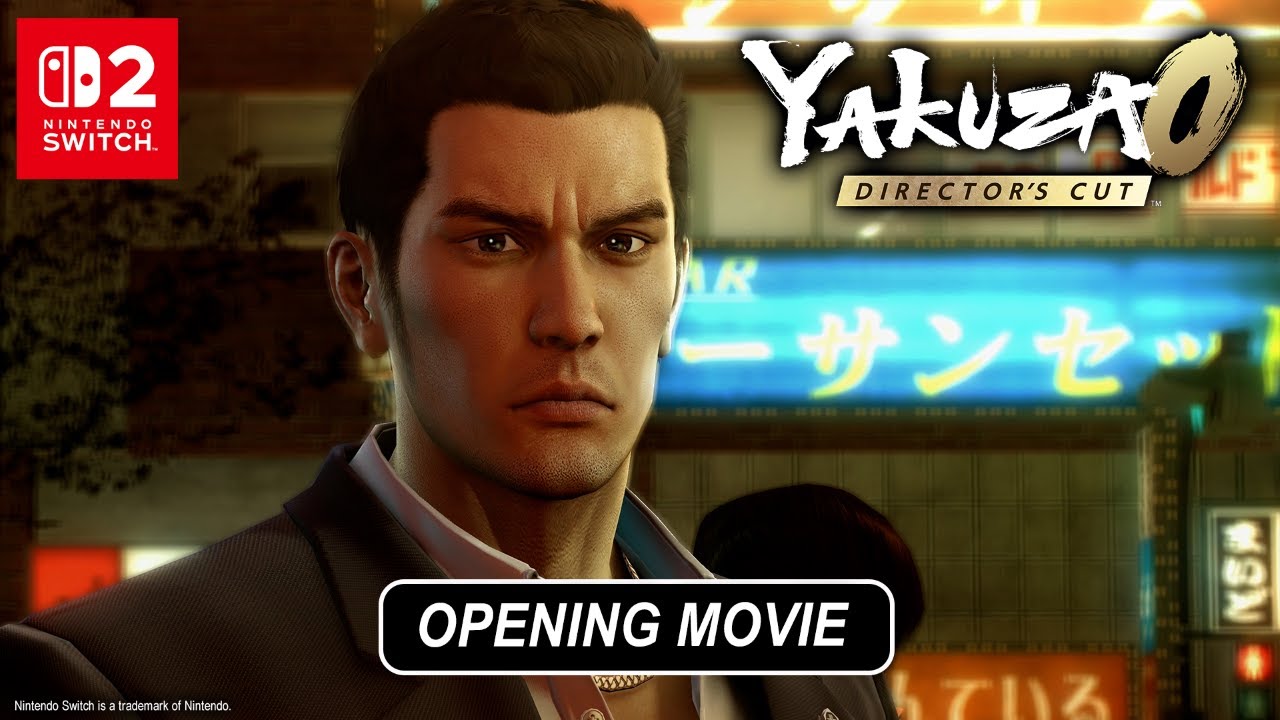
Yakuza 0: Director's Cut PC Steam CD Key
Yakuza 0: Director's Cut PC Steam CD Key is a digital key for Steam, not region-locked. Delivered instantly after payment.
⭐ 153,000+ orders delivered since 2018
 Pago Móvil
 Binance Pay
About this game
Yakuza 0 Director's Cut is the definitive edition of the critically acclaimed prequel to the Yakuza series. Fight like hell through Tokyo and Osaka entertainment districts as yakuza Kazuma Kiryu and cabaret club manager Goro Majima in an epic crime drama of intertwined fates that created legends. ■ CREATIVELY CRUSH ENEMIES Kiryu and Majima each have three unique fighting styles to dynamically switch between to creatively crack skulls with your fists, makeshift weapons and more.
Anyone can enjoy exhilarating brawler action with easy-to-pick-up controls and a high skill ceiling.■ DISCOVER THE DECADENCE OF 1988 JAPAN Fighting isn't the only way to kill time in 1988 Japan: from discos and darts to classic SEGA arcades and cabaret clubs, there's endless distractions to pursue in the immersive, neon-lit city. ■ DIVE DEEPER WITH DIRECTOR'S CUT CONTENT Director's Cut content gives deeper insight into key incidents and character backstories with never-before-seen cutscenes. Plus, the Red Light Raid online multiplayer mode lets you join forces with friends and choose from 60 playable characters to take down hordes of enemies. *If you have the digital download version of Yakuza 0, you can get the digital download version of Yakuza 0 Director's Cut at a discounted price. *Yakuza 0 and Yakuza 0 Director's Cut have differing specifications and cannot carryover save data.
System Requirements
- Windows: Requires a 64-bit processor and operating system OS: Windows 11 Processor: Intel Core i3-8100, 3.6GHz or AMD Ryzen 3 2300X, 3.5GHz Memory: 8 GB RAM Graphics: NVIDIA GeForce GTX960, 4GB or AMD Radeon RX460, 4GB or Intel Arc A380, 6GB DirectX: Version 12 Network: Broadband Internet connection Storage: 95 GB available space Sound Card: N/A VR Support: N/A Additional Notes: Low 1080p@30FPS, requires a CPU with supports the AVX and SSE4.2 instruction set
How to activate
- Launch the Steam desktop client and log in to your account, or visit store.steampowered.com/account/registerkey in your browser.
- Click the "Games" menu at the top of the client (or click "+ Add a Game" at the bottom-left) and select "Activate a Product on Steam...".
- Follow the on-screen prompts, accept the Steam Subscriber Agreement, and enter your CD-Key in the "Product Code" field.
- Click "Next" and "Finish" to register the game. It will now appear permanently in your Steam Library ready to install.
Customer Reviews
Frequently asked questions
Which region is this for?
This is the Global version: it is not region-locked.
How do I activate Yakuza 0: Director's Cut PC Steam CD Key on Steam?
1. Launch the Steam desktop client and log in to your account, or visit store.steampowered.com/account/registerkey in your browser. 2. Click the "Games" menu at the top of the client (or click "+ Add a Game" at the bottom-left) and select "Activate a Product on Steam...". 3. Follow the on-screen prompts, accept the Steam Subscriber Agreement, and enter your CD-Key in the "Product Code" field. 4. Click "Next" and "Finish" to register the game. It will now appear permanently in your Steam Library ready to install.
How fast is delivery?
Your key appears in your account and is emailed to you right after payment.