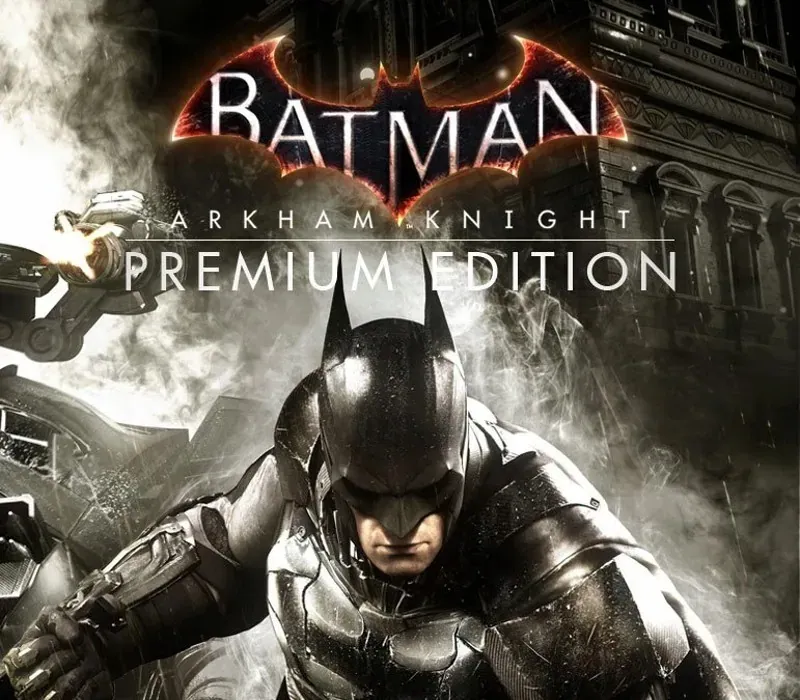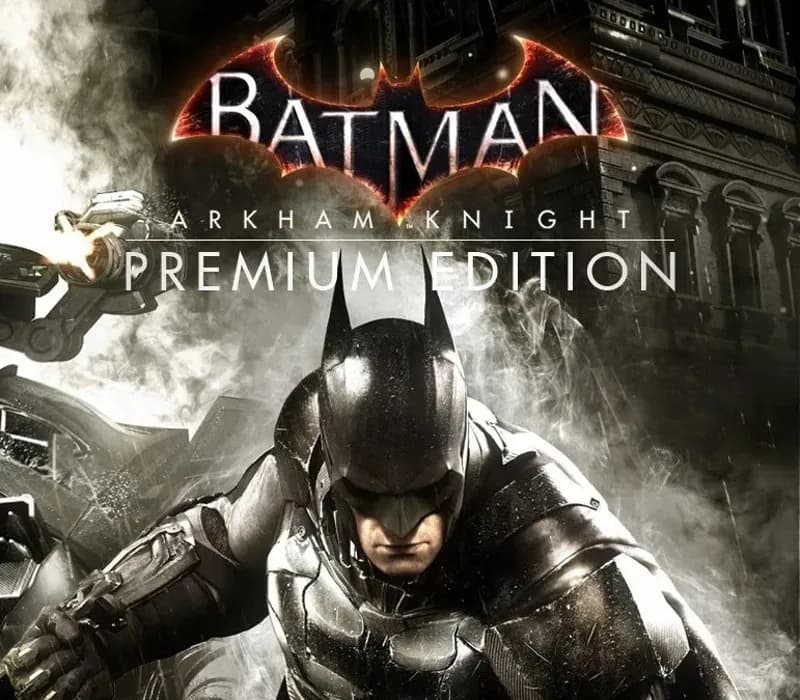

Batman: Arkham Knight Premium Edition PC Steam CD Key
Batman: Arkham Knight Premium Edition PC Steam CD Key é uma key digital para Steam, sem bloqueio de região. Entrega instantânea após o pagamento. Preço: $3.98, 80% abaixo de Preço sugerido Steam: $19.99.
⭐ 153,000+ pedidos entregues desde 2018
 Pago Móvil
 Binance Pay
Sobre este jogo
Inclui
Batman: Arkham Knight Season Pass No explosivo final da série Arkham, Batman enfrenta a maior ameaça contra a cidade que jurou proteger. O Espantalho retorna para unir uma impressionante lista de supervilões, incluindo o Pinguim, Duas-Caras e Arlequina, para destruir o Cavaleiro das Trevas para sempre. Batman: Arkham Knight apresenta a versão do Batmóvel desenhada de forma única pela Rocksteady, que pode ser dirigida pela primeira vez na franquia.
A adição deste veículo lendário, combinada com a jogabilidade aclamada da série Batman Arkham, oferece aos jogadores a experiência definitiva e completa de Batman enquanto percorrem as ruas e voam pelo horizonte de toda Gotham City. O passe de temporada de Batman: Arkham Knight entrega conteúdo novo todo mês durante 6 meses, com novas missões de história, mais supervilões invadindo Gotham City, novos Batmóveis lendários, mapas de desafio avançados, skins alternativas de personagens e novas pistas de corrida dirigíveis. Seja o Batman.
Requisitos do sistema
- Windows: SO: Win 7 SP1, Win 8.1 (sistema operacional de 64 bits obrigatório) Processador: Intel Core i5-750, 2.67 GHz | AMD Phenom II X4 965, 3.4 GHz Memória: 6 GB de RAM Gráficos: NVIDIA GeForce GTX 660 (2 GB de memória no mínimo) | AMD Radeon HD 7950 (3 GB de memória no mínimo) DirectX: Versão 11 Rede: Conexão de internet banda larga obrigatória Disco rígido: 45 GB de espaço disponível
Como ativar
- Abra o cliente Steam no seu computador e inicie sessão, ou acesse store.steampowered.com/account/registerkey no navegador.
- Clique no menu "Jogos" no topo (ou "+ Adicionar um Jogo" no canto inferior esquerdo) e selecione "Ativar um produto no Steam...".
- Siga as instruções no ecrã, aceite o Acordo de Subscrição do Steam e insira a chave no campo "Código de Produto".
- Clique em "Avançar" e "Concluir". O jogo ficará disponível na sua Biblioteca Steam pronto para instalar.
Avaliações de clientes
Perguntas frequentes
Para qual região é?
Esta é a versão Global: não tem bloqueio de região.
Como ativo Batman: Arkham Knight Premium Edition PC Steam CD Key no Steam?
1. Abra o cliente Steam no seu computador e inicie sessão, ou acesse store.steampowered.com/account/registerkey no navegador. 2. Clique no menu "Jogos" no topo (ou "+ Adicionar um Jogo" no canto inferior esquerdo) e selecione "Ativar um produto no Steam...". 3. Siga as instruções no ecrã, aceite o Acordo de Subscrição do Steam e insira a chave no campo "Código de Produto". 4. Clique em "Avançar" e "Concluir". O jogo ficará disponível na sua Biblioteca Steam pronto para instalar.
Qual é a rapidez da entrega?
Sua key aparece na sua conta e é enviada por e-mail logo após o pagamento.