BlazBlue Centralfiction PC Steam CD Key
BlazBlue Centralfiction PC Steam CD Key é uma key digital para Steam, sem bloqueio de região. Entrega instantânea após o pagamento.
⭐ 153,000+ pedidos entregues desde 2018
 Pago Móvil
 Binance Pay
Sobre este jogo
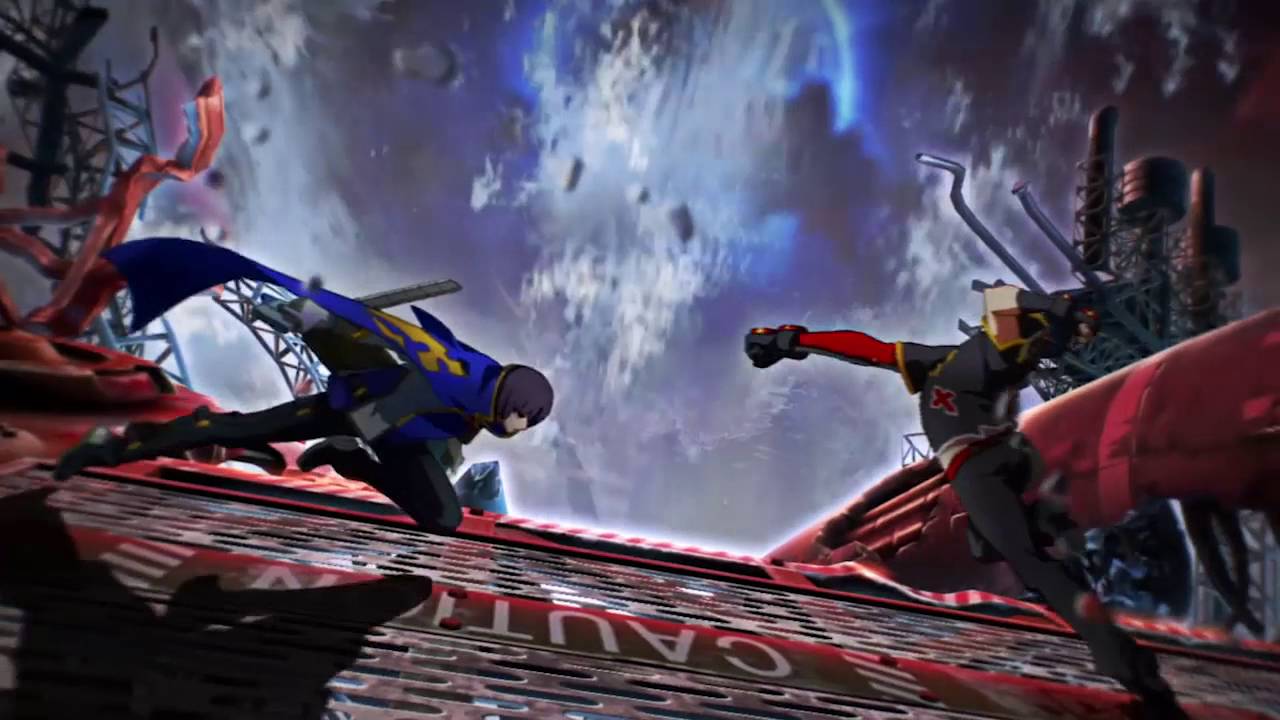
Combinando jogo de luta 2D e visual novel, a série BlazBlue conta com o apoio de muitos fãs de jogos de luta. A entrega mais recente, BlazBlue: Centralfiction, encerra a Saga Azure e revela a verdade que sempre foi um mistério.
Recursos
Overdrive: cada personagem pode fortalecer sua habilidade única por um período específico. Quando [Overdrive] é acionado, o ícone de Overdrive se transforma em um medidor roxo. Esse medidor diminui com o tempo e [Overdrive] termina quando ele se esgota. [Overdrive] dura mais se a vida do seu personagem estiver baixa. Durante a ativação, o cronômetro do round também para.
Depois que [Overdrive] termina, o ícone de Overdrive mostra um contador numérico. Overdrive pode ser usado novamente quando o número chegar a 10. O número aumenta com o tempo ou ao receber dano, mas durante [Active Flow] ele carrega muito mais rápido. Exceed Accel: um ataque poderoso que pode ser usado durante o estado [Overdrive]. O estado [Overdrive] termina imediatamente ao usá-lo.
Se ativado durante [Active Flow], o dano e os efeitos aumentam significativamente. Active Flow: lutar de forma agressiva e acertar ataques, ou usar o medidor de calor, etc., ativa o estado [Active Flow]. Aumenta o poder de ataque e reduz o tempo de recarga de [Overdrive], entre outros efeitos, tornando as condições de luta mais favoráveis.
Requisitos do sistema
- Windows: SO: Windows 7 / 8 / 8.1 Processador: Intel Core i5 / i7 Memória: 4 GB RAM Gráficos: nVidia GeForce 8800 GT ou superior / AMD Radeon HD3700 / nVidia GeForce GT 650 (Windows 8.1) DirectX: versão 9.0 Armazenamento: 52 GB de espaço disponível Placa de som: Direct Sound
Como ativar
- Abra o cliente Steam no seu computador e inicie sessão, ou acesse store.steampowered.com/account/registerkey no navegador.
- Clique no menu "Jogos" no topo (ou "+ Adicionar um Jogo" no canto inferior esquerdo) e selecione "Ativar um produto no Steam...".
- Siga as instruções no ecrã, aceite o Acordo de Subscrição do Steam e insira a chave no campo "Código de Produto".
- Clique em "Avançar" e "Concluir". O jogo ficará disponível na sua Biblioteca Steam pronto para instalar.
Avaliações de clientes
Perguntas frequentes
Para qual região é?
Esta é a versão Global: não tem bloqueio de região.
Como ativo BlazBlue Centralfiction PC Steam CD Key no Steam?
1. Abra o cliente Steam no seu computador e inicie sessão, ou acesse store.steampowered.com/account/registerkey no navegador. 2. Clique no menu "Jogos" no topo (ou "+ Adicionar um Jogo" no canto inferior esquerdo) e selecione "Ativar um produto no Steam...". 3. Siga as instruções no ecrã, aceite o Acordo de Subscrição do Steam e insira a chave no campo "Código de Produto". 4. Clique em "Avançar" e "Concluir". O jogo ficará disponível na sua Biblioteca Steam pronto para instalar.
Qual é a rapidez da entrega?
Sua key aparece na sua conta e é enviada por e-mail logo após o pagamento.