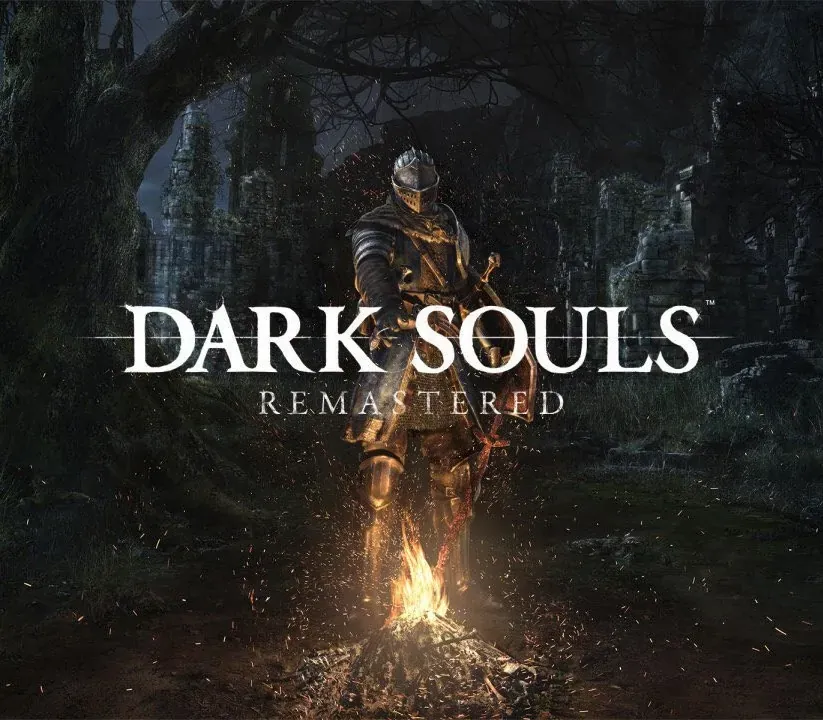
Dark Souls: Remastered PC Steam CD Key
Dark Souls: Remastered PC Steam CD Key é uma key digital para Steam, sem bloqueio de região. Entrega instantânea após o pagamento. Preço: $23.13, 42% abaixo de Preço sugerido Steam: $39.99.
⭐ 153,000+ pedidos entregues desde 2018
 Pago Móvil
 Binance Pay
Sobre este jogo
Então, houve fogo. Reviva o aclamado jogo que definiu um gênero e começou tudo. Lindamente remasterizado, volte a Lordran com detalhes em alta definição impressionantes a 60 fps. Dark Souls Remastered inclui o jogo principal mais a DLC Artorias of the Abyss.
Recursos
Então, houve fogo.
Reviva o aclamado jogo que definiu um gênero e começou tudo. Lindamente remasterizado, volte a Lordran com detalhes em alta definição impressionantes a 60 fps. Dark Souls Remastered inclui o jogo principal mais a DLC Artorias of the Abyss. Um universo profundo e sombrio: Mergulhe em um épico universo de fantasia sombria assolado pelo declínio e pela Maldição.
Explore o intrincado design de mundo, repleto de passagens ocultas, masmorras e segredos, e descubra sua lore profundamente enraizada. Cada fim é um novo começo: Cada partida surpreende você com novos desafios e facetas inesperadas do jogo. Não aposte em terminar o jogo uma só vez. Riqueza e possibilidades de jogabilidade: Centenas de combinações únicas de armas, armaduras, magias e opções de criação para você criar seu próprio estilo de jogo e sua própria experiência.
Requisitos do sistema
- Windows: CPU: Intel Core i5 2300 2,8 GHz / AMD FX-6300 3,5 GHz RAM: 6 GB de RAM GPU: NVIDIA GeForce GTX 460 de 1 GB / ATI Radeon HD 6870 de 1 GB DX: DirectX 11 SO: Windows 7 SP1 de 64 bits, Windows 8.1 de 64 bits, Windows 10 de 64 bits Armazenamento: 8 GB de espaço livre Som: placa de som compatível com DirectX 11 ou superior Rede: é necessária conexão com a internet para a ativação na primeira inicialização e para jogar online Periférico recomendado: controle do Xbox One, controle do Xbox 360 para Windows
Como ativar
- Abra o cliente Steam no seu computador e inicie sessão, ou acesse store.steampowered.com/account/registerkey no navegador.
- Clique no menu "Jogos" no topo (ou "+ Adicionar um Jogo" no canto inferior esquerdo) e selecione "Ativar um produto no Steam...".
- Siga as instruções no ecrã, aceite o Acordo de Subscrição do Steam e insira a chave no campo "Código de Produto".
- Clique em "Avançar" e "Concluir". O jogo ficará disponível na sua Biblioteca Steam pronto para instalar.
Avaliações de clientes
Perguntas frequentes
Para qual região é?
Esta é a versão Global: não tem bloqueio de região.
Como ativo Dark Souls: Remastered PC Steam CD Key no Steam?
1. Abra o cliente Steam no seu computador e inicie sessão, ou acesse store.steampowered.com/account/registerkey no navegador. 2. Clique no menu "Jogos" no topo (ou "+ Adicionar um Jogo" no canto inferior esquerdo) e selecione "Ativar um produto no Steam...". 3. Siga as instruções no ecrã, aceite o Acordo de Subscrição do Steam e insira a chave no campo "Código de Produto". 4. Clique em "Avançar" e "Concluir". O jogo ficará disponível na sua Biblioteca Steam pronto para instalar.
Qual é a rapidez da entrega?
Sua key aparece na sua conta e é enviada por e-mail logo após o pagamento.