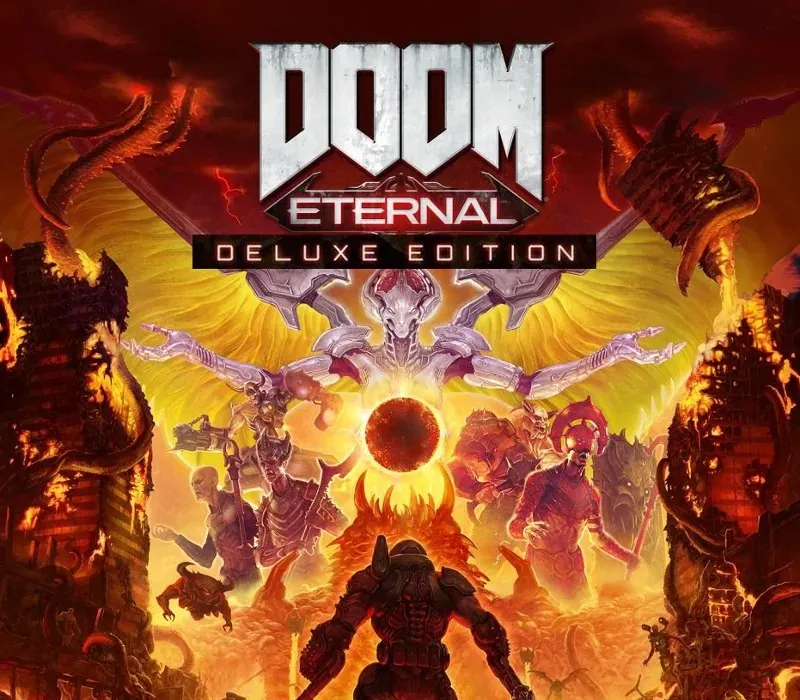

DOOM Eternal Deluxe Edition PC Steam CD Key
DOOM Eternal Deluxe Edition PC Steam CD Key é uma key digital para Steam, sem bloqueio de região. Entrega instantânea após o pagamento. Preço: $19.77, 34% abaixo de Preço sugerido Steam: $29.99.
⭐ 153,000+ pedidos entregues desde 2018
 Pago Móvil
 Binance Pay
Comparar edições
Veja o que está incluído em cada edição
Sobre este jogo
Inclui
Jogo base Year One Pass Acesso a dois complementos de campanha que serão lançados no primeiro ano a partir da data de lançamento de DOOM Eternal. Demonic Slayer Skin Classic Weapon Sound Pack Efeitos sonoros retrô para todas as suas armas de DOOM Eternal Os exércitos do Inferno invadiram a Terra. Torne-se o Slayer em uma épica campanha single player para conquistar demônios através das dimensões e impedir a destruição final da humanidade.
Recursos
A única coisa que eles temem... é você.
Viva a combinação definitiva de velocidade e poder em DOOM Eternal, o próximo salto no combate em primeira pessoa sempre em frente. Nível de ameaça do Slayer no máximo Armado com um lança-chamas no ombro, uma lâmina retrátil no pulso, armas e mods aprimorados e habilidades, você está mais rápido, mais forte e mais versátil do que nunca.
Trindade profana Pegue o que precisa dos seus inimigos: Glory kill para ganhar vida extra, incinere para obter armadura e use a motosserra nos demônios para reabastecer munição e se tornar o caçador de demônios definitivo. Entre no Battlemode Uma nova experiência multijogador de 2 contra 1. Um DOOM Slayer totalmente armado enfrenta dois demônios controlados por jogadores, lutando em uma partida de melhor de cinco rodadas de intenso combate em primeira pessoa.
Requisitos do sistema
- Windows: Requer processador e sistema operacional de 64 bits SO: Windows 7 de 64 bits / Windows 10 de 64 bits Processador: Intel Core i5 @ 3.3 GHz ou superior, ou AMD Ryzen 3 @ 3.1 GHz ou superior Memória: 8 GB de RAM Placa de vídeo: NVIDIA GeForce GTX 1050Ti (4 GB), GTX 1060 (3 GB), GTX 1650 (4 GB) ou AMD Radeon R9 280 (3 GB), AMD Radeon R9 290 (4 GB), RX 470 (4 GB) Rede: Conexão de internet banda larga Armazenamento: 50 GB de espaço disponível Notas adicionais: ( 1080p / 60 FPS / configurações de qualidade baixa )
Como ativar
- Abra o cliente Steam no seu computador e inicie sessão, ou acesse store.steampowered.com/account/registerkey no navegador.
- Clique no menu "Jogos" no topo (ou "+ Adicionar um Jogo" no canto inferior esquerdo) e selecione "Ativar um produto no Steam...".
- Siga as instruções no ecrã, aceite o Acordo de Subscrição do Steam e insira a chave no campo "Código de Produto".
- Clique em "Avançar" e "Concluir". O jogo ficará disponível na sua Biblioteca Steam pronto para instalar.
Avaliações de clientes
Perguntas frequentes
Para qual região é?
Esta é a versão Global: não tem bloqueio de região.
Como ativo DOOM Eternal Deluxe Edition PC Steam CD Key no Steam?
1. Abra o cliente Steam no seu computador e inicie sessão, ou acesse store.steampowered.com/account/registerkey no navegador. 2. Clique no menu "Jogos" no topo (ou "+ Adicionar um Jogo" no canto inferior esquerdo) e selecione "Ativar um produto no Steam...". 3. Siga as instruções no ecrã, aceite o Acordo de Subscrição do Steam e insira a chave no campo "Código de Produto". 4. Clique em "Avançar" e "Concluir". O jogo ficará disponível na sua Biblioteca Steam pronto para instalar.
Qual é a rapidez da entrega?
Sua key aparece na sua conta e é enviada por e-mail logo após o pagamento.
O que inclui «Deluxe Edition»?
Base game, Year One Pass, Demonic Slayer Skin, Classic Weapon Sound Pack