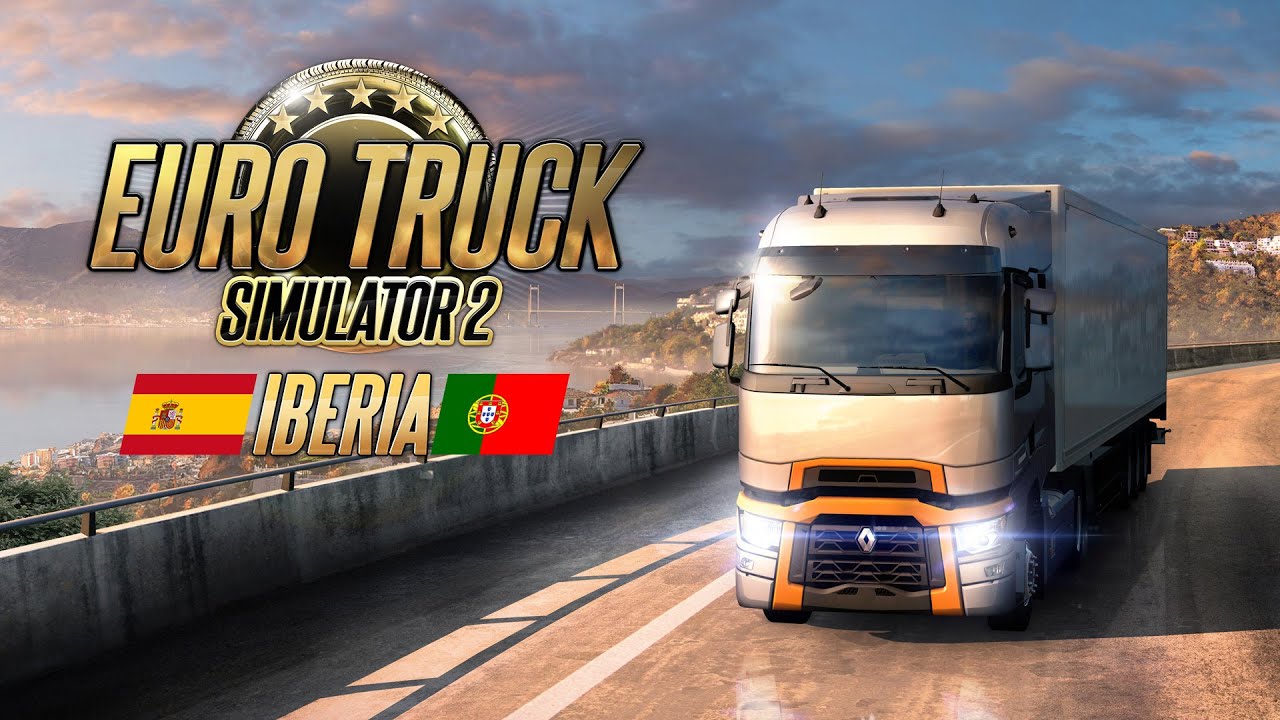
Euro Truck Simulator 2 - Iberia PC Steam CD Key
Euro Truck Simulator 2 - Iberia PC Steam CD Key é uma key digital para Steam, sem bloqueio de região. Entrega instantânea após o pagamento. Preço: $13.69, 23% abaixo de Preço sugerido Steam: $17.99.
⭐ 153,000+ pedidos entregues desde 2018
 Pago Móvil
 Binance Pay
Sobre este jogo
A Península Ibérica tem paisagens ricas e diversas, dos desertos semiáridos do sudeste às verdes florestas de coníferas. A Ibéria abriga inúmeras vilas e cidades históricas, ruas estreitas, igrejas antigas e castelos impressionantes. Visite a capital da Espanha, Madri, a capital costeira de Portugal, Lisboa, uma grande quantidade de cidades costeiras como Málaga e Olhão, e muitas das cidades do interior. Seja uma parte importante da forte economia exportadora e entregue cargas da Ibéria para toda a Europa.
Recursos
Viaje pelo deserto de Tabernas, frequentemente chamado de «único deserto da Europa continental» Conecte a Ibéria ao resto da Europa com cargas de seus portos movimentados Entregue peças de carros e carros inteiros entre as várias fábricas e os terminais de embarque Descanse em paradas de caminhões e postos de gasolina criados para se parecerem com os reais Veja pontos de interesse de todas as formas e tamanhos, de castelos medievais a estátuas de personagens históricos Aprecie a vista espetacular da costa e até o famoso «Rochedo de Gibraltar», do outro lado da baía da cidade costeira de Algeciras Mergulhe em novos sons ambiente, do suave som do vento nos vales ao canto dos pássaros Explore áreas montanhosas com uma grande variedade de rochas coloridas Visite pontos de interesse como a Ponte Internacional do Guadiana e tenha uma vista aérea com o recurso de mirante Desbloqueie conquistas da Steam específicas da Ibéria
Requisitos do sistema
- Windows: SO: Windows 7 Processador: CPU dual core 2.4 GHz Memória: 4 GB de RAM Gráficos: GeForce GTS 450-class (Intel HD 4000)
- Linux: SO: Linux Ubuntu 12.04 Processador: CPU dual core 2.4 GHz Memória: 4 GB de RAM Gráficos: GeForce GTS 450-class (Intel HD 4000) Notas adicionais: drivers binários recentes da ATI ou NVidia (o MESA pode não funcionar de forma confiável)
- Mac: SO: Mac OS X 10.9 (Mavericks) Processador: CPU dual core 2.4 GHz Memória: 4 GB de RAM Gráficos: GeForce GTS 450-class (Intel HD 4000)
Como ativar
- Abra o cliente Steam no seu computador e inicie sessão, ou acesse store.steampowered.com/account/registerkey no navegador.
- Clique no menu "Jogos" no topo (ou "+ Adicionar um Jogo" no canto inferior esquerdo) e selecione "Ativar um produto no Steam...".
- Siga as instruções no ecrã, aceite o Acordo de Subscrição do Steam e insira a chave no campo "Código de Produto".
- Clique em "Avançar" e "Concluir". O jogo ficará disponível na sua Biblioteca Steam pronto para instalar.
Avaliações de clientes
Perguntas frequentes
Para qual região é?
Esta é a versão Global: não tem bloqueio de região.
Como ativo Euro Truck Simulator 2 - Iberia PC Steam CD Key no Steam?
1. Abra o cliente Steam no seu computador e inicie sessão, ou acesse store.steampowered.com/account/registerkey no navegador. 2. Clique no menu "Jogos" no topo (ou "+ Adicionar um Jogo" no canto inferior esquerdo) e selecione "Ativar um produto no Steam...". 3. Siga as instruções no ecrã, aceite o Acordo de Subscrição do Steam e insira a chave no campo "Código de Produto". 4. Clique em "Avançar" e "Concluir". O jogo ficará disponível na sua Biblioteca Steam pronto para instalar.
Qual é a rapidez da entrega?
Sua key aparece na sua conta e é enviada por e-mail logo após o pagamento.