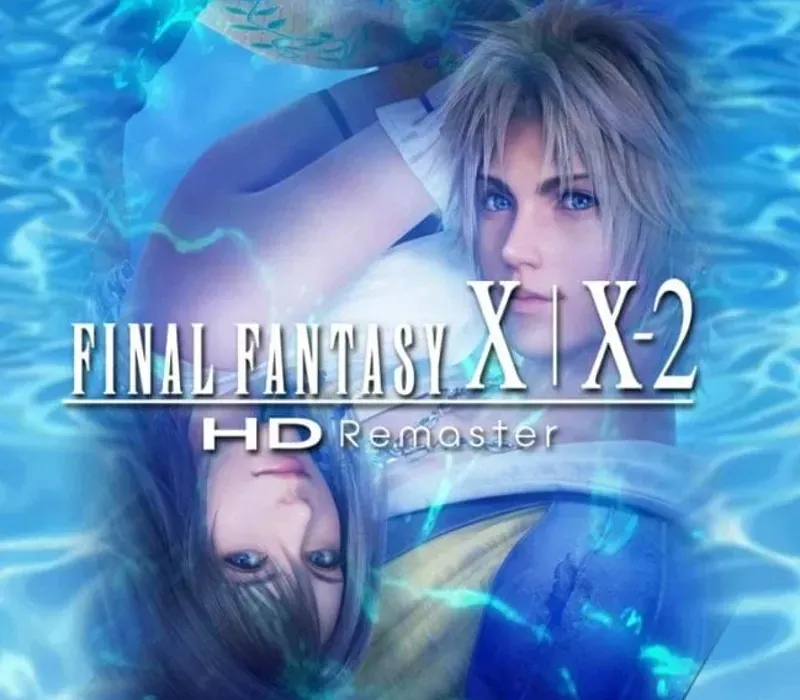

FINAL FANTASY X/X-2 HD Remaster PC Steam CD Key
FINAL FANTASY X/X-2 HD Remaster PC Steam CD Key é uma key digital para Steam, sem bloqueio de região. Entrega instantânea após o pagamento. Preço: $13.97, 53% abaixo de Preço sugerido Steam: $29.99.
⭐ 153,000+ pedidos entregues desde 2018
 Pago Móvil
 Binance Pay
Sobre este jogo
Final Fantasy X conta a história de Tidus, astro do blitzball, que viaja com uma jovem e bela invocadora chamada Yuna em sua missão de salvar o mundo de Spira do ciclo interminável de destruição causado pela colossal ameaça conhecida como Sin. Final Fantasy X-2 retorna ao mundo de Spira dois anos após o início da Calmaria Eterna.
Depois de ver uma imagem misteriosa, porém familiar, em uma esfera, Yuna se torna Caçadora de Esferas e, ao lado de suas companheiras Rikku e Paine, parte em uma jornada pelo mundo para encontrar as respostas do mistério que ela guarda. Baseado nas versões internacionais dos jogos, antes lançadas apenas no Japão e na Europa, Final Fantasy X/X-2 HD Remaster leva esses clássicos atemporais à geração atual de fãs, antigos e novos.
Recursos
Personagens, monstros e cenários foram aprimorados com detalhes em HD, oferecendo uma experiência visual de Final Fantasy mais rica e profunda. Outros recursos da versão para PC incluem trilha sonora remasterizada/rearranjada, conteúdo da Edição Internacional, salvamento automático e 5 potencializadores de jogo, incluindo modos de alta velocidade e sem encontros.
Requisitos do sistema
- Windows: Sistema operacional: Windows Vista ou posterior Processador: CPU dual-core de 2 GHz Memória: 1 GB de RAM Gráficos: NVIDIA Geforce 9600GT VRAM de 512 MB ou mais / ATI Radeon HD 2600XT VRAM de 512 MB ou mais Armazenamento: 37 GB de espaço disponível Placa de som: Placa de som compatível com DirectX
Como ativar
- Abra o cliente Steam no seu computador e inicie sessão, ou acesse store.steampowered.com/account/registerkey no navegador.
- Clique no menu "Jogos" no topo (ou "+ Adicionar um Jogo" no canto inferior esquerdo) e selecione "Ativar um produto no Steam...".
- Siga as instruções no ecrã, aceite o Acordo de Subscrição do Steam e insira a chave no campo "Código de Produto".
- Clique em "Avançar" e "Concluir". O jogo ficará disponível na sua Biblioteca Steam pronto para instalar.
Avaliações de clientes
Perguntas frequentes
Para qual região é?
Esta é a versão Global: não tem bloqueio de região.
Como ativo FINAL FANTASY X/X-2 HD Remaster PC Steam CD Key no Steam?
1. Abra o cliente Steam no seu computador e inicie sessão, ou acesse store.steampowered.com/account/registerkey no navegador. 2. Clique no menu "Jogos" no topo (ou "+ Adicionar um Jogo" no canto inferior esquerdo) e selecione "Ativar um produto no Steam...". 3. Siga as instruções no ecrã, aceite o Acordo de Subscrição do Steam e insira a chave no campo "Código de Produto". 4. Clique em "Avançar" e "Concluir". O jogo ficará disponível na sua Biblioteca Steam pronto para instalar.
Qual é a rapidez da entrega?
Sua key aparece na sua conta e é enviada por e-mail logo após o pagamento.