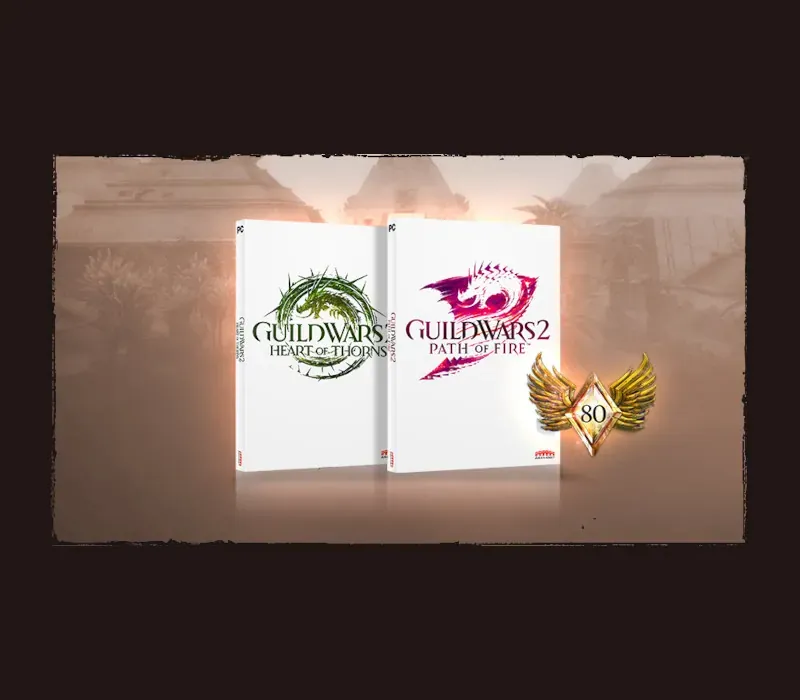
Guild Wars 2 Heart of Thorns & Path of Fire PC Steam CD Key
Guild Wars 2 Heart of Thorns & Path of Fire PC Steam CD Key é uma key digital para Steam, sem bloqueio de região. Entrega instantânea após o pagamento.
⭐ 153,000+ pedidos entregues desde 2018
 Pago Móvil
 Binance Pay
Sobre este jogo
Inclui
Expansão Path of Fire e expansão Heart of Thorns. APRESENTAMOS AS MONTARIAS*: as montarias são muito mais do que um impulso de velocidade: são uma forma totalmente nova de se mover pelo mundo de Tyria. Desbloqueie e treine seus novos companheiros com o sistema de Maestria e explore livremente saltando sobre cânions, escalando penhascos altos e deslizando sobre a água e areias movediças. *É necessária a compra de DLC adicional para desbloquear as montarias Roller Beetle e Skyscale.
ESPECIALIZAÇÕES DE ELITE
Personalize seu personagem com uma nova especialização de elite para cada uma de suas profissões favoritas. Com uma nova variedade de estilos de jogo, opções de armas e características para escolher, há mais opções do que nunca para jogar do seu jeito.
DESCUBRA A TERRA ESQUECIDA
Balthazar ameaça o Deserto de Cristal e o reino vizinho de Elona com suas legiões Forjadas. Explore vastos mapas novos repletos de planícies desérticas impregnadas de magia, templos e ruínas antigos e belos oásis. Descubra os segredos da história de Tyria e o destino do povo elonio após anos de silêncio.
Requisitos do sistema
- Windows: SO: Windows 7 ou superior (somente 64 bits) Processador: Intel Core 2 Quad 2.4 GHz, Core i3, AMD Athlon 64 X2 ou superior Memória: 4 GB de RAM Placa de vídeo: NVIDIA GeForce 8800GTS, ATI Radeon HD 2900 XT Armazenamento: 70GB de espaço disponível em HDD Conexão de internet de banda larga Teclado e mouse
Como ativar
- Abra o cliente Steam no seu computador e inicie sessão, ou acesse store.steampowered.com/account/registerkey no navegador.
- Clique no menu "Jogos" no topo (ou "+ Adicionar um Jogo" no canto inferior esquerdo) e selecione "Ativar um produto no Steam...".
- Siga as instruções no ecrã, aceite o Acordo de Subscrição do Steam e insira a chave no campo "Código de Produto".
- Clique em "Avançar" e "Concluir". O jogo ficará disponível na sua Biblioteca Steam pronto para instalar.
Avaliações de clientes
Perguntas frequentes
Para qual região é?
Esta é a versão Global: não tem bloqueio de região.
Como ativo Guild Wars 2 Heart of Thorns & Path of Fire PC Steam CD Key no Steam?
1. Abra o cliente Steam no seu computador e inicie sessão, ou acesse store.steampowered.com/account/registerkey no navegador. 2. Clique no menu "Jogos" no topo (ou "+ Adicionar um Jogo" no canto inferior esquerdo) e selecione "Ativar um produto no Steam...". 3. Siga as instruções no ecrã, aceite o Acordo de Subscrição do Steam e insira a chave no campo "Código de Produto". 4. Clique em "Avançar" e "Concluir". O jogo ficará disponível na sua Biblioteca Steam pronto para instalar.
Qual é a rapidez da entrega?
Sua key aparece na sua conta e é enviada por e-mail logo após o pagamento.