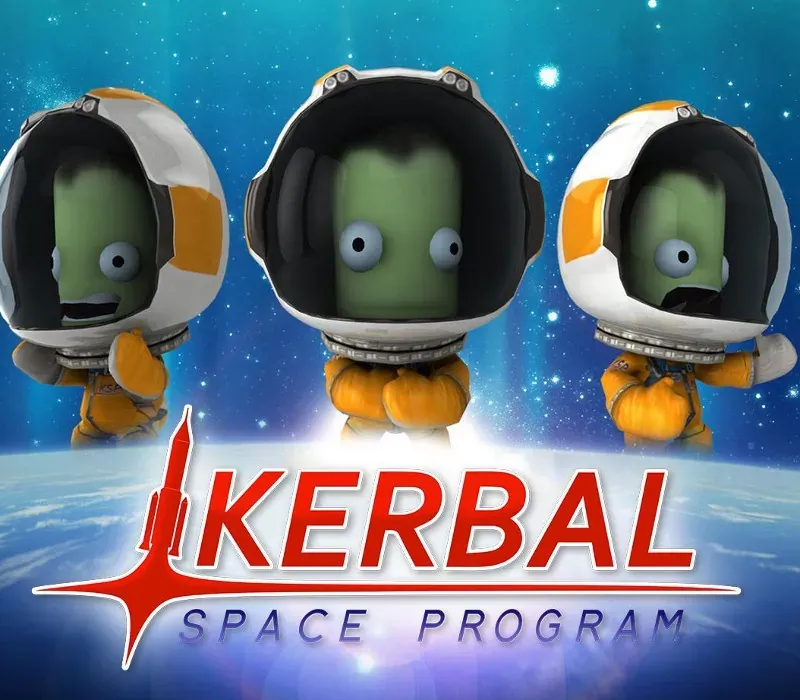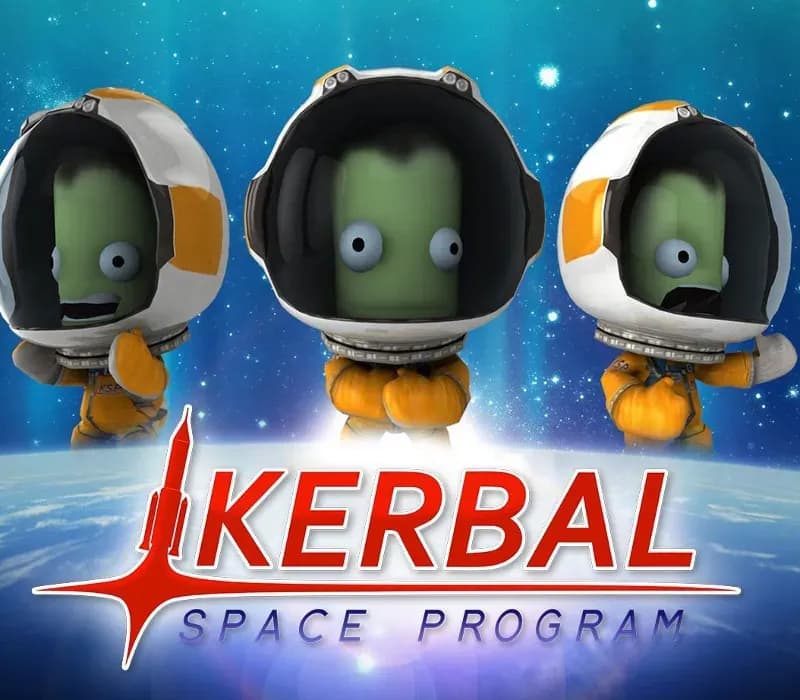
Kerbal Space Program Complete Edition PC Steam CD Key
Kerbal Space Program Complete Edition PC Steam CD Key é uma key digital para Steam, sem bloqueio de região. Entrega instantânea após o pagamento. Preço: $19.47, 51% abaixo de Preço sugerido Steam: $39.99.
⭐ 153,000+ pedidos entregues desde 2018
 Pago Móvil
 Binance Pay
Escolha sua edição
Edição
Entrega
Comparar edições
Veja o que está incluído em cada edição
Sobre este jogo
Inclui
jogo base, DLC Making History, DLC Breaking Ground O Kerbal Space Program Complete Bundle inclui o premiado e sempre em evolução jogo de simulação espacial Kerbal Space Program, além das expansões Making History e Breaking Ground com desconto de pacote. Em Kerbal Space Program, assuma o comando do programa espacial da raça alienígena conhecida como os Kerbals.
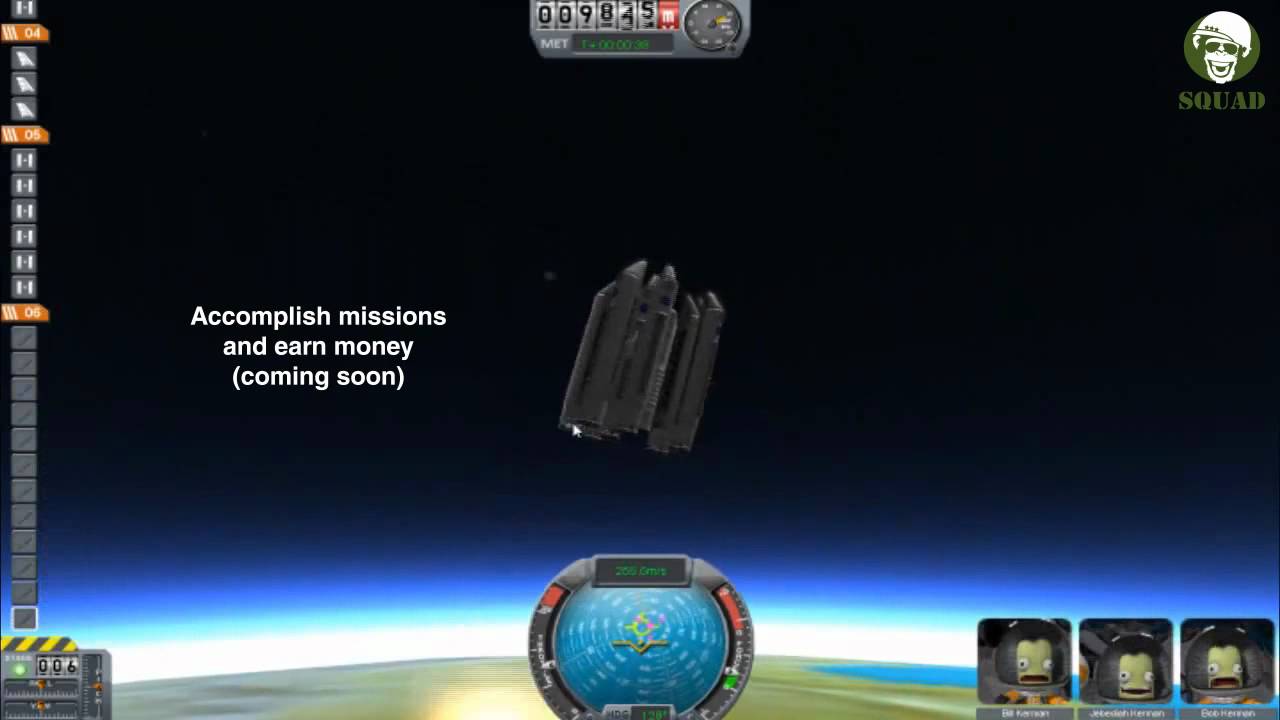
Você tem acesso a uma variedade de peças para montar espaçonaves totalmente funcionais que voam (ou não) com base em física aerodinâmica e orbital realista. Lance sua tripulação kerbal em órbita e além (mantendo-a viva) para explorar luas e planetas do sistema solar kerbal, construindo bases e estações espaciais para ampliar o alcance da sua expedição. Kerbal Space Program apresenta três modos de jogo.
No Modo Ciência, realize experimentos espaciais para desbloquear novas tecnologias e avançar o conhecimento dos kerbals. No Modo Carreira, supervisione todos os aspectos do programa espacial, incluindo construção, estratégia, financiamento, melhorias e muito mais. No Sandbox, você tem liberdade para construir qualquer espaçonave que imaginar, com todas as peças e tecnologias do jogo.
Requisitos do sistema
- Windows: SO: Windows XP Processador: Core 2 Duo Memória: 2 GB de RAM Gráficos: SM3 512MB de VRAM Disco rígido: 1 GB de espaço em disco
- Mac: SO: Windows XP Processador: Core 2 Duo Memória: 2 GB de RAM Gráficos: SM3 512MB de VRAM Disco rígido: 1 GB de espaço em disco
- Linux: SO: Linux (a maioria das distribuições deve funcionar) Processador: Core 2 Duo Memória: 2 GB de RAM Espaço em disco rígido: 1.5 GB de espaço em disco Placa de vídeo: SM3 512MB de VRAM
Como ativar
- Abra o cliente Steam no seu computador e inicie sessão, ou acesse store.steampowered.com/account/registerkey no navegador.
- Clique no menu "Jogos" no topo (ou "+ Adicionar um Jogo" no canto inferior esquerdo) e selecione "Ativar um produto no Steam...".
- Siga as instruções no ecrã, aceite o Acordo de Subscrição do Steam e insira a chave no campo "Código de Produto".
- Clique em "Avançar" e "Concluir". O jogo ficará disponível na sua Biblioteca Steam pronto para instalar.
Avaliações de clientes
Perguntas frequentes
Para qual região é?
Esta é a versão Global: não tem bloqueio de região.
Como ativo Kerbal Space Program Complete Edition PC Steam CD Key no Steam?
1. Abra o cliente Steam no seu computador e inicie sessão, ou acesse store.steampowered.com/account/registerkey no navegador. 2. Clique no menu "Jogos" no topo (ou "+ Adicionar um Jogo" no canto inferior esquerdo) e selecione "Ativar um produto no Steam...". 3. Siga as instruções no ecrã, aceite o Acordo de Subscrição do Steam e insira a chave no campo "Código de Produto". 4. Clique em "Avançar" e "Concluir". O jogo ficará disponível na sua Biblioteca Steam pronto para instalar.
Qual é a rapidez da entrega?
Sua key aparece na sua conta e é enviada por e-mail logo após o pagamento.
O que inclui «Complete Edition»?
Base game, Making History Expansion, Breaking Ground Expansion