Minecraft Dungeons II PC Steam Gift
Minecraft Dungeons II PC Steam Gift é um presente para Steam, sem bloqueio de região.
⭐ 153,000+ pedidos entregues desde 2018
 Pago Móvil
 Binance Pay
Sobre este jogo
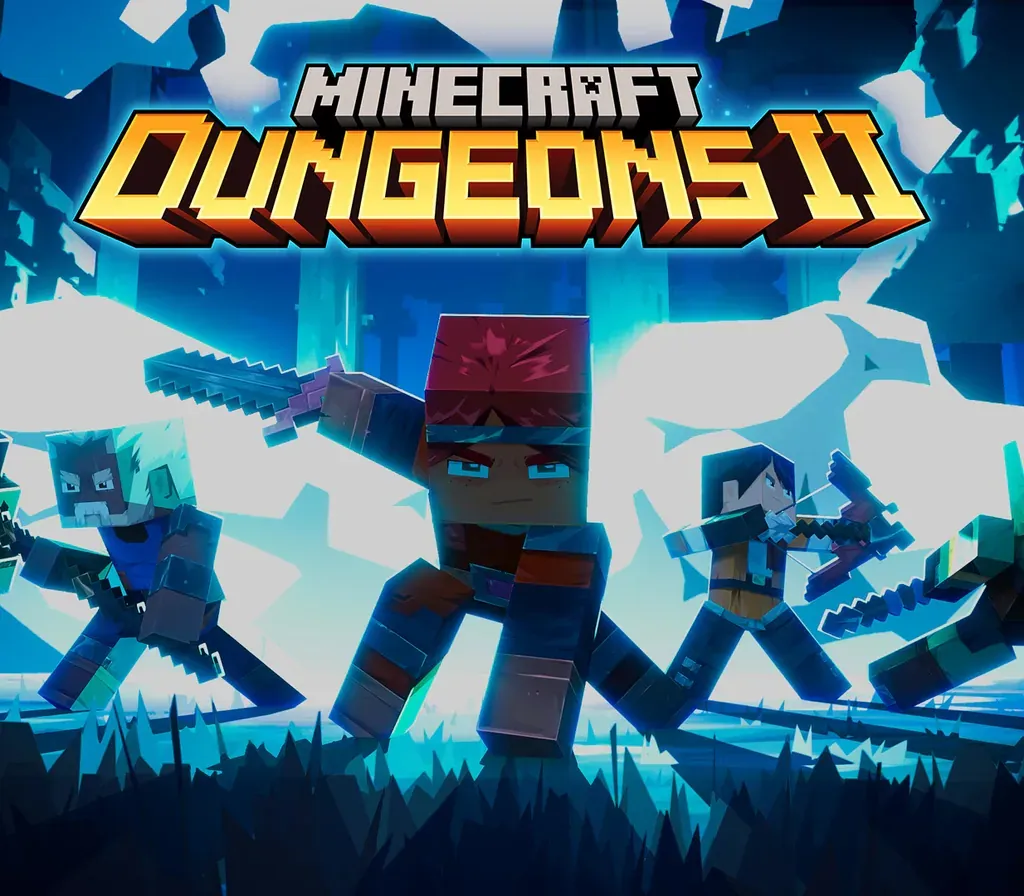
Minecraft Dungeons II is here with more action, more loot, and more adventure. Step through the rift and fight where no hero has been before: the Sift, an uncharted dimension teeming with threats, mysteries, and breathtaking beauty. Gear up and customize your playstyle to face your toughest enemies yet in explosive battles. Brave the unknown as a lone hero, team up with friends in couch, online and mixed co-op, or find allies through matchmaking. The illagers’ plot is already underway, and their cruelty is only matched by their power. Stop them – or lose the Overworld to their corruption. Fight against a new, challenging threat that puts your combat skills to the test like never before Explore the Sift, a new dimension in the Minecraft universe, for the first time Experience an all-new chapter in the Minecraft Dungeons saga that takes you across the Overworld... and beyond Craft the perfect hero with legendary gear, including a wide range of weapons, armour, and artifacts Team up with new and old friends in a party of up to four players and smash your foes with the power of teamwork
Como ativar
- Inicie sessão na sua conta Steam através do cliente de computador ou no site store.steampowered.com.
- Se recebeu um link de ativação, abra-o e aceite o pedido de amizade ou a entrega direta do bot de envio.
- No cliente Steam, clique no ícone de envelope ou na notificação de presente no canto superior direito.
- Selecione "Aceitar presente" e escolha "Adicionar à minha biblioteca" para associar o jogo à sua conta.
Avaliações de clientes
Perguntas frequentes
Para qual região é?
Esta é a versão Global: não tem bloqueio de região.
Como ativo Minecraft Dungeons II PC Steam Gift no Steam?
1. Inicie sessão na sua conta Steam através do cliente de computador ou no site store.steampowered.com. 2. Se recebeu um link de ativação, abra-o e aceite o pedido de amizade ou a entrega direta do bot de envio. 3. No cliente Steam, clique no ícone de envelope ou na notificação de presente no canto superior direito. 4. Selecione "Aceitar presente" e escolha "Adicionar à minha biblioteca" para associar o jogo à sua conta.
O que significa “presente”?
Você recebe o jogo como presente na sua conta Steam. Não há nenhuma key para resgatar.