
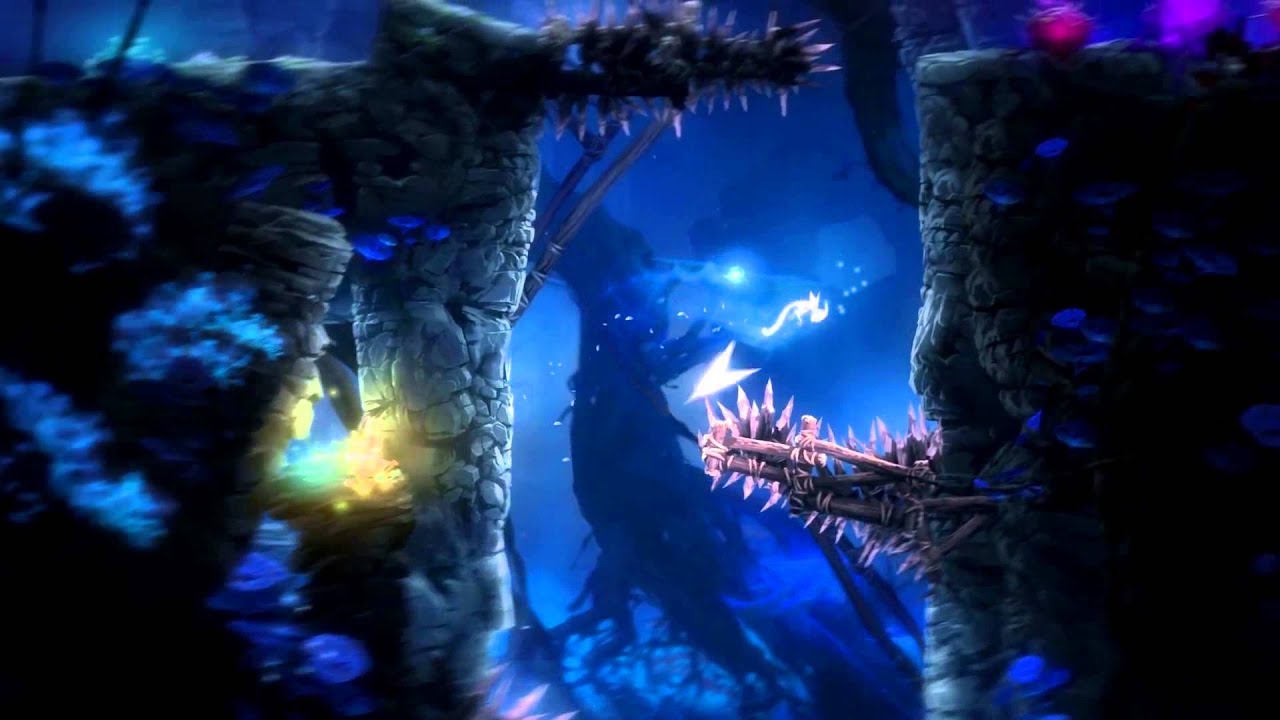
Ori and the Blind Forest Definitive Edition PC Steam CD Key
Ori and the Blind Forest Definitive Edition PC Steam CD Key é uma key digital para Steam, sem bloqueio de região. Entrega instantânea após o pagamento. Preço: $5.19, 74% abaixo de Preço sugerido Steam: $19.99.
⭐ 153,000+ pedidos entregues desde 2018
 Pago Móvil
 Binance Pay
Sobre este jogo
Novidades da edição definitiva: conteúdo novo e adicional, com novas áreas, novos segredos, novas habilidades, mais sequências de história, vários modos de dificuldade, suporte total para voltar atrás e muito mais. Descubra o passado de Naru em dois ambientes totalmente novos. Domine duas novas e poderosas habilidades: Dash e Light Burst. Encontre novas áreas secretas e explore Nibel mais rápido teletransportando-se entre os Poços Espirituais.
A floresta de Nibel está morrendo. Depois que uma poderosa tempestade desencadeia uma série de eventos devastadores, um herói improvável precisa partir em uma jornada para encontrar sua coragem e enfrentar um sombrio inimigo para salvar seu lar. Ori and the Blind Forest conta a história de um jovem órfão destinado ao heroísmo, em um impressionante jogo de ação e plataforma criado pela Moon Studios para PC.
Com arte pintada à mão, animações de personagens meticulosas e uma trilha sonora totalmente orquestrada, Ori and the Blind Forest explora uma história profundamente emocionante sobre amor e sacrifício, e a esperança que existe em todos nós.
Requisitos do sistema
- Windows: SO: Windows 7 Processador: Intel Core 2 Duo E4500 @ 2.2GHz ou AMD Athlon 64 X2 5600+ @ 2.8 GHz Memória: 4 GB de RAM Placa de vídeo: GeForce 240 GT ou Radeon HD 6570 – 1024 MB (1 gig) DirectX: Versão 9.0c Armazenamento: 11 GB de espaço disponível
Como ativar
- Abra o cliente Steam no seu computador e inicie sessão, ou acesse store.steampowered.com/account/registerkey no navegador.
- Clique no menu "Jogos" no topo (ou "+ Adicionar um Jogo" no canto inferior esquerdo) e selecione "Ativar um produto no Steam...".
- Siga as instruções no ecrã, aceite o Acordo de Subscrição do Steam e insira a chave no campo "Código de Produto".
- Clique em "Avançar" e "Concluir". O jogo ficará disponível na sua Biblioteca Steam pronto para instalar.
Avaliações de clientes
Perguntas frequentes
Para qual região é?
Esta é a versão Global: não tem bloqueio de região.
Como ativo Ori and the Blind Forest Definitive Edition PC Steam CD Key no Steam?
1. Abra o cliente Steam no seu computador e inicie sessão, ou acesse store.steampowered.com/account/registerkey no navegador. 2. Clique no menu "Jogos" no topo (ou "+ Adicionar um Jogo" no canto inferior esquerdo) e selecione "Ativar um produto no Steam...". 3. Siga as instruções no ecrã, aceite o Acordo de Subscrição do Steam e insira a chave no campo "Código de Produto". 4. Clique em "Avançar" e "Concluir". O jogo ficará disponível na sua Biblioteca Steam pronto para instalar.
Qual é a rapidez da entrega?
Sua key aparece na sua conta e é enviada por e-mail logo após o pagamento.