
 1 de 14
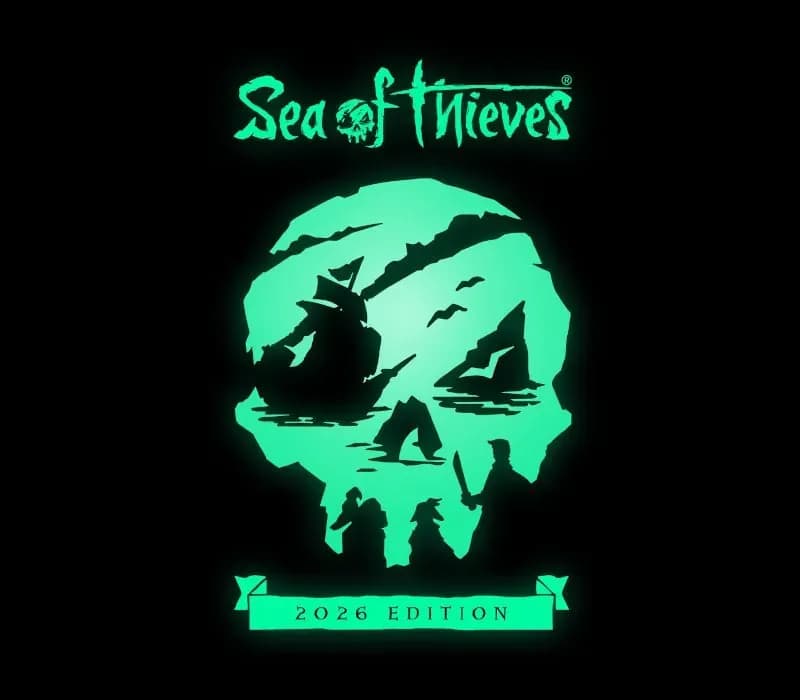
Sea of Thieves 2026 Deluxe Edition PS5 Account
Lançamento: 22 de mar. de 2024 · Desenvolvedora: Rare Ltd · Publicadora: Xbox Game Studios
Sea of Thieves 2026 Deluxe Edition — PSN account for PS5, Global. Not a code — read the account-ban notice before buying.
- Pague com segurançaInstantâneo
- Chave revelada na sua conta~60s
- Resgate no PlayStationAtivação direta
 Pago Móvil
 Binance Pay
 Criptomoedas
 Carteira
154.000+ vendas na loja e em marketplaces · Último pedido entregue: há 34 minutos
Como ativar
- 1Ligue a consola PlayStation, selecione "Adicionar utilizador" e prima "Começar" (não escolha "Jogar como convidado temporário").
- 2Inicie sessão na PSN com o e-mail e palavra-passe fornecidos, inserindo o código 2FA se for solicitado.
- 3Ative a partilha: na PS5 vá a Definições -> Utilizadores e contas -> Outros -> "Partilha de consola e jogo offline" -> Ativar (na PS4: Definições -> Gestão de contas -> "Ativar como a sua PS4 principal").
- 4Abra a Biblioteca de jogos -> "A sua coleção", inicie a transferência e regresse ao seu perfil pessoal para jogar e ganhar troféus.
Sobre este jogo
Sea of Thieves 2026 Deluxe Edition PS5 Account é uma conta de jogo para PlayStation, sem bloqueio de região.
Important — please read before buying: This is a PlayStation account created and supplied by a third-party seller, not a code for your own account. Sony's Terms of Service do not allow buying or selling PSN accounts, so a ban of the account (or restrictions on the console) is a likely possibility, though not a certainty, and we cannot guarantee the account will not be restricted. Do not change the account's country/region or add a payment method; play on your own profile via Console Sharing and Offline Play.
Sea of Thieves offers the essential pirate experience, from sailing and fighting to exploring and looting – everything you need to live the pirate life and become a legend in your own right. With no set roles, you have complete freedom to approach the world, and other players, however you choose. Whether you’re voyaging as a group or sailing solo, you’re bound to encounter other crews in this shared world adventure – but will they be friends or foes, and how will you respond? Discover the Seas Sea of Thieves encourages you to pick a point on the horizon and set sail to uncover all that awaits, from the deepest underground passages to the highest island peaks. Wherever you go, there’s always something for inquisitive players to unearth. The Excitement Never Ends Every Sea of Thieves session is unpredictable. Even a simple Voyage to a tranquil island can unfold into a skeleton ambush, a pitched battle against a fleet of Ghost Ships or a daring chase in pursuit of rival pirates making off with your plunder! Become Legend On your journey to become a Pirate Legend you’ll amass loot, build a reputation and define a unique personal style with your hard-earned rewards. Adventurer. Explorer. Conqueror. What will your legend be? A Game That’s Always Growing Each new Season of Sea of Thieves improves and expands upon game features while delivering a calendar of themed and recurring Live Events. Check back regularly to see what’s been added, even as you climb the 50 levels of the free Season Pass to unlock a wealth of rewards. Additional Bonuses Additional digital bonuses* include access to the latest version of the Sea of Thieves Original Soundtrack, the Sea of Thieves: Athena's Fortune audiobook and The Rough Guide to Sea of Thieves eBook.
Perguntas frequentes
Para qual região é?
Esta é a versão Global: não tem bloqueio de região.
Como ativo Sea of Thieves 2026 Deluxe Edition PS5 Account no PlayStation?
1. Ligue a consola PlayStation, selecione "Adicionar utilizador" e prima "Começar" (não escolha "Jogar como convidado temporário"). 2. Inicie sessão na PSN com o e-mail e palavra-passe fornecidos, inserindo o código 2FA se for solicitado. 3. Ative a partilha: na PS5 vá a Definições -> Utilizadores e contas -> Outros -> "Partilha de consola e jogo offline" -> Ativar (na PS4: Definições -> Gestão de contas -> "Ativar como a sua PS4 principal"). 4. Abra a Biblioteca de jogos -> "A sua coleção", inicie a transferência e regresse ao seu perfil pessoal para jogar e ganhar troféus.
O que significa “conta”?
Você recebe os dados de acesso de uma conta PlayStation que já possui o jogo.
Avaliações de clientes
Ver todas as avaliações e escrever a sua
Avaliações de clientes
Ninguém avaliou este jogo ainda. Se você comprar, conte para a gente o que achou.
Você também pode gostar
 −70%
Star Wars Jedi: Fallen Order Deluxe Edition PS4 Account
 −69%
Nioh 2 Remastered – The Complete Edition PS4 Account
 −63%
Middle-earth: Shadow of War Definitive Edition PS4/PS5 Account
 −75%
Marvel's Spider-Man GOTY PS4 Account
 −67%