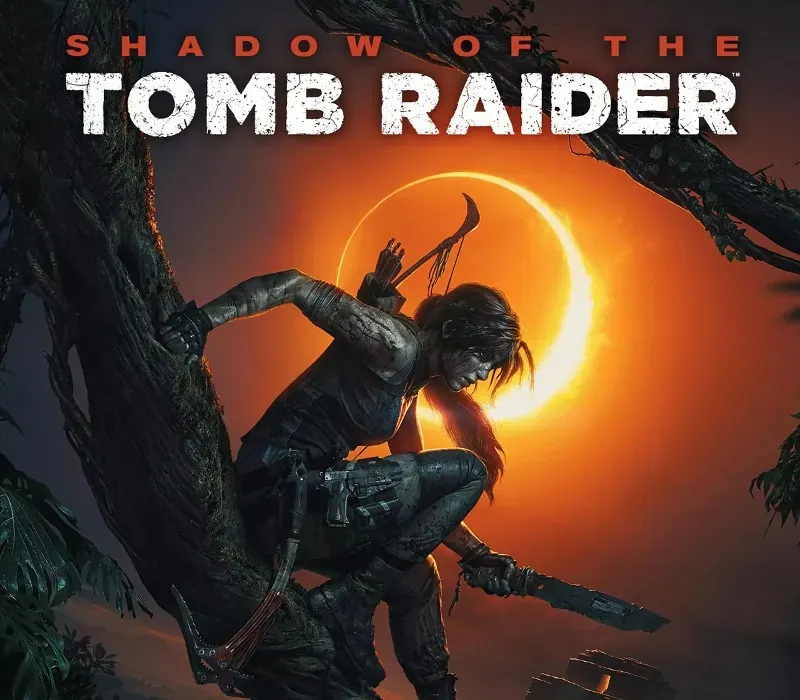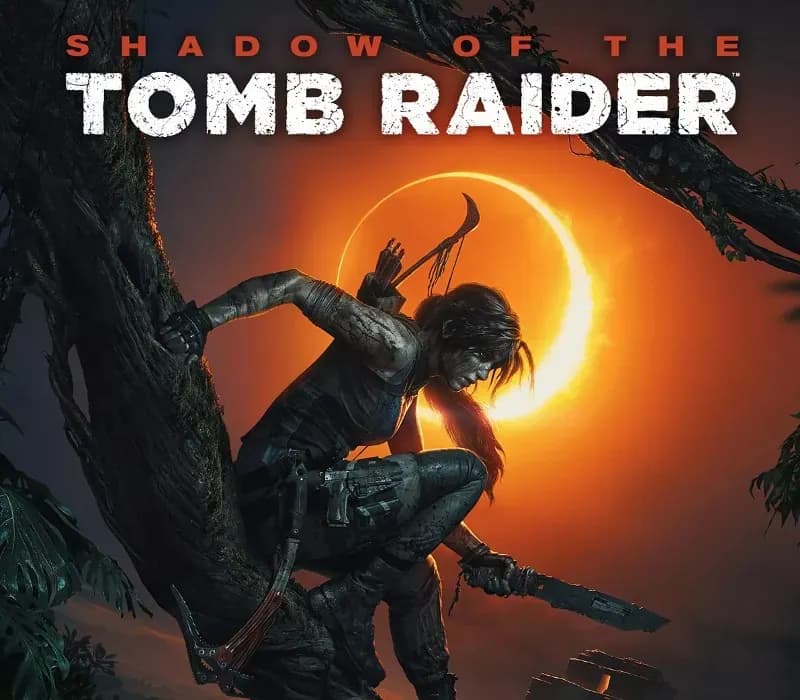

Shadow of the Tomb Raider (Definitive Edition) PC Steam CD Key
Shadow of the Tomb Raider (Definitive Edition) PC Steam CD Key é uma key digital para Steam, sem bloqueio de região. Entrega instantânea após o pagamento. Preço: $10.48, 73% abaixo de Preço sugerido Steam: $39.99.
⭐ 153,000+ pedidos entregues desde 2018
 Pago Móvil
 Binance Pay
Sobre este jogo
Viva o momento decisivo de Lara Croft ao se tornar a Tomb Raider. Em Shadow of the Tomb Raider, Lara precisa dominar uma selva mortal, superar tumbas aterradoras e perseverar em sua hora mais sombria. Enquanto corre para salvar o mundo de um apocalipse maia, Lara será finalmente forjada na Tomb Raider que está destinada a ser.
Características
Sobreviva e prospere no lugar mais mortal da Terra: domine um ambiente de selva implacável para sobreviver. Explore ambientes subaquáticos cheios de fendas e profundos sistemas de túneis. Torne-se um com a selva: em desvantagem numérica e de armamento, Lara deve usar a selva a seu favor. Ataque de repente e desapareça como uma onça, use a lama como camuflagem e infunda medo nos inimigos para semear o caos.
Descubra tumbas sombrias e brutais: as tumbas são mais aterradoras do que nunca, exigem técnicas avançadas de travessia para chegar a elas e, uma vez dentro, estão repletas de enigmas mortais. Descubra a história viva: encontre uma cidade oculta e explore o maior espaço central já visto em um jogo de Tomb Raider.
Requisitos do sistema
- Windows: SO: Windows 7 64 bit Processador: i3-3220 INTEL ou AMD Equivalent Memória: 8 GB de RAM Placa de vídeo: Nvidia GTX 660/GTX 1050 ou AMD Radeon HD 7770 DirectX: Versão 11 Armazenamento: 40 GB de espaço disponível
Como ativar
- Abra o cliente Steam no seu computador e inicie sessão, ou acesse store.steampowered.com/account/registerkey no navegador.
- Clique no menu "Jogos" no topo (ou "+ Adicionar um Jogo" no canto inferior esquerdo) e selecione "Ativar um produto no Steam...".
- Siga as instruções no ecrã, aceite o Acordo de Subscrição do Steam e insira a chave no campo "Código de Produto".
- Clique em "Avançar" e "Concluir". O jogo ficará disponível na sua Biblioteca Steam pronto para instalar.
Avaliações de clientes
Perguntas frequentes
Para qual região é?
Esta é a versão Global: não tem bloqueio de região.
Como ativo Shadow of the Tomb Raider (Definitive Edition) PC Steam CD Key no Steam?
1. Abra o cliente Steam no seu computador e inicie sessão, ou acesse store.steampowered.com/account/registerkey no navegador. 2. Clique no menu "Jogos" no topo (ou "+ Adicionar um Jogo" no canto inferior esquerdo) e selecione "Ativar um produto no Steam...". 3. Siga as instruções no ecrã, aceite o Acordo de Subscrição do Steam e insira a chave no campo "Código de Produto". 4. Clique em "Avançar" e "Concluir". O jogo ficará disponível na sua Biblioteca Steam pronto para instalar.
Qual é a rapidez da entrega?
Sua key aparece na sua conta e é enviada por e-mail logo após o pagamento.