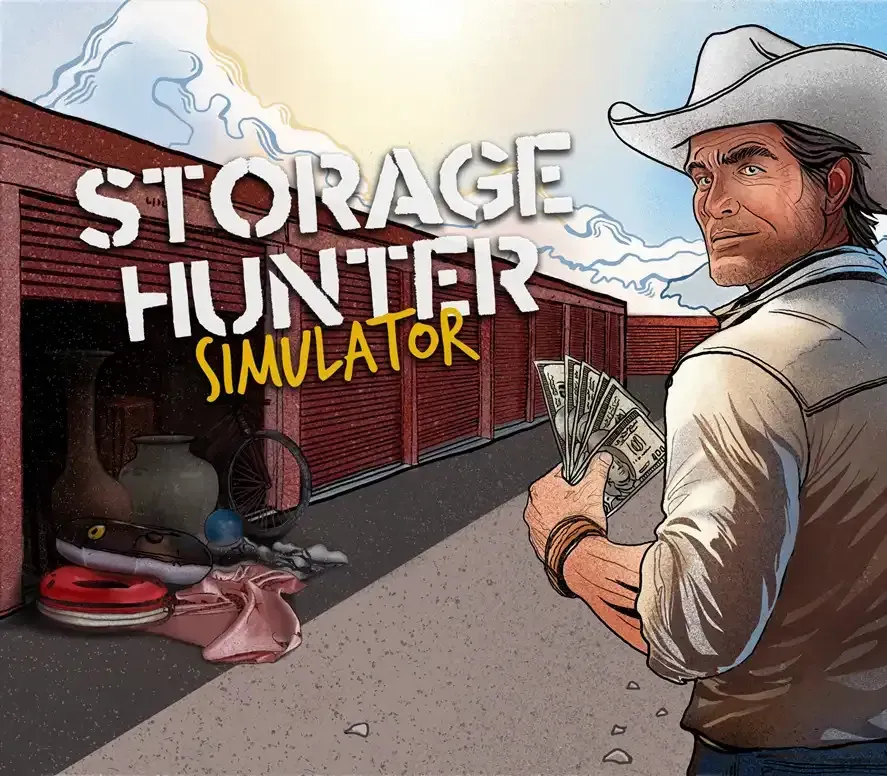
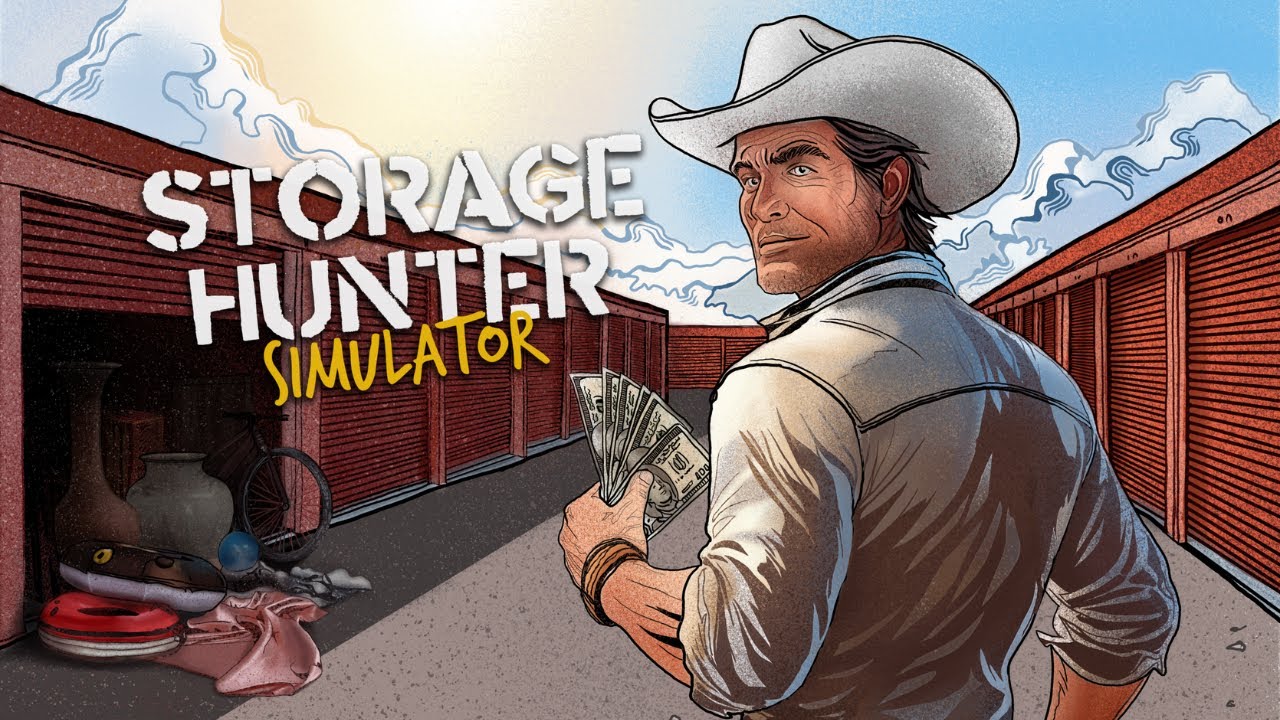
Storage Hunter Simulator PC Steam CD Key
Storage Hunter Simulator PC Steam CD Key é uma key digital para Steam, sem bloqueio de região. Entrega instantânea após o pagamento. Preço: $15.13, 39% abaixo de Preço sugerido Steam: $24.99.
⭐ 153,000+ pedidos entregues desde 2018
 Pago Móvil
 Binance Pay
Sobre este jogo
Aceite o desafio e arrisque-se no mundo de Storage Hunter Simulator, onde você vai competir contra outros pelo prêmio supremo: garagens cheias de tesouros escondidos esperando para serem descobertos! Neste emocionante jogo, você terá a chance de mostrar suas habilidades e se tornar um gigante do mercado de depósitos.
Neste jogo de simulação, você precisará dominar a arte dos leilões, vender itens valiosos a colecionadores ricos e aprimorar suas habilidades como avaliador para ficar à frente da concorrência. Mas isso é só o começo: o império dos depósitos está esperando por você!
DÊ LANCES E VENÇA
Arrisque-se e lute pelas garagens. Encontre tesouros escondidos que ninguém mais viu. Torne-se uma concorrência feroz, conhecida e temida pelos outros.
MILHARES DE ITENS
Com milhares de itens únicos para descobrir, seu conhecimento e sua experiência serão postos à prova enquanto você trabalha para descobrir o verdadeiro valor de cada item e maximizar seus ganhos.
ABRA SUA PRÓPRIA CASA DE PENHORES
Leve suas habilidades empreendedoras ao próximo nível e abra seu próprio império de casas de penhores. Construa seu negócio do zero e veja como você passa da pobreza à riqueza.
Requisitos do sistema
- Windows: Mínimos: Requer um processador e um sistema operacional de 64 bits SO: Windows 10 Processador: Intel Core i5 4590 Memória: 8 GB de RAM Placa de vídeo: NVIDIA GeForce GTX 1650/AMD Radeon RX 5500 Armazenamento: 8 GB de espaço disponível
Como ativar
- Abra o cliente Steam no seu computador e inicie sessão, ou acesse store.steampowered.com/account/registerkey no navegador.
- Clique no menu "Jogos" no topo (ou "+ Adicionar um Jogo" no canto inferior esquerdo) e selecione "Ativar um produto no Steam...".
- Siga as instruções no ecrã, aceite o Acordo de Subscrição do Steam e insira a chave no campo "Código de Produto".
- Clique em "Avançar" e "Concluir". O jogo ficará disponível na sua Biblioteca Steam pronto para instalar.
Avaliações de clientes
Perguntas frequentes
Para qual região é?
Esta é a versão Global: não tem bloqueio de região.
Como ativo Storage Hunter Simulator PC Steam CD Key no Steam?
1. Abra o cliente Steam no seu computador e inicie sessão, ou acesse store.steampowered.com/account/registerkey no navegador. 2. Clique no menu "Jogos" no topo (ou "+ Adicionar um Jogo" no canto inferior esquerdo) e selecione "Ativar um produto no Steam...". 3. Siga as instruções no ecrã, aceite o Acordo de Subscrição do Steam e insira a chave no campo "Código de Produto". 4. Clique em "Avançar" e "Concluir". O jogo ficará disponível na sua Biblioteca Steam pronto para instalar.
Qual é a rapidez da entrega?
Sua key aparece na sua conta e é enviada por e-mail logo após o pagamento.