
Stranded Deep PC Steam CD Key
Stranded Deep PC Steam CD Key é uma key digital para Steam, sem bloqueio de região. Entrega instantânea após o pagamento. Preço: $10.23, 48% abaixo de Preço sugerido Steam: $19.99.
⭐ 153,000+ pedidos entregues desde 2018
 Pago Móvil
 Binance Pay
Sobre este jogo
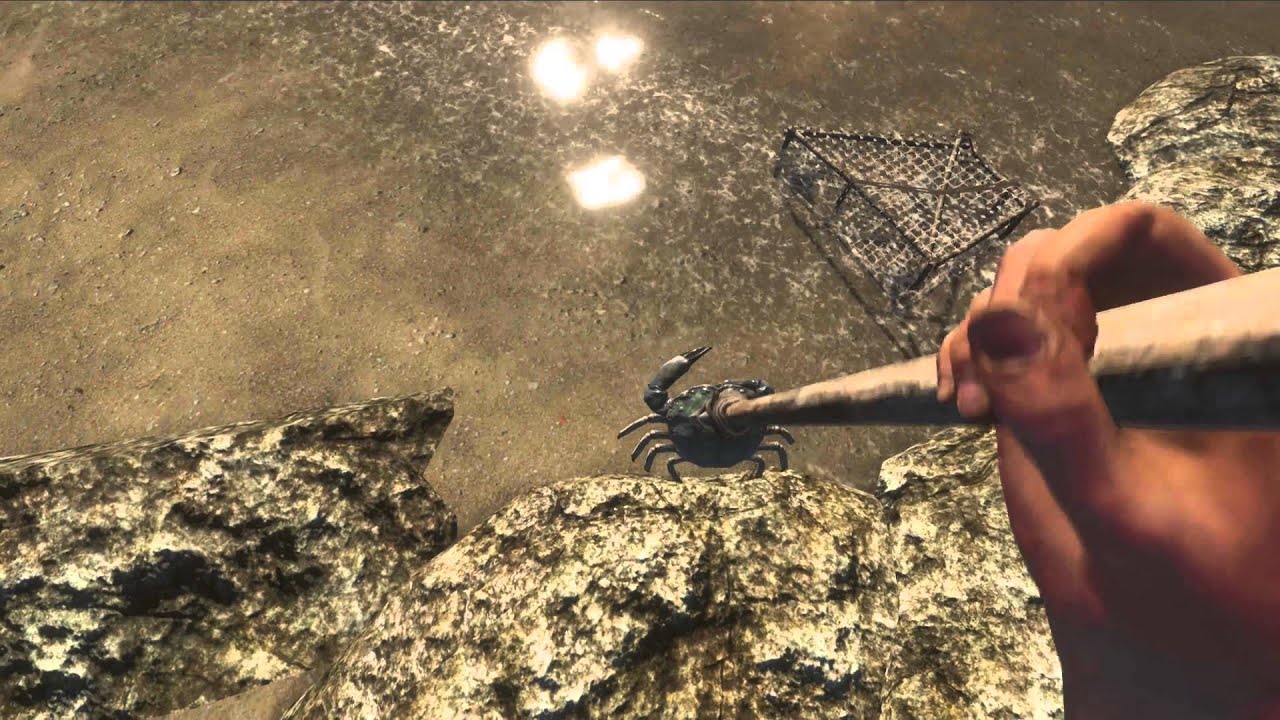
Assuma o papel de um sobrevivente de um acidente aéreo preso em algum lugar do Oceano Pacífico. Viva encontros aterrorizantes tanto acima quanto abaixo de um ambiente infinito. Fique cara a cara com algumas das situações mais perigosas, que resultarão em uma experiência diferente a cada vez que você jogar. Vasculhe.
Descubra. Sobreviva.
Recursos
Mundo infinito gerado proceduralmente - Explore ilhas do Pacífico, recifes e fossas oceânicas sem fundo cheias de biomas detalhados. Não existem dois mundos iguais, e você ainda pode compartilhar a semente do seu mundo! Clima dinâmico e ciclo de dia e noite - Lute para navegar em mares tempestuosos ou aproveite o sol com um coco em uma tarde ensolarada. Sistema de criação único baseado em física - Colha recursos para criar equipamentos combinando-os no mundo físico, sem slots de criação!
Sistema de construção único baseado em física - Estabeleça-se em uma ilha e construa um abrigo ou aventure-se pelos mares em uma balsa construída por você. Aspectos de sobrevivência e interação detalhados - Gerencie seus sinais vitais de fome, sede, sangue e saúde diante da dureza da natureza. Loot aleatório e colecionáveis - Procure em naufrágios e ilhas equipamentos interessantes e raros. Caça e pesca - Arpoe pequenos animais em águas rasas ou arrisque-se nas profundezas com um arpão em busca de refeições maiores.
Esgote uma ilha de recursos ou mantenha e gerencie seu crescimento.
Requisitos do sistema
- Windows: Sistema operacional: Windows Vista ou mais Processador: Intel dual-core de 1.8 GHz ou superior Memória: 2 GB de RAM Gráficos: Intel HD5000 com no mínimo 512 MB de VRAM DirectX: Versão 9.0c Armazenamento: 1 GB de espaço disponível
Como ativar
- Abra o cliente Steam no seu computador e inicie sessão, ou acesse store.steampowered.com/account/registerkey no navegador.
- Clique no menu "Jogos" no topo (ou "+ Adicionar um Jogo" no canto inferior esquerdo) e selecione "Ativar um produto no Steam...".
- Siga as instruções no ecrã, aceite o Acordo de Subscrição do Steam e insira a chave no campo "Código de Produto".
- Clique em "Avançar" e "Concluir". O jogo ficará disponível na sua Biblioteca Steam pronto para instalar.
Avaliações de clientes
Perguntas frequentes
Para qual região é?
Esta é a versão Global: não tem bloqueio de região.
Como ativo Stranded Deep PC Steam CD Key no Steam?
1. Abra o cliente Steam no seu computador e inicie sessão, ou acesse store.steampowered.com/account/registerkey no navegador. 2. Clique no menu "Jogos" no topo (ou "+ Adicionar um Jogo" no canto inferior esquerdo) e selecione "Ativar um produto no Steam...". 3. Siga as instruções no ecrã, aceite o Acordo de Subscrição do Steam e insira a chave no campo "Código de Produto". 4. Clique em "Avançar" e "Concluir". O jogo ficará disponível na sua Biblioteca Steam pronto para instalar.
Qual é a rapidez da entrega?
Sua key aparece na sua conta e é enviada por e-mail logo após o pagamento.